Custom Plugin Development
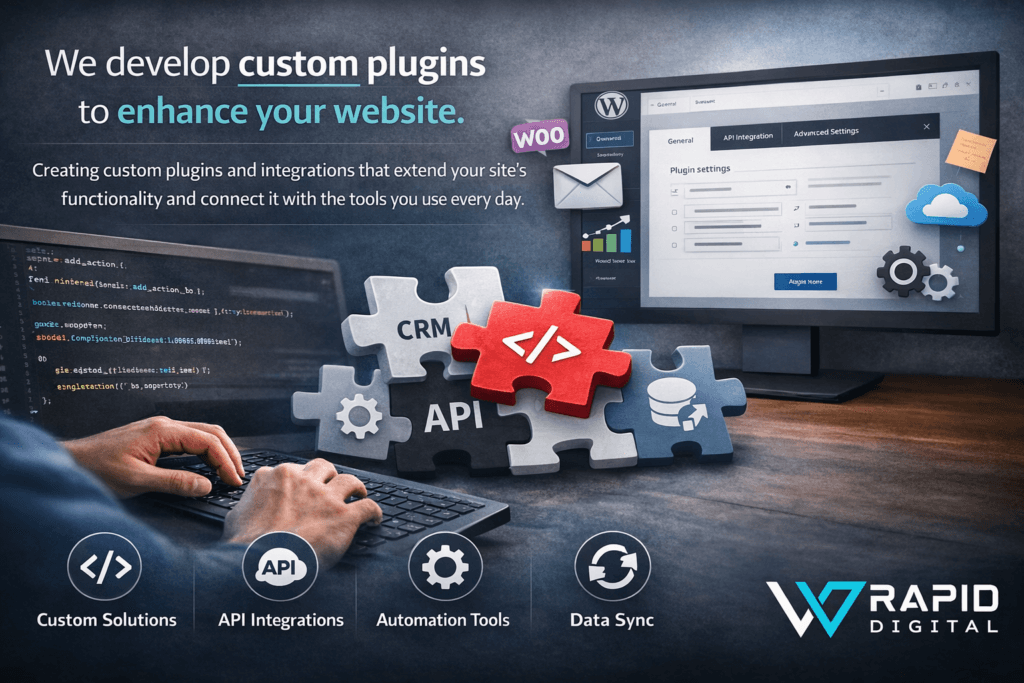
Creating custom plugins and integrations that extend your site’s
functionality and connect it with the tools you use every day.

WooCommerce & E-commerce Add-ons
Add custom product fields, shipping rules, discounts, and checkout flows that your store actually needs – without bloated generic plugins.
Business Process Automation
Turn manual tasks into one-click actions with plugins that automate workflows, sync data, and save your team hours every week.
Third-Party API Integrations
Connect your site to CRMs, payment providers, booking systems, and internal tools with stable, secure integrations tailored to your setup.

Custom Admin Tools & Dashboards
Get simple, focused back-office tools and dashboards that make managing content, orders, users, and reports faster & less confusing.
Our Custom Plugin Services
BASIC CPD
Straight-forward WordPress Plugin Development
Custom WordPress plugin with core functionality, simple admin settings, and clean code tailored to your needs.
| Attributes | Value |
|---|---|
| Functional WordPress plugin | Yes |
| Source code | Yes |
| Detailed code comments | Basic |
| Admin settings screen | Simple options |
| REST API integration | No |
| Third-party integrations | No |
| Performance optimisation | Basic |
| Security best practices | Yes |
| WordPress.org ready | No |
| Revisions | 2 |
| Delivery | 14 Days, 7 Days |
STANDARD CPD
Full-featured WordPress Plugin Development
Full-featured plugin with advanced capabilities, REST API integration, and extra focus on performance and security.
| Attributes | Value |
|---|---|
| Functional WordPress plugin | Yes |
| Source code | Yes |
| Detailed code comments | Detailed |
| Admin settings screen | Structured options |
| REST API integration | 1 |
| Third-party integrations | Yes |
| Performance optimisation | Standard |
| Security best practices | Yes |
| WordPress.org ready | No |
| Revisions | 4 |
| Delivery | 14 Days, 7 Days |
PREMIUM CPD
Repository-ready WordPress Plugin Development
Professional, repository-ready plugin built to WordPress.org standards with development, submission support, and documentation.
| Attributes | Value |
|---|---|
| Functional WordPress plugin | Yes |
| Source code | Yes |
| Detailed code comments | Extensive |
| Admin settings screen | Advanced options |
| REST API integration | Multi |
| Third-party integrations | Yes |
| Performance optimisation | Advanced |
| Security best practices | Yes |
| WordPress.org ready | Yes |
| Revisions | UNLIMITED |
| Delivery | 21 Days, 14 Days |
We build plugins that solve real problems, not add more bloat
We create lean, reliable custom plugins that do exactly what you need them to do: automate tasks, connect systems, and extend your site without slowing it down. Every build focuses on clean architecture, security, performance, and a simple interface so your team can actually use it.
Whether you need to push orders into another system, customise WooCommerce, talk to a third-party API, or replace three clumsy plugins with one solid solution, we plug in as your technical partner. From scoping and planning to development, testing and deployment, we handle the complexity so your workflows feel seamless and your website stays stable.
Why Choose Us
We’re a small, focused team that cares about speed, quality, and long-term partnerships, not just quick launches.

Passionate
We treat every project like it’s our own, digging into the details, asking the right questions, and pushing for results you’re genuinely proud to show off.

Professional
Clear timelines, transparent communication, and clean, well-documented code. You always know what’s happening, why, and what’s coming next.

Support
We don’t disappear after launch. Get ongoing help, updates, and advice so your website, store, or app keeps running fast and trouble-free.
FAQ’s – Custom Plugin Development
Which package is right for me?
Choose Basic Plugin if you need a focused custom plugin with one clear piece of functionality (for example a small automation, a custom field workflow, or a simple integration inside your existing site).
Choose Standard Plugin if you need a more capable plugin with multiple features, a proper settings screen, and possibly a REST API or third-party integration (for example a CRM, payment gateway, or external service).
Choose Premium Plugin if you want a repository-ready plugin that meets WordPress.org standards, with more advanced capabilities, documentation, and help preparing it for public release.
If none of these feel like a perfect fit, you’re welcome to request a custom plugin quote.
What’s included in all three packages?
All plugin packages include:
– A fully functional custom WordPress plugin
– Source code included
– Code written to WordPress development standards
– Compatibility tested against your WordPress version
– Basic security and performance best practices
– Clear communication during planning and development
Standard and Premium also include more advanced features, integrations and documentation, while Premium adds repository-ready quality and support for WordPress.org submission.
What’s the difference between Basic, Standard and Premium?
Basic
– 1 main custom feature / core functionality
– Simple settings / options (if needed)
– Best for small, focused automations or site-specific logic
Standard
– Multiple features or modules
– Structured settings screen in the admin
– Optional REST API or third-party integration
– Better for plugins you’ll rely on day-to-day in your workflow
Premium
– Advanced plugin with multiple capabilities
– Repository-ready: code, structure and security reviewed with public release in mind
– Help preparing readme, icons, banners and submission to WordPress.org
– Ideal if you want to distribute or resell the plugin, or release it to the community
All three include source code, are built to WordPress standards, and respect performance and security best practices.
How do delivery times and rush options work?
Each package has a standard delivery time:
– Basic: 14 days
– Standard: 14 days
– Premium: 21 days
If you need things faster, you can add a 7-day delivery upgrade to your package for an extra:
– + $ 100 on Basic
– + $ 200 on Standard
– + $ 300 on Premium
We’ll confirm the timeline with you before we start so everyone knows what to expect.
What do you need from me to get started?
The clearer the requirements, the better the plugin. To get started we’ll usually ask for:
– A description of the functionality you want
– Any reference plugins or examples (if you have them)
– Details about your WordPress setup (version, theme, key plugins)
– Access to a staging / development site (optional but recommended)
If you’re not sure exactly what you need, that’s okay. We can help you shape the requirements and propose a sensible solution.
Can you modify an existing plugin instead of creating a new one?
Yes.
We can extend, optimise or refactor an existing plugin if that makes more sense than starting from scratch. Just share:
– Which plugin you’re using
– What you’d like changed or added
We’ll review it and recommend whether we should extend the current plugin or build a new one to avoid conflicts and maintenance headaches.
Will the plugin work with my current theme and other plugins?
That’s the goal.
We follow WordPress coding standards and best practices to maximise compatibility. During development we:
– Avoid hardcoding theme-specific assumptions where possible
– Use proper hooks, filters and enqueueing
– Test for obvious conflicts with your theme and key plugins
If there are known conflicts or limitations, we’ll flag them early and discuss options.
Will the plugin affect my website’s performance?
It shouldn’t.
We write optimised, efficient code and follow performance best practices, such as:
– Avoiding unnecessary database queries
– Loading assets only where they’re needed
– Using caching or background processes where appropriate
If your plugin is doing heavy lifting (e.g. crunching large datasets or hitting external APIs), we’ll design it to minimise impact and talk through realistic performance expectations.
Will you provide documentation?
Yes.
All packages include at least basic documentation:
– Notes on how to install and activate the plugin
– A simple explanation of where to find settings and how to use key features
Standard and Premium add more detail, and Premium can include a WordPress.org-ready readme, usage examples, and notes for future developers.
Can you publish the plugin to the WordPress.org repository for me?
Yes, with the Premium package.
For Premium, we can:
– Ensure the plugin meets WordPress.org guidelines
– Prepare the readme.txt, basic icons and banners
– Assist with the submission process and first review round
We’ll be clear about what’s required and what’s realistic before we start.
Do you offer support after delivery?
Yes.
Each package includes a support period for bug fixes and small adjustments related to the agreed scope. If you’d like ongoing maintenance, new features or compatibility updates over time, we can arrange a support or care plan tailored to your plugin.
Can you integrate third-party APIs or external services?
Yes, especially in the Standard and Premium packages.
We can connect your plugin to:
– CRMs and email marketing tools
– Payment gateways
– External apps and APIs
– Internal systems, where endpoints are available
We use secure integration practices and test responses to ensure the plugin behaves reliably even when the external service is slow or unavailable.
Can you provide a custom quote for my plugin project?
Absolutely.
If your plugin idea doesn’t neatly fit into Basic, Standard or Premium – for example:
– Complex workflows or multiple integrations
– Multi-site or multi-tenant setups
– A commercial plugin you plan to sell
…we’ll put together a tailored plugin quote.
Share a brief overview of:
– What your plugin needs to do
– Which systems it should talk to (if any)
– Who will be using it (your team, customers, other site owners)
…and we’ll come back with a suggested approach, timeline and custom pricing.
Have any more questions?
Our Latest Related Blog Posts
- WordPress plugin updates checklist: keep your site secure without breaking things

- WordPress plugin troubleshooting: a step-by-step guide for fixing conflicts and white screens
- WordPress page builders vs Block Editor: what to use if you care about speed
- Custom WordPress plugin development: a practical decision guide for small businesses
- WordPress plugins for small business: how to choose the right ones (without bloating your site)
- 7 Practical Ways to Use WordPress Business Process Automation in Your Small Business