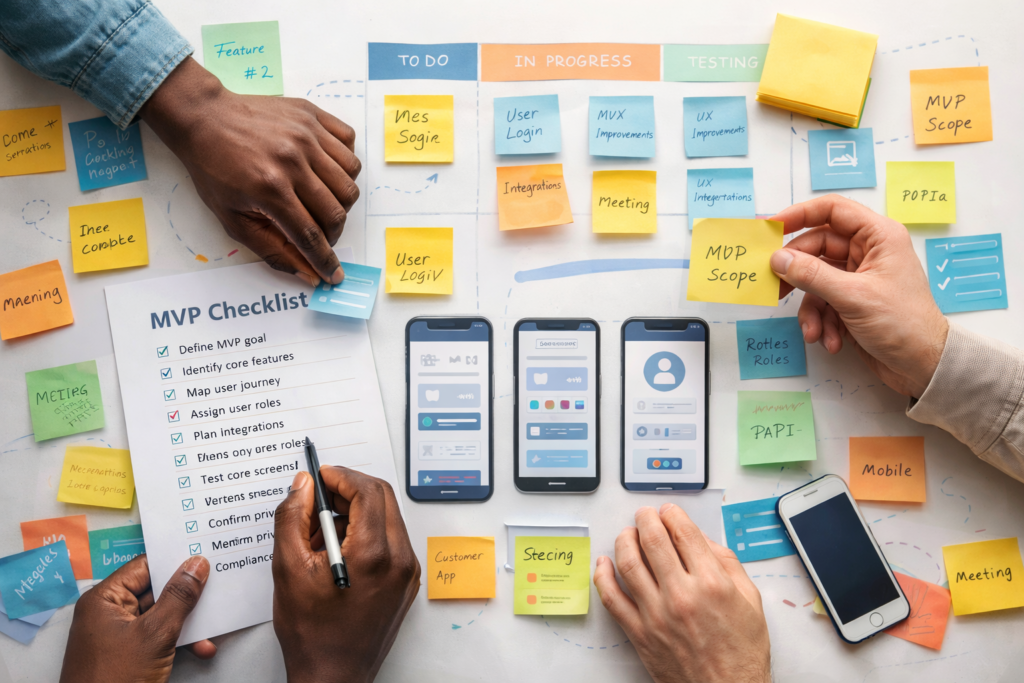
If you’re weighing app design & development services but you’re not sure whether you need a web app, a PWA, or simply a better website, you’re in the right place. The fastest way to waste money is building “an app” before you’ve defined what the business actually needs to do.
Table of Contents
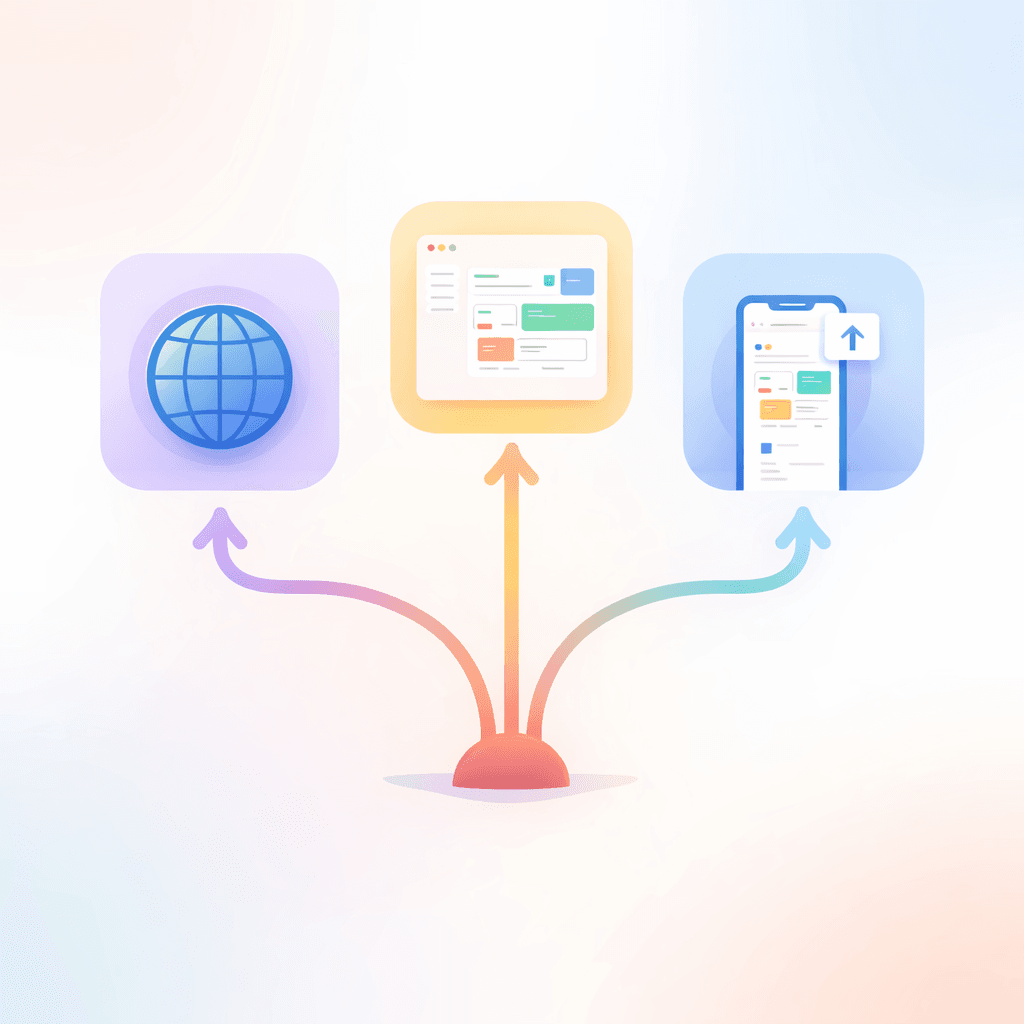
Start here: the simplest solution that solves the problem
Before choosing app design & development services, ask one question:
Is your problem about “publishing” or “processing”?
- Publishing = you need to present information, build trust, generate leads, sell products, or explain services.
→ Usually a website (plus a few smart improvements). - Processing = you need users to log in, complete steps, manage data, trigger actions, or follow workflows.
→ Usually a web app (and sometimes a PWA).
Think: If it’s mostly content + conversion, don’t overbuild.
When a better website is enough (and often the smartest move)
A surprising number of “we need an app” requests are actually “we need a website that works.”
A website is often enough when:
- You need lead capture (forms, booking requests, quote requests)
- You need product/service pages that convert
- You need simple ecommerce (a catalogue + checkout)
- You need basic automation (emails, routing enquiries, simple CRM updates)
- You want speed, SEO, and trust signals improved
What “better” usually means in practice:
- Cleaner navigation and clearer calls-to-action
- Faster load times and mobile-first layouts
- Stronger landing pages built around search intent
- Better forms (less friction, smarter validation)
- A few targeted automations behind the scenes
If this sounds like you, start with:
Website Design & Development …and consider pairing it with: Search Engine Optimisation (SEO)
You can always add app design & development services later when you’ve proven the workflow needs it.
When you actually need a web app
A web app is the right call when the site needs to do more than it needs to say.
You likely need app design & development services for a web app if you have:
- User accounts (login/logout, password reset, permissions)
- Multiple user roles (admin vs staff vs customer, etc.)
- Data stored and managed (records, orders, tasks, inventory, profiles)
- Workflows and states (approve/reject, assign/complete, status tracking)
- Integrations/APIs (payments, scheduling, accounting, CRM, shipping, stock systems)
- Admin tools (manage users, content, settings, reports)
Common real-world examples:
- Customer portals (invoices, updates, documents)
- Internal tools (job tracking, dispatch, QA, stock movements)
- Booking and scheduling systems with rules and staff access
- Membership platforms with gated content and renewals
- SaaS-style products (multi-tenant, subscription logic, deeper analytics)
If “processing” is your core problem, app design & development services should focus on:
flows → roles → screens → data → integrations → admin → security (in that order).
Web app vs PWA in plain terms
A PWA (Progressive Web App) is still a web app – but enhanced to feel more like an “installed” app.
What a PWA typically adds
A PWA can:
- Be installable (icon on home screen / app launcher)
- Use offline/poor-connection strategies (smart caching)
- Feel more “app-like” (full-screen, smoother transitions)
- Use certain device capabilities (varies by platform/browser)
A PWA is often attractive when:
- Your users are mostly mobile
- Connectivity is unreliable (a real consideration in many regions, including SA)
- You want a lighter “app-like” experience without maintaining separate native apps
Helpful references if you want to go deeper:
web.dev – What are PWAs?
MDN – Progressive Web Apps
W3C – Web App Manifest spec
What a PWA is not
A PWA isn’t automatically:
- A replacement for every native feature
- A guarantee of App Store / Play Store distribution
- Easier than a standard web app (it can add complexity in caching, testing, and install behaviour)
So the question isn’t “Should we do a PWA?”
It’s: “Do we need install + offline + app-like behaviour right now?”
Scenario match: pick the right path with simple “if/then”
Use this as a quick decision map (then we’ll go deeper).
If you need… marketing + enquiries + credibility
Choose: Better website
Add later: a small tool or portal only if needed.
If you need… login + data + workflows
Choose: Web app using app design & development services
Then decide whether to add PWA features.
If you need… mobile-first + install + offline tolerance
Choose: Web app + PWA layer (often “PWA-ready” from day one)
If you need… multiple roles + deeper integrations + scale
Choose: Web app (advanced) + strong foundations
(You can still add PWA features where they help.)
The “scope drivers” that decide cost and timeline (more than “app vs website”)
When people compare app design & development services, they often focus on screen count. Screens matter, but these usually matter more:
1) User roles and permissions
One role is simple. Two roles is manageable. Multi-role systems introduce:
- Permission rules
- Different navigation paths
- More testing
- More edge cases
2) Authentication level
“Basic login” is very different from:
- Secure policies, rate-limits, session handling
- Role-based access controls
- Audit logs (who did what, when)
- Secure admin areas
3) Integrations/APIs
Integrations can be quick or messy depending on:
- Quality of third-party API documentation
- Access requirements (keys, approvals, sandbox)
- Webhooks and event handling
- Data sync issues and error recovery
4) Data model and storage
“Basic storage” vs “structured and robust” changes:
- Validation rules
- Query performance
- Reporting and admin tools
- Future scalability
5) Admin tools
Admin is where apps go to die if it’s overlooked.
If you need:
- User management
- Content management
- Reports / exports
- Settings and configuration
…plan for it early in your app design & development services scope.
A practical decision checklist (copy/paste this into your brief)
Use this checklist before you commission app design & development services.
Workflow clarity
- What is the single primary job the product must do?
- What are the top 3 user journeys (step-by-step)?
- What does “success” look like at the end of each journey?
Users and access
- Who are the user types (roles)?
- Does anyone need admin access? What can admins change?
- What authentication is required (basic vs secure policies)?
Screens and features
- List the core screens/views (rough is fine)
- What must be mobile-friendly?
- Do you need notifications (email, in-app)?
Data and integrations
- What data do you store (and for how long)?
- What systems must it integrate with (and what’s the one “must-have” integration)?
- What happens when an integration fails?
PWA readiness
- Do users need installability?
- Do users need offline/poor-connection support?
- Which actions must still work with limited connectivity?
Launch and ownership
- Who provides content, branding assets, and access details?
- Who reviews and approves changes (single decision-maker)?
- What support/maintenance do you want after launch?
Where VVRapid’s packages fit (based on your current service tiers)
If you’re considering app design & development services through VVRapid, your packages map nicely to common needs:
- Basic App ($1 700 | ±21 days): Lean web app/MVP with core screens and one role, basic authentication, one integration. Best for validating an idea or streamlining one key process.
- Standard App ($3 300 | ±30 days): Full-featured web app with <10 views, two roles, dedicated admin tools, and email notifications. Good for team tools or customer-facing portals with multiple flows.
- Premium App ($5 000 | ±45 days): Advanced web app, PWA-ready, multi-role, deeper integrations, analytics hooks, and richer UX—better for SaaS-style products or complex internal tools.
Pricing and delivery are useful anchors, but the real unlock is making your scope clear (roles, workflows, integrations, admin). That’s what makes app design & development services predictable.
App Design & Development Services
Common mistakes when choosing between a website, a web app, and a PWA
These are the traps that cause rework, delays, or ballooning scope in app design & development services.
1) Building “an app” when you needed a website
If your biggest need is credibility + leads, a web app will slow you down and cost more than it needs to.
2) Choosing PWA because it sounds modern
PWA is great when install/offline/app-like behaviour matters. If it doesn’t, it’s extra complexity.
3) Underestimating admin tools
No admin plan = endless manual updates and “Can you just…” requests after launch.
4) Treating integrations as “simple”
An integration isn’t just a connection, it’s:
- Permissions
- Mapping fields
- Handling failure cases
- Monitoring and fixes
5) Vague approvals and too many stakeholders
One decision-maker. Clear feedback cycles. Otherwise revisions eat timelines.
6) Forgetting security basicsEven small apps need proper security hygiene.
A good baseline reference: OWASP Top 10 (Web App Security)
A simple framework: decide in 10 minutes
If you’re stuck, use this:
- Write the primary job of the product in one sentence.
- List users + roles (who does what).
- Count workflows, not screens (how many “start → finish” journeys).
- List integrations (start with the one that proves value).
- Decide on PWA needs (install/offline/app-like).
- If more than half your requirements are “processing,” choose app design & development services for a web app.
How VVRapid can help (without overcomplicating it)
VVRapid’s app design & development services are a good fit when you want a small team that can map flows, design clean UX, build the app, integrate APIs, and guide launch without drama. If you’re unsure whether you need a web app or a PWA-ready build, a short scoping phase (roles, flows, screens, integrations) usually makes the answer obvious, before you commit to a bigger build.
Helpful next steps:
App Design & Development Services
Request a Quote
FAQ: Web app vs PWA vs website
Is a PWA the same as a web app?
Not exactly. A PWA is a web app enhanced with installability and other capabilities. Many PWAs are web apps first.
Can I start with a website and upgrade to an app later?
Yes, and it’s often a smart route. Start with a strong website, validate demand, then invest in app design & development services when workflows need it.
What’s the fastest path to an MVP?
A lean web app with a small number of core screens, one role, and one integration is usually the quickest way to validate.
Do PWAs work offline?
They can, but offline behaviour needs to be designed deliberately (what’s cached, what actions are allowed offline, what syncs later).
How do I know if I need multiple user roles?
If different people need different permissions, dashboards, or actions (admin vs staff vs customer), you’re in multi-role territory.
If you want to sanity-check your direction, start by writing your top 3 workflows and the user roles involved. Then compare “website improvements” vs app design & development services for a web app, and only add PWA features if install/offline truly matters.