A custom WordPress plugin brief is the fastest way to turn “we need a plugin” into a build that ships cleanly, gets quoted accurately, and does not spiral into rework.
Most plugin projects do not fail because the developer cannot code. They fail because the brief is vague, the edge cases are missing, and the team only discovers the real requirements halfway through the build.
Table of Contents
This guide gives you a practical structure you can copy, plus examples of what to include. It is written for small business owners, product managers, and ops leads who want to move quickly without paying for avoidable do-overs.
“If you are planning a plugin build and want it scoped properly from the start, our Custom Plugin Development process is designed to turn a clear brief into a stable, maintainable plugin.
What a custom plugin brief actually does

A good custom WordPress plugin brief does three jobs:
- Defines the outcome in business terms (what success looks like).
- Explains the workflow in user terms (who does what, where, and when).
- Reduces uncertainty so a developer can estimate, build, test, and hand over with fewer surprises.
Think: if you can explain the feature to a smart person outside your business, you can brief it.
Who this brief is for
- If you are replacing a manual process in admin.
- If you are adding a new customer feature (WooCommerce, membership, booking, quoting).
- If you are integrating a third party system (CRM, accounting, inventory, shipping).
- If you need a private plugin to protect IP and keep logic out of the theme.
If you are planning to publish the plugin publicly, you will still use most of this brief, plus WordPress.org requirements. For most businesses, the private plugin brief is the priority.
The minimum sections every custom WordPress plugin brief should include
Below is the core template. Do not overthink it. Fill in what you know, flag what you do not, and keep the language plain.
1) Summary: one paragraph, no fluff
Write 3 to 5 sentences that answer:
- What problem are we solving?
- Who is affected?
- What changes once the plugin is live?
Example:
“We need a plugin that syncs WooCommerce orders to our warehouse system every 10 minutes, shows sync status in admin, and flags failed items for review. Success is fewer manual exports and same-day shipping accuracy.”
2) Goals and non-goals
This section stops scope creep.
Include:
- Goals: the outcomes you want.
- Non-goals: what this plugin will not do in phase 1.
Example:
- Goal: automatically create a shipment record when an order is paid.
- Non-goal: advanced shipment tracking emails in phase 1.
A custom WordPress plugin brief with non-goals builds trust because it shows you can prioritize.
3) Users and roles
List who will use this and what permissions they need.
Common roles:
- Shop manager
- Editor
- Administrator
- Customer
- Support agent
Write it like:
- “Shop manager can view sync status and retry failed sync.”
- “Only admin can change API keys.”
This becomes a security and UX requirement later.
4) Current workflow and desired workflow
This is where clarity lives. Use bullets.
Current
- Export orders from WooCommerce.
- Upload CSV to system X.
- Email exceptions to warehouse.
Desired
- Auto-sync every 10 minutes.
- Manual sync button for urgent orders.
- Admin page shows last run, success count, fail count, and error messages.
If you add one diagram, even a simple numbered list, your custom WordPress plugin brief becomes dramatically easier to build.
User stories and acceptance criteria that prevent rework
You do not need a full agile system. You just need a few user stories and a way to test them.
Simple user story format
- As a [role], I want [action], so that [outcome].
Examples:
- As a shop manager, I want to retry a failed sync, so that urgent orders ship today.
- As an admin, I want to set API credentials, so that the plugin can authenticate securely.
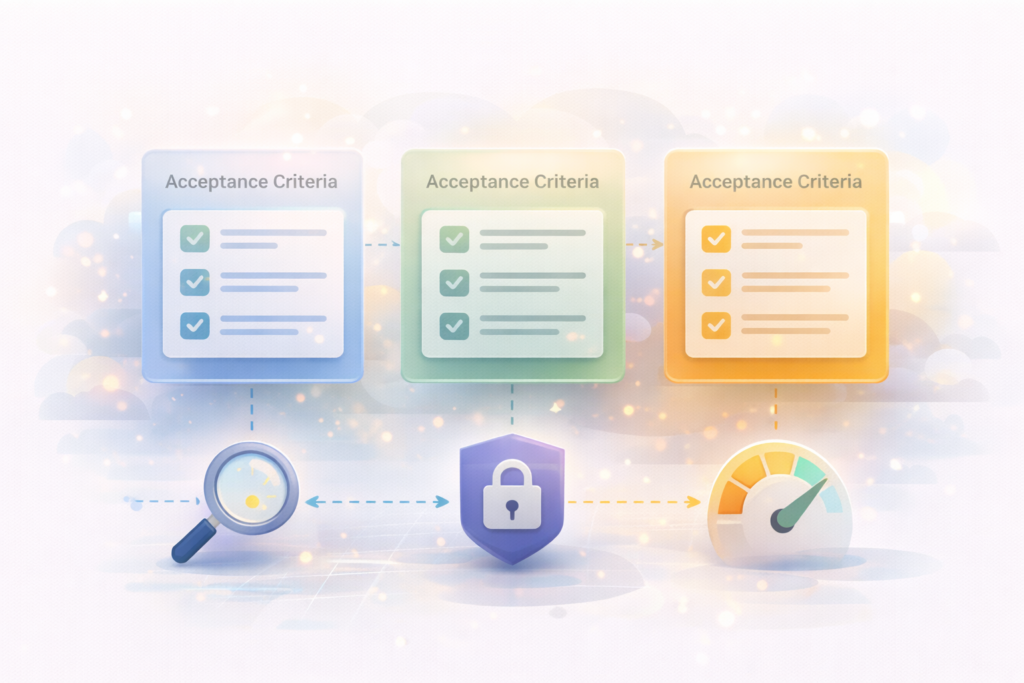
Acceptance criteria format
Use “Given, When, Then” language. It forces edge cases into the open.
Example:
- Given an order is paid, when the sync runs, then a shipment is created in system X within 10 minutes.
- Given the API is unavailable, when the sync runs, then the order is marked failed and a clear error appears in the admin log.
- Given credentials are invalid, when admin saves settings, then the plugin validates and shows a helpful warning.
A custom WordPress plugin brief without acceptance criteria usually becomes a guessing game.
Data, storage, and integrations (what to specify)
This is the section that most briefs skip, and it is the section that drives cost.
1) Data inputs and outputs
List the data fields needed. You can start with a rough list.
For WooCommerce order sync, for example:
- Order ID, date, status
- Customer name, email, phone
- Shipping address
- Line items (SKU, quantity, price)
- Discounts and tax
- Delivery method
If you are not sure, note it: “We can confirm which fields are mandatory after reviewing system X API docs.”
2) Where data should live
Common options:
- WordPress options table for settings
- Post meta for simple per-post data
- Custom database table for high volume records (logs, sync events)
You do not need to pick the technical solution, but your custom WordPress plugin brief should clarify the business need:
- “We need a searchable log of the last 30 days of sync events.”
- “We need to keep only a summary, not full payloads.”
3) Integration details checklist
If a third party system is involved, include:
- API base URL
- Authentication method (API key, OAuth, basic auth)
- Rate limits, if known
- Webhooks, if needed
- Sandbox or test environment access
- Who provides credentials and when
If you can link to vendor docs, do it in the brief.
Useful external references (non-competitors):
Admin UX requirements (small details that save big time)
Many plugin builds get stuck in admin UX debates late in the project. Avoid that by specifying:
- Where the feature lives in WP Admin (menu location)
- What screens are needed (settings, logs, reports)
- What filters or search are required
- What “empty states” should say (no data, no errors)
- What success and error messages should look like
Example:
- Settings page with: API key, enable/disable sync, sync frequency dropdown.
- Logs page: list of last 200 sync events with status, timestamp, and a “retry” button.
If your team uses admin every day, a clear custom WordPress plugin brief for admin UX is worth real money.
Performance and reliability requirements
This is not “make it fast”. It is specific constraints.
Include items like:
- “Sync should not slow down checkout.”
- “API calls must not run on front-end page loads.”
- “Any background job should process in batches.”
- “Logs should not grow forever.”
If performance matters, say how you will measure it:
- “No noticeable delay in checkout during sync.”
- “Admin logs page loads in under 2 seconds with 10,000 records.”
If you want support long term, take a look at: Website Maintenance & Care
Security, compliance, and quality basics to include
Even a small plugin can create big risk if security is an afterthought.
Your custom WordPress plugin brief should include:
- Roles and capability checks (who can do what)
- Nonce usage for admin actions (protection against CSRF)
- Data sanitization and escaping rules
- Storage rules for secrets (API keys)
- Logging rules (avoid storing personal data unnecessarily)
Helpful external references:
You do not need to write code. You just need to state expectations.
The “unknowns” section (this is where good briefs win)
Add a simple section called Open questions.
Examples:
- Do we need real-time sync, or is every 10 minutes enough?
- Which statuses should trigger a sync?
- Should failed syncs email the team, or only show in admin?
- Do we need a manual override for specific orders?
A custom WordPress plugin brief that admits unknowns is better than one that pretends to be complete.
A copy-paste custom WordPress plugin brief template
Use this template as-is and fill it out.
Plugin brief template
- Project name:
- Summary (3 to 5 sentences):
- Goals:
- Non-goals (phase 1):
- Users and roles:
- Current workflow:
- Desired workflow:
- User stories:
- Acceptance criteria:
- Data needed (fields):
- Integrations (auth, endpoints, sandbox):
- Admin screens required:
- Notifications (email, admin notices, none):
- Performance requirements:
- Security requirements:
- Compatibility requirements (WP, PHP, theme, WooCommerce, etc.):
- Logging and audit needs:
- Handover requirements (docs, training, support):
- Open questions:
If you complete this in one sitting, your custom WordPress plugin brief will be more useful than 90 percent of plugin requests developers receive.
Common mistakes when writing a plugin brief
1) Describing features without the workflow
“Add a sync” is not a workflow. Write step-by-step what happens and where users see it.
2) Leaving out edge cases
Refunds, cancellations, retries, API downtime, duplicate records. Mention them.
3) Mixing phase 1 and phase 3 ideas
If everything is “must-have,” nothing is. Separate phases.
4) No acceptance criteria
If you cannot test it, you cannot finish it cleanly.
5) No ownership for content and credentials
Decide who supplies API keys, copywriting, emails, and admin labels.
Fix these and your custom WordPress plugin brief becomes a project accelerator.
FAQ – Custom WordPress plugin brief
What is the minimum I need for a custom WordPress plugin brief?
At minimum: a 1-paragraph summary, the desired workflow (step by step), the user roles, and 5 to 10 acceptance criteria that describe what “done” means.
How long should a custom WordPress plugin brief be?
Long enough that a developer can quote without guessing. For most small business plugins, 1 to 3 pages is plenty if the workflow and edge cases are clear.
Should I include design mockups in the brief?
If the plugin includes admin screens or customer-facing UI, yes. Even rough wireframes help. If it is mostly background automation, focus on workflow, logs, and failure handling.
Do I need acceptance criteria if I’m not technical?
Yes. Acceptance criteria are plain-language test statements. They help your developer build the right behavior and help you approve the work confidently.
Can I start with a brief and refine it during development?
You can, but set “unknowns” explicitly and agree on a discovery phase. Otherwise the refinement becomes unpaid scope creep or surprise change requests.
How VVRapid can help
If you have a rough idea but not a clean spec, VVRapid can help you turn it into a practical custom WordPress plugin brief, then build and maintain the plugin with performance, security, and long-term stability in mind. For bigger projects, we can also map the plugin into a wider digital roadmap so the build aligns with your business priorities.: Digital Strategy Roadmaps
Next step
Start by copying the template, filling in the workflow and acceptance criteria, and listing your open questions. If you want a second set of eyes before development begins, review your brief against the checklist above and tighten anything that still feels like a guess.: Custom Plugin Development