If you’re trying to decide whether you need app design & development services or “just a website,” you’re not alone. Most people call both “a website” because both live on a domain and open in a browser. The difference isn’t the URL, it’s what the thing is for.
Table of Contents
The simplest definition (no jargon)
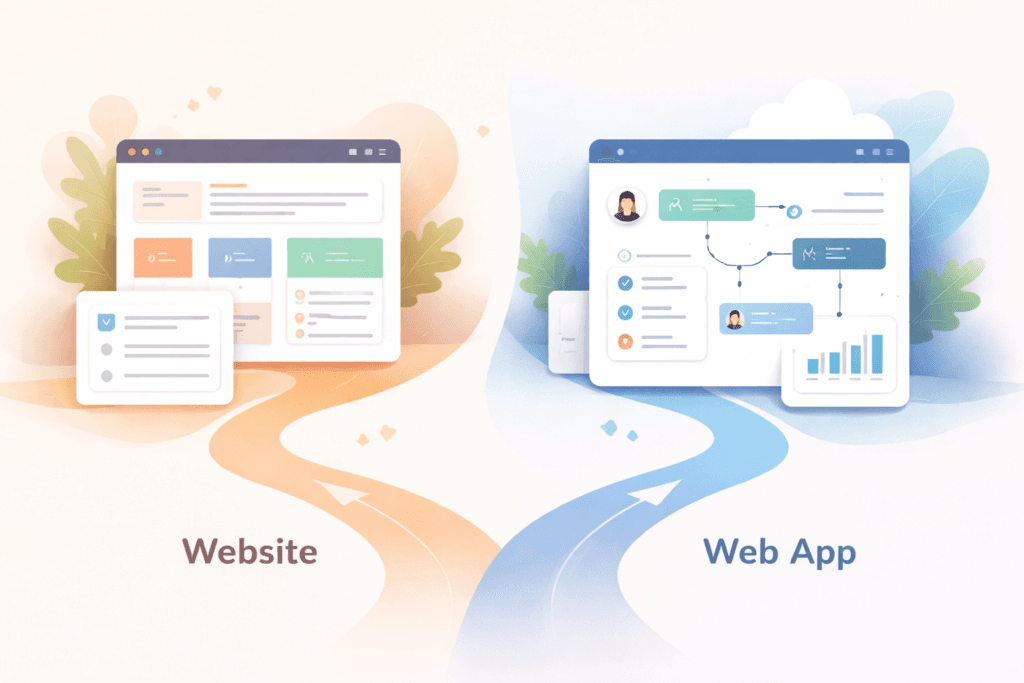
Here’s the plain-English split that clears up 90% of confusion:
- A website is for discovery and decisions. People visit, read, compare, and contact you (or buy something straightforward).
- A web app is for doing and managing. People log in, complete tasks, update records, track status, and use workflows over time.
Think: A website is a front desk. A web app is the back office (and sometimes a self-service kiosk for customers).
How app design & development services differ from a website project
A website project usually focuses on:
- pages and content
- mobile responsiveness
- contact forms / lead capture
- basic analytics
- performance basics
App design & development services typically focus on:
- workflows (what happens first, next, and why)
- user accounts (logins)
- user roles and permissions (admin vs staff vs customers)
- dashboards and reporting
- structured data (not “just emails in an inbox”)
- integrations (payments, messaging, CRM/accounting, custom APIs)
- admin tooling (so you can manage without a dev for every change)
- security and maintenance planning
This is why people feel “stuck” when they try to force a workflow-heavy business into a basic website. The site looks fine… but the business process behind it is still manual.
When a website is enough (and an app is overkill)
If your main goal is marketing and lead generation, a website is often the best first move.
A website is usually enough when:
- you don’t need logins
- you have one audience (the public) rather than multiple roles
- enquiries can be handled manually without chaos
- you don’t need statuses, approvals, or dashboards
- most “data” is just emails, calls, and a simple spreadsheet
Examples where a website wins:
- brochure site for a service business
- landing page + quote form + email follow-up
- content site (blog/resources/portfolio)
- simple eCommerce where the platform handles most operations
If your site is slow or unclear, fix that before building an app. Often the ROI is clarity + speed + SEO, not a new system.
We have seen this usually come in a combination of Website Design & Development & Search Engine Optimisation (SEO) services.
The “2 yes answers” test: do you actually need a web app?
Answer these quickly. If you say yes to two or more, you’re likely in app design & development services territory.
- Do users need to log in?
- Do different people need different access (admin/staff/customer/vendor)?
- Do you need statuses (pending/approved/in progress/completed/delivered)?
- Do you need a dashboard or reporting you can trust?
- Is the process repeated daily/weekly (not “once-off enquiries”)?
- Do you need integrations that must be reliable (payments, inventory, CRM/accounting)?
A website can collect information. A web app can run a workflow.
Common “web app” situations (even if you call it a website)
These are the scenarios where app design & development services usually make sense.
Customer portals
- users log in
- view invoices/statements
- download documents
- track job/order status
- update profile details
Booking & scheduling systems with rules
- availability, buffers, capacity limits
- reschedules/cancellations
- payments and confirmations
- automatic reminders
Internal tools and dashboards
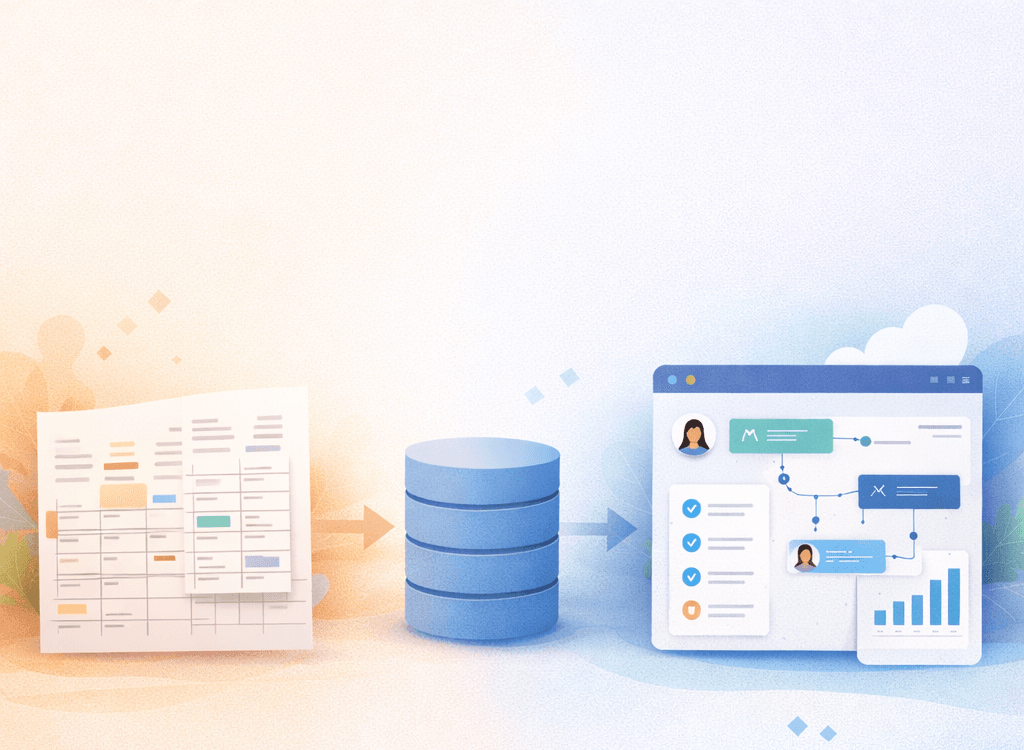
- replace spreadsheet chaos
- route tasks, approvals, and handovers
- show KPIs and operational status
- reduce duplicate data entry
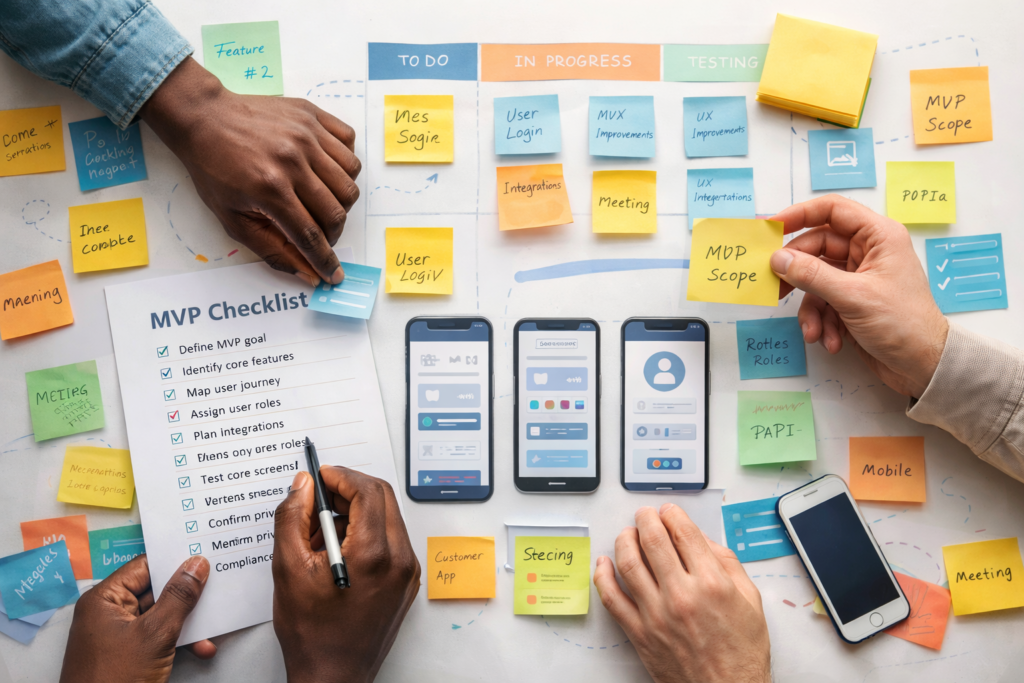
MVPs (minimum viable products)
- validate a product idea with core screens/flows
- learn from real usage
- iterate fast without rebuilding everything
Web app vs PWA vs “a better website”
These terms get mixed up, so here’s the practical view.
Better website
Best for: marketing, trust, content, discovery, basic conversion.
- Pros: fast to launch, easy to maintain, excellent for SEO
- Cons: limited workflow automation, usually no roles/dashboards, can get messy when you bolt on too many plugins
Web app
Best for: portals, dashboards, operational workflows, multi-step tasks.
- Pros: structured data, roles and permissions, reliable processes, integrations are cleaner when data is consistent
- Cons: more planning, ongoing maintenance is part of the deal
PWA (progressive web app)
A PWA is a web app designed to feel more like an installed app (installable, more integrated experiences, and potentially more reliable behaviour depending on implementation and device support).
- Pros: one codebase, app-like experience, can be designed for resilience/offline patterns
- Cons: capabilities vary by platform/browser; offline and install-ability don’t happen “by magic” – they must be built intentionally
Rule of thumb
- If your problem is discovery/trust → improve the website.
- If your problem is workflow/data/roles → build a web app.
- If the app needs install-ability and app-like feel → consider PWA patterns.
Can a WordPress site still be a web app?
Yes. WordPress is the platform – “web app” is the behaviour.
A WordPress build can be a web app if it includes:
- logins and user roles
- dashboards/portals
- workflows with statuses and rules
- structured data stored and managed over time
- integrations and admin tools
In other words: if people use it to run something, not just read it.
This is also where you might decide between:
- extending WordPress with custom functionality, or
- building a dedicated app layer alongside it
For more information on Custom WordPress Plugin Development
A decision framework you can use (and reuse)
Before you price anything, get clarity on these six items. This is the part most people skip, then they blame “development” later.
1) Users and roles
Who uses it?
- customers
- staff
- admins
- vendors/partners
What can each role do (and not do)?
2) The top 3 jobs the system must do
Write them as verbs:
- “book”
- “approve”
- “track”
- “update”
- “report”
- “pay”
- “message”
If your top jobs are multi-step or rule-based, you’re pointing toward app design & development services.
3) The data you must store (and trust)
What records exist?
- customers
- orders/jobs
- bookings
- documents
- invoices
- inventory
Do you need history and audit trails?
4) Workflow steps and edge cases
What happens when:
- someone cancels
- a payment fails
- stock is out
- an approval is delayed
- a job is partially completed
Apps don’t fail in the “happy path.” They fail in edge cases.
5) Integrations you can’t afford to be flaky
Payments, messaging, accounting, CRM, inventory, shipping – integrations are where reliability matters.
6) Security and compliance requirements
If you handle personal information, plan security as a baseline, not an “extra.” OWASP’s Top 10 is a widely used awareness reference for common web app risks.
“Because privacy laws vary by region (EU GDPR, UK GDPR, US state-based privacy rules, Australia’s Privacy Act, and New Zealand’s Privacy Act), it’s smart to design any website or web app with privacy-by-design basics: collect only what you need, be transparent, secure data properly, and plan for access/deletion requests.”
What scope looks like in real life (using VVRapid’s package structure)
One reason people confuse websites and apps is that they compare “pages” to “features.”
App scope is usually driven by:
- number of screens/views
- number of user roles
- authentication requirements
- number of integrations/APIs
- admin tooling complexity
- notifications and analytics hooks
- documentation and revision cycles
- delivery timelines
On your VVRapid App Design & Development page, the packages reflect exactly these scope drivers (e.g., Basic vs Standard vs Premium in screens, roles, integrations, notifications, analytics, revisions, and delivery time).
As per the packages you provided:
- Basic App: ± 21 days — $1 700 (R27 172)
- Standard App: ± 30 days — $3 300 (R52 744)
- Premium App: ± 45 days — $5 000 (R79 916)
Pricing varies by scope and region — treat package prices as starting anchors, not universal benchmarks.
Checklist: what to prepare before you commit
If you want app design & development services to go smoothly, this prep work is gold:
- ✅ One sentence: “Success looks like…”
- ✅ List the top 3–5 tasks users must complete
- ✅ List user roles + permissions
- ✅ Sketch the workflow steps (even rough)
- ✅ Provide sample data (realistic examples)
- ✅ List must-have integrations (even if phase 2)
- ✅ Decide what reporting you need monthly/weekly
- ✅ Identify sensitive data (privacy/security)
- ✅ Agree who owns maintenance after launch
Think: If you can describe the process clearly, you can build the interface clearly.
Common mistakes (and how to avoid them)
Mistake 1: “We’ll figure it out as we go”
You can iterate — but you still need a clear v1 scope. Fix: define the smallest version that delivers value, then expand.
Mistake 2: Underestimating roles and permissions
“Admin vs staff vs customer” sounds small until you implement it. Fix: define role rules early and test access thoroughly.
Mistake 3: Treating integrations as plug-and-play
Even “simple” integrations need error handling and clean data. Fix: decide what events matter (booking created, payment received, job completed) and plan for failures.
Mistake 4: Building a dashboard before fixing the data
Dashboards reflect reality, good or bad. Fix: define your data model and workflow first.
Mistake 5: Ignoring privacy/compliance until the end
If you store personal data, privacy laws vary by region (GDPR/UK GDPR, US state rules, Australia’s Privacy Act, NZ Privacy Act, POPIA) – so plan early: collect only what you need, lock access by role, secure data, and define how you’ll handle access/deletion requests and breaches.
FAQ
Is a web app always more expensive than a website?
Usually, yes – because it’s a system with workflows, roles, data, and maintenance. But the payoff is often time saved, fewer errors, and better customer experience.
Can I start with a website and move to an app later?
Absolutely. Many businesses start with a strong website for discovery and validation, then build a web app when workflow volume and complexity demand it.
What’s the difference between a web app and a PWA?
A PWA is a web app that uses progressive enhancement to feel more app-like (installable, more integrated experiences, and potentially more reliable behaviour).
Will a web app help my SEO?
Public-facing pages can rank. But pages behind login are typically not meant for search discovery. A common approach: website for SEO + web app for operations.
How do I keep a web app secure?
Start with strong authentication, least-privilege permissions, safe data handling, and awareness of common risk categories (OWASP Top 10 is a good baseline reference).
How VVRapid can help
If you’re deciding between “upgrade the website” and “build a web app,” VVRapid can help you scope the smallest build that solves the real workflow problem. Their app design & development services cover UX flows, responsive interfaces, integrations, and solid foundations like security and scalability, so the end result feels simple to use, even when the system underneath is doing a lot. Contact VVRapid
Next step
Write down the one process you want to stop doing manually (bookings, approvals, tracking, onboarding, reporting). If it needs logins, roles, statuses, or dashboards, you’re probably ready for app design & development services. If not, you’ll likely get a better return from improving your website first.