If you rely on local customers, local SEO & maps visibility can become one of your highest-intent lead channels, because people on Google Maps are usually looking to choose (not just browse). The catch: you don’t win by “gaming” the system. You win by making your Business Profile and website the clearest, most trustworthy match for the searches you actually want.
Table of Contents
What actually drives local SEO & maps visibility
Google’s local results are mainly based on relevance, distance, and prominence (Google sometimes uses “popularity” language in help docs). In plain terms: how well you match the query, how close you are to the searcher (or their stated area), and how established/trusted your business appears.
Important: Google is explicit that there’s no way to request or pay for a better local ranking in Maps – so any “pay-to-rank” offer is a red flag.
Think: the goal isn’t “more tricks.” It’s more clarity.
Step 1: Get your Google Business Profile basics right (before you optimise)
Start here. These basics create the foundation for local SEO & maps visibility.
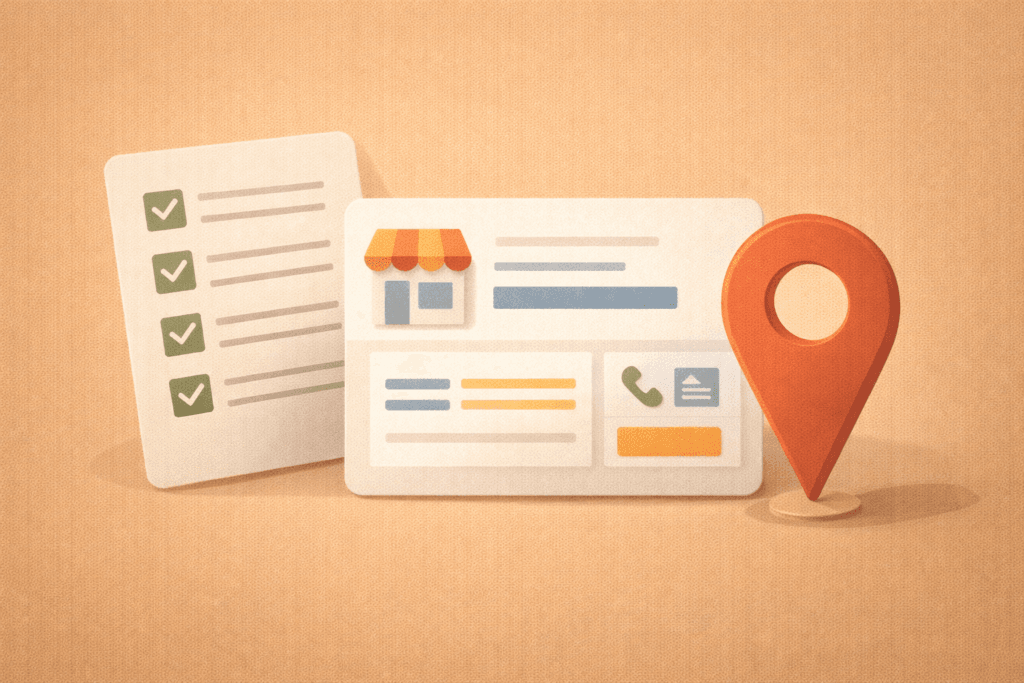
Claim/verify your profile
If you haven’t claimed your Business Profile yet, start with Google’s official Business Profile setup.
Choose the correct business type: storefront vs service-area
If customers visit your location, you can show an address.
If you’re a service-area business (you go to customers), Google recommends hiding your address.
This matters because the wrong setup can cause verification issues, ranking confusion, or customer frustration.
Use one “real world” name and one primary phone
Google’s guidelines are clear: represent your business consistently (real name, real details, real contact).
Step 2: Optimise the fields that influence local intent matching
This is where local SEO & maps visibility becomes predictable: you align what you do with what people search.
Primary category (choose this like it matters, because it does)
Pick the most specific primary category that describes your main service. Google advises choosing a specific category from the list and not inventing your own.
Rule of thumb:
- Primary category = your main revenue service
- Secondary categories = meaningful additions (not everything you’ve ever offered)
Services: be specific and customer-language friendly
Add services that match how customers describe problems (e.g., “blocked drain clearing” vs “drain solutions”). Keep it accurate.
Business description: clarity, not keywords
Google allows a short business description (“From the business”). Stick to:
- what you do
- who you do it for
- what makes you different (real, not hype)
- your service area (if relevant)
Attributes: easy wins for conversion (and sometimes discovery)
Attributes help customers choose and can help you appear in searches for those attributes.
Examples vary by category (payments, accessibility, amenities, etc.).
Step 3: Build “prominence” the clean way (reviews + trust signals)
Prominence is where spam tactics tempt people and where you can win long-term by staying clean.
Reviews: get more of them, but don’t incentivise
Google’s policies prohibit offering incentives (discounts/freebies) in exchange for reviews or selectively asking only happy customers.
Google has also publicly intensified enforcement against fake/manipulated reviews in some regions. – AP News
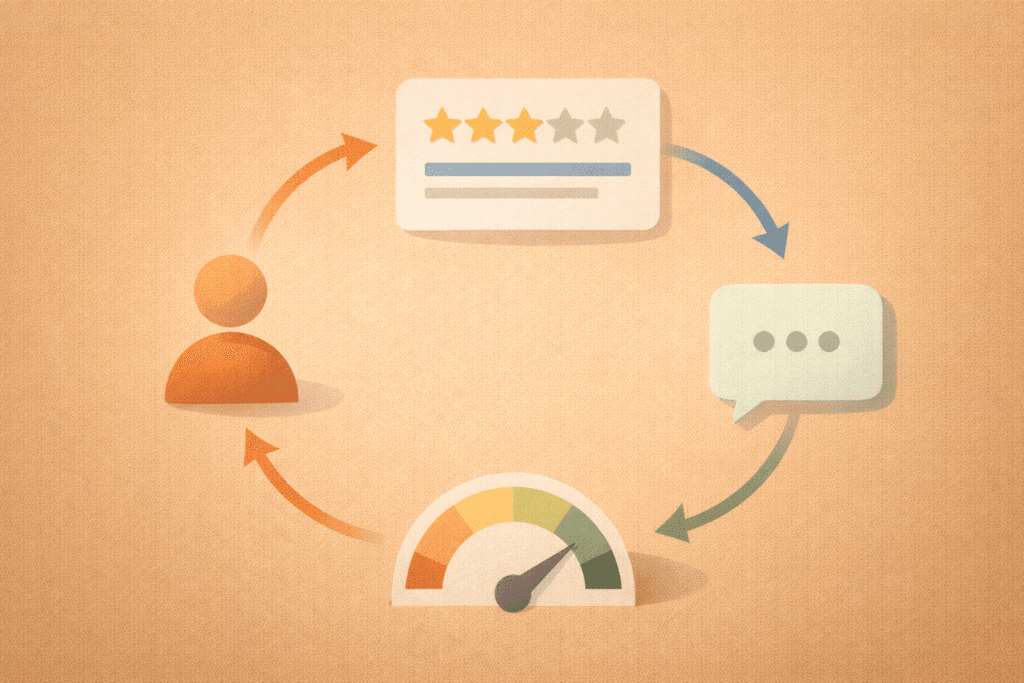
A simple review ask flow that stays safe:
- Ask right after a successful delivery (same day if possible)
- Make it easy (one link/QR)
- Ask everyone (not just your favourites)
- Thank reviewers and respond professionally (yes, even to negative reviews)
Responding to reviews (quick rules):
- Positive: thank them, mention the service type (naturally), invite them back
- Negative: stay calm, ask for details, offer a resolution path offline
Photos: show what customers are actually choosing
Google provides photo guidelines (clear, well-lit, minimal filtering) and recommends adding category-specific photos.
Photo checklist (practical):
- Exterior/interior (if customers visit)
- Team at work
- Before/after (where appropriate)
- Products, menu, vehicles, tools
- A few real “in the field” shots (service businesses)
This improves conversion and helps customers trust you faster – a quiet boost to local SEO & maps visibility.
Step 4: Your website still matters (even if Maps is your focus)
A strong Business Profile can rank, but your website often decides whether a click becomes a lead.
Match the page to the map intent
When someone clicks from Maps, they want:
- confirmation you serve their area
- proof you do the specific service
- pricing expectations (even if ranges)
- a fast way to contact you
If your site is slow, confusing, or generic, you’ll lose the lead even if you win the ranking.
If you need a site that’s built to convert local traffic, this is the VVRapid service that typically supports it: Website Design & Development
Location pages: only when they’re truly unique
Location pages can help local SEO & maps visibility when they:
- are written for real service areas
- include unique FAQs, boundaries, proof, and service details
- avoid copy/paste duplication
If you can’t make them unique yet, don’t scale them.
Internal linking: connect local intent to core services
From your homepage and blog posts, link to:
- your main service pages
- your most important location page(s) (if used)
- your contact/booking page
This helps both users and crawlers understand what matters most.
Step 5: Citations and consistency (keep it simple, not obsessive)
You don’t need to list your business on 200 directories.
You do need:
- consistent business name formatting
- consistent primary phone
- consistent address rules (or hidden address for service-area businesses)
- consistent website URL
This consistency supports trust and reduces confusion, which supports local SEO & maps visibility over time.
Step 6: Track what’s working (so you can do more of it)
Local SEO is only “mysterious” when it isn’t tracked.
Track these outcomes:
- calls
- form submits
- direction requests (where relevant)
- booked appointments
- “quote request” clicks
If you’re setting up tracking and measurement as part of SEO, this is the starting point on the VVRapid side: Request a Search Engine Optimisation Quote
The local SEO & maps visibility checklist
Use this as your monthly “lead channel” maintenance list.
- Profile setup
- Correct business type (storefront vs service-area)
- Correct address visibility (service-area businesses should hide address)
- Accurate phone + website
- Relevance
- Best primary category chosen
- Services listed clearly
- Business description written for humans
- Attributes added where relevant
- Prominence
- Reviews requested consistently (no incentives)
- Review responses active and professional
- Fresh photos added quarterly (or monthly in competitive niches)
- Website support
- Fast mobile pages, clear CTAs
- Service pages match the searches you want
- Location pages only if unique
- Internal links support core pages
- Measurement
- Calls/forms tracked
- Monthly check: what queries brought leads?
Common mistakes (and what to do instead)
1) Using fake locations or stuffing cities into the name
This often leads to suspensions or endless edits. Follow Google’s representation guidelines instead.
2) Picking the wrong primary category
If your category doesn’t match the query, you’ll struggle to win consistently. Use the closest, most specific option Google provides.
3) Incentivising reviews
It’s explicitly restricted. Build a consistent, ethical review request habit instead.
4) Treating photos as optional
Photos influence customer choice. Google also provides clear photo best practices, follow them.
5) Winning clicks but losing leads (weak website)
Maps visibility without a conversion-friendly site is wasted attention.
A practical 30-day plan (no spam required)
Week 1: Fix fundamentals
- Claim/verify
- Correct business type + address settings (especially service-area businesses)
- Choose primary category
- Add services + description
Week 2: Build trust assets
- Add 10–20 strong photos (real, well-lit)
- Set up a review request process (no incentives)
Week 3: Website support
- Improve your main service page (clear offer + FAQ + CTA)
- If needed, create one strong location page (unique) — not ten thin ones
Week 4: Measure
- Track calls/forms
- Note the queries bringing leads
- Adjust services/website copy to match the best-performing intent
This is how local SEO & maps visibility becomes a steady lead channel, not a “hope and pray” channel.
How VVRapid can help
If you want help turning Maps into a reliable lead source, VVRapid can optimise your local SEO & maps visibility end-to-end: Business Profile setup and cleanup, category/service alignment, review and photo guidance, local landing page strategy, and tracking so you can see what’s generating enquiries.
We’ll prioritise the actions that move real leads first and keep improving month by month. You can Contact VVRapid
FAQ: Local SEO & maps visibility
How long does it take to improve Google Maps rankings?
Often a few weeks for fundamentals to settle, longer in competitive areas. Consistency matters more than quick “tricks.”
Do I need a physical address to rank?
Not always. Service-area businesses can hide their address and show a service area instead.
Are reviews a ranking factor?
They strongly influence trust and choice, and Google actively fights fake/manipulated reviews. Keep your approach clean.
Should I post on my Business Profile?
Posting can help keep your profile fresh, but it won’t compensate for wrong categories, weak services, or inconsistent details.
What’s the biggest “quick win” for local SEO & maps visibility?
Correct category + complete services + consistent reviews + better photos, then ensure your website converts.
If you want a clear plan tailored to your business type (storefront vs service-area), areas served, and competition level, start here: Request a Search Engine Optimisation Quote
External links (helpful resources)
- Google Business Profile – Tips to improve your local ranking ↗
- Google – Guidelines for representing your business on Google ↗
- Google – Manage your business category ↗
- Google – Manage photos & videos for your Business Profile ↗