A realistic WordPress website build timeline makes a huge difference to stress levels, because most “website delays” are actually content and approvals delays. If you know what happens week by week, you can prep the right materials, avoid bottlenecks, and launch without last-minute chaos.
Table of Contents
What this WordPress website build timeline assumes
This WordPress website build timeline is a practical baseline for a small business service website or brochure site, built properly with mobile-first design, good performance, and clean structure.
It assumes:
- 5–15 core pages (Home, Services, About, Proof, Contact, plus a few extras)
- A clear decision-maker who can approve quickly
- Copy and images are available (or being produced on schedule)
- No complex custom app logic
If you are adding ecommerce, memberships, custom integrations, or multi-language, your WordPress website build timeline can extend. That is normal.
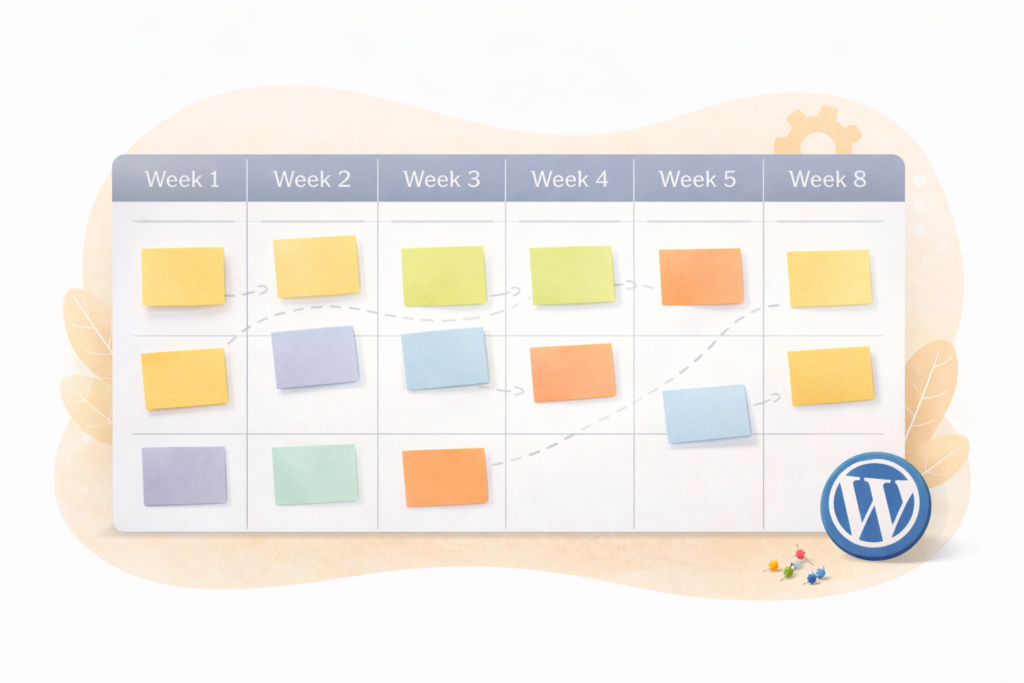
The WordPress website build timeline, week by week
Think of this like a relay race. Each stage hands clean inputs to the next stage.
Week 0: Pre-kickoff (optional, but it saves time)
This week is about reducing back-and-forth once the build starts.
Your to-do
- Confirm your top goal (leads, bookings, calls, quotes)
- Confirm your primary services and target audience
- Gather brand assets: logo, colours, fonts (if you have them)
- Collect proof: testimonials, reviews, certifications, portfolio items
- Decide who approves (one person if possible)
If you need help defining scope before you start, Digital Strategy Roadmaps can help you set priorities so your WordPress website build timeline stays predictable.
Week 1: Discovery and planning
This is where a good site is won or lost. A fast build with weak planning becomes a slow build later.
What happens
- Goals, audience, offers, and conversion paths are clarified
- Site map (page list) is finalised
- SEO basics are discussed: key pages, page intent, internal linking
- Required functionality is agreed (forms, bookings, WhatsApp, analytics)
What you need to provide
- Your current website (if you have one) and what is not working
- Competitors or examples you like (and why)
- A list of services and service areas (especially if location-based)
- Any compliance needs (privacy, POPIA, disclaimers)
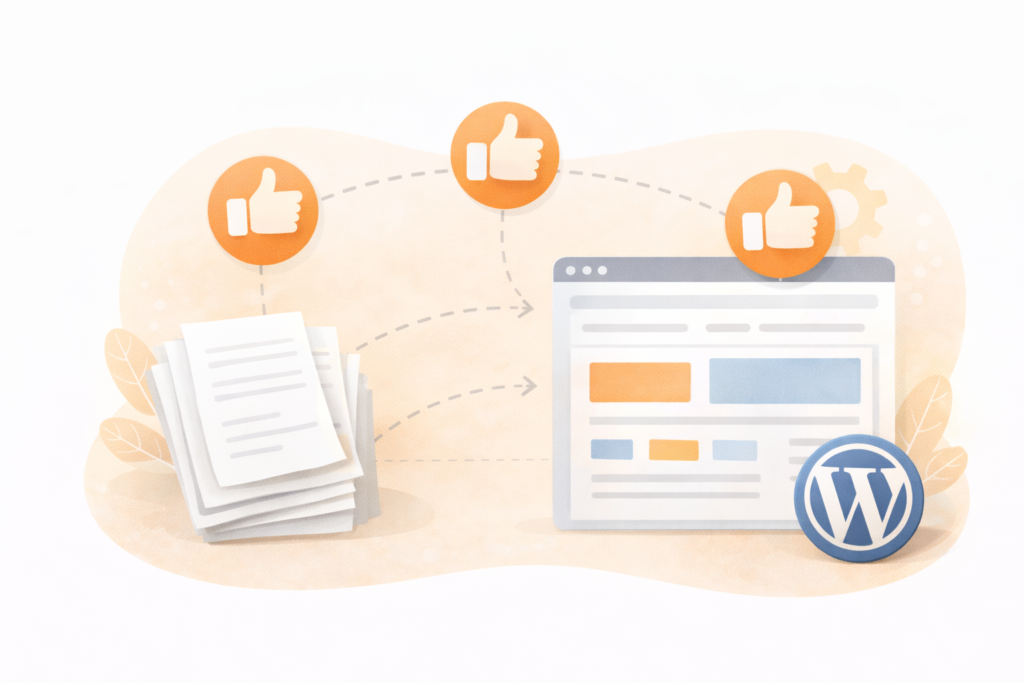
Approval checkpoint
- Sign off the site map and priorities. This prevents scope drift.
Week 2: UX structure and wireframes
UX is the layout logic: how a visitor moves, what they see first, and how they take the next step.
What happens
- Wireframes or page section layouts for key pages
- Navigation is decided (menu items, footer links)
- Conversion elements are planned (CTAs, forms, lead magnets if any)
What you need to provide
- Your preferred primary CTA (Book a call, Request a quote, WhatsApp)
- Any non-negotiable content blocks (pricing notes, service areas, FAQs)
Approval checkpoint
- Approve wireframes or layout direction before visual design starts.
This is a core stage in the WordPress website build timeline because it prevents design rework later.
Week 3: Visual design (look and feel)
This is where the site becomes recognisably yours, but the structure should already be settled.
What happens
- Home page and an internal page style are designed first
- Brand elements are applied consistently (colour, typography, spacing)
- Mobile and desktop layouts are checked
What you need to provide
- Brand references you like (clean, bold, premium, friendly)
- Any existing style guide (even a simple one)
Approval checkpoint
- Approve the design direction quickly. Small tweaks are fine, but avoid reopening Week 1 decisions.
Week 4: Build and development setup
Now the approved design becomes a working WordPress site.
What happens
- WordPress environment is configured
- Theme or block system is set up
- Core templates are built (header, footer, global styles)
- Key pages are created with placeholder content (if final copy is still coming)
What you need to provide
- Domain and hosting access (if relevant)
- Email addresses for form routing
- Third-party tool logins if needed (booking tool, CRM, email marketing)
If performance matters, hosting choices affect the WordPress website build timeline because speed fixes can take time later. LiteSpeed WebServer Hosting is one option when you want a fast, stable foundation.
Week 5: Content integration (copy, images, proof)
This is where timelines usually slip. Content arrives late, or approvals take too long.
What happens
- Final copy is placed into each page
- Images are optimised and added
- Proof elements are added (testimonials, case studies, logos, reviews)
- On-page SEO basics are applied (titles, headings, internal links)
What you need to provide
- Final copy for each page (or approve drafts)
- Images with usage rights (or approve supplied stock)
- Testimonials and proof, ideally with names and contexts
If you need help writing and structuring content so it converts, Socials, Blogs & Article Writing can support content production without slowing your WordPress website build timeline.
Week 6: QA, performance, and SEO foundations
This is the quality-control week. The site should be functional and polished before launch.
What happens
- Mobile QA (layout, spacing, readability)
- Form testing and spam protection checks
- Speed checks and image compression
- Basic technical SEO checks (indexing settings, metadata, sitemap)
- Analytics setup and conversion event tracking
What you need to provide
- Test submissions on forms from your side, confirm the email delivers
- Confirm contact details, service areas, business hours, policies
For search intent alignment, Search Engine Optimisation (SEO) supports a WordPress website build timeline by ensuring page intent and structure match what people actually search for.
Week 7: Pre-launch checklist and launch
Launch is a controlled switch, not a scramble.
What happens
- Final content proofread
- 404 and redirects checked (especially if replacing an older site)
- Backup and security basics confirmed
- DNS and domain settings checked (if changing hosting)
- Site is pushed live
- Post-launch monitoring begins
What you need to provide
- Final approval to go live
- Access to domain registrar if DNS changes are required
Week 8: Post-launch improvements (recommended)
Your WordPress website build timeline should include time for learning after launch.
What happens
- Fix minor issues found in real-world use
- Review early analytics, check if CTAs are being clicked
- Improve page clarity based on feedback
- Add next content priorities (FAQs, service expansions, landing pages)
Ongoing stability matters. Website Maintenance & Care helps keep updates, backups, security, and small improvements consistent after your WordPress website build timeline ends.
A simple “approval rhythm” that keeps your timeline on track
If approvals drift, the whole WordPress website build timeline stretches.
A practical rhythm:
- Approvals twice per week (example: Tuesday and Thursday)
- One decision-maker with final say
- Feedback in one place (one email thread or one doc)
- Time-boxed review: 24–48 hours per checkpoint
When you follow this, the build team can keep momentum.
What you should prepare before Week 1 (content and assets list)
This list removes most delays in a WordPress website build timeline.
Core business info
- Services list and service areas
- Primary CTA and contact method
- Business details: phone, email, address, registration (if shown)
- Policies: privacy, terms, refunds (if relevant)
Proof and trust
- Testimonials and review sources
- Certifications, memberships, awards (only if real)
- Portfolio examples or case study notes
- Brand story: why you exist and how you work
Visual assets
- Logo files (SVG preferred)
- Brand colours and fonts (if known)
- Team photos or approved stock style direction
- Product or project photos
Technical essentials
- Domain registrar access (if needed)
- Hosting access (if existing)
- Analytics account access (GA4, Tag Manager if used)
- Third-party tool access (booking, CRM, email marketing)
Checklist: your WordPress website build timeline fast-start plan
Use this checklist to stay ahead of the build.
- □ Confirm your site goal and primary CTA
- □ Approve a page list (site map) and navigation
- □ Gather testimonials, proof, and portfolio items
- □ Prepare copy drafts for core pages (or assign writing)
- □ Choose who approves and set a 24–48 hour review window
- □ Provide domain and hosting access if needed
- □ Confirm form routing emails and booking links
- □ Decide what “launch-ready” means (minimum pages, minimum proof)
- □ Keep a Week 8 list of improvements so launch stays clean
This is the practical backbone of a healthy WordPress website build timeline.
Common mistakes that derail a WordPress website build timeline
Mistake 1: Starting design before scope is clear
If the offer, audience, and page list are not locked, every design decision becomes unstable.
Mistake 2: Too many reviewers
Five people reviewing a homepage leads to mixed feedback and delays. Pick one approver.
Mistake 3: Content is treated as “later”
Content is not a final step. It is a core input. Late copy is the most common cause of timeline slips.
Mistake 4: Endless “small tweaks”
A new idea every day changes the scope. Capture ideas for Week 8 instead.
Mistake 5: Launch is treated like the finish line
Launch is the start of learning. Plan for post-launch fixes and improvements.
Mistake 6: No maintenance plan
Updates and security do not look urgent until they are. Build a care plan into the project from day one.
FAQ
How long is a typical WordPress website build timeline?
A typical WordPress website build timeline for a small business site is often 6–8 weeks when planning, content, and approvals stay on schedule.
What usually delays a WordPress website build timeline the most?
Content and approvals. Late copy, missing images, and slow feedback loops cause more delays than development.
Can we build while content is still being written?
Yes, if the site structure and key messages are confirmed. Placeholder content can be used temporarily, but final copy still needs time for integration and QA.
Do I need SEO during the build, or after launch?
Basic SEO should be built-in during the WordPress website build timeline so pages are structured correctly from the start. Ongoing SEO can continue after launch.
What if I need ecommerce or custom features?
Your WordPress website build timeline will likely extend. Ecommerce, memberships, or custom integrations add build and QA time.
How VVRapid can help
If you want a predictable WordPress website build timeline, VVRapid can handle structure, design, and WordPress development, then keep it stable after launch. Website Design & Development (https://vvrapid.com/website-design-development/) covers the build, Search Engine Optimisation (SEO) supports search intent and page structure, and Website Maintenance & Care keeps updates and performance consistent. If you need content to land on time, writing support can be layered in so approvals stay simple.
Next step: review your next 8 weeks and block two approval slots per week before you start the build.