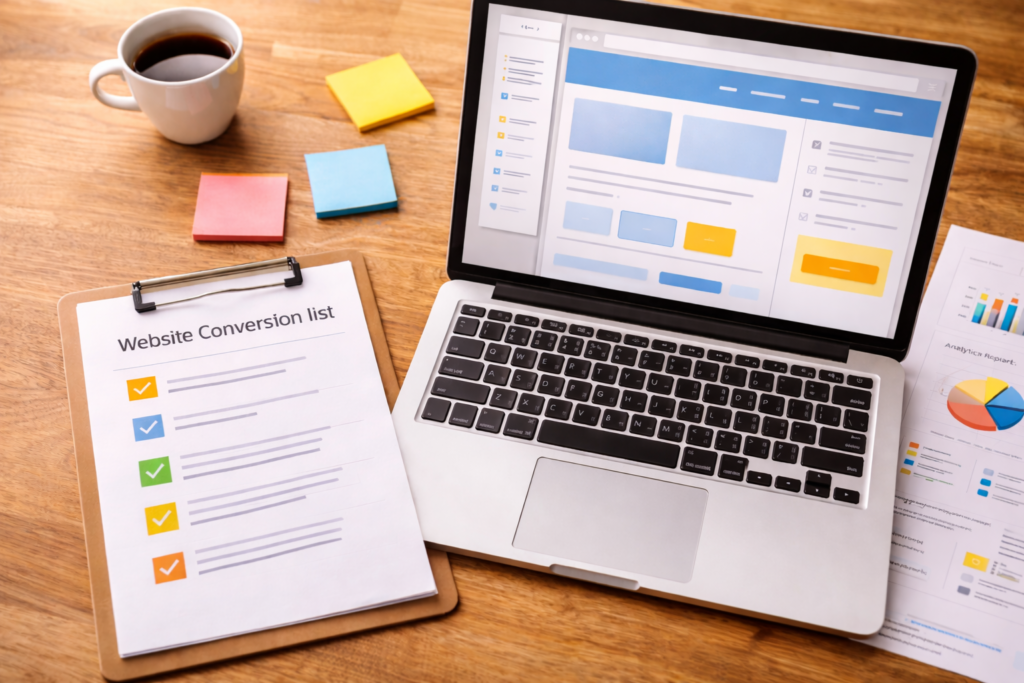
A Website Conversion Audit helps you turn the traffic you already have into more enquiries, bookings, or sales – without immediately spending more on ads, social posts, or content. If your website “looks fine” but leads are inconsistent, an audit is often the fastest way to spot what’s quietly causing people to bounce, hesitate, or abandon your forms.
Table of Contents
What a Website Conversion Audit is (and what it isn’t)
A Website Conversion Audit is a structured review of the pages and steps that lead to one key action – like contact, enquiry, quote request, booking, or purchase.
It’s not a full redesign. It’s not “change everything.” And it’s definitely not a vague list of opinions.
A practical audit focuses on three things:
- Clarity: Do people immediately understand what you do, who it’s for, and what to do next?
- Friction: What’s making it harder than it should be to take the next step?
- Confidence: What proof, reassurance, and detail do people need before committing?
If you already suspect your site’s structure or messaging is working against you, it can help to look at conversion fixes alongside broader site improvements – this is exactly where VVRapid’s Website Design & Development work tends to overlap with audits and quick wins.
Step 1: Define “conversion” in plain language
Before you change buttons, copy, or layouts, decide what success looks like.
Common conversions:
- Service businesses: enquiry form submit, quote request, call click, WhatsApp click, calendar booking
- Ecommerce: add to cart, checkout started, purchase
- B2B: demo request, proposal request, contact form, sometimes a brochure download
Now choose:
- Primary conversion: the one action you want most
- Micro conversions: signals of buying intent (1–2 is enough)
Examples of micro conversions:
- Pricing page views
- CTA clicks
- Service page scroll depth
- “Contact” button clicks
A Website Conversion Audit becomes far more useful when you can say: “This page’s job is to get people to do this one thing.”
Step 2: Run the 5-second clarity test on your money pages
Open your homepage and your top service page (the page you most want people to enquire about).
Ask:
- In 5 seconds, can a new visitor tell what you do?
- Can they tell who it’s for?
- Can they tell what to do next?
If any answer is “not really,” conversions will suffer – even if your design looks good.
Common clarity leaks
- Headline is clever but vague (“We build digital experiences”)
- Pages describe features, not outcomes (“We provide solutions”)
- The CTA is too high-commitment too early (“Book a call” when they still have basic questions)
- The offer is buried under long intros, sliders, or “about us” content
Clarity fixes are often the fastest conversion wins, and they usually cost less than driving more traffic.
Step 3: Do a “journey walk” like a first-time visitor
A Website Conversion Audit is easiest when you stop thinking like the business owner and start thinking like a buyer.
Pick one core path:
Homepage → Service page → Proof/FAQs → Contact/Quote
Then walk it on mobile first.
Ask:
- What question would I have here?
- What might make me hesitate?
- What does the page assume I already know?
- Is the next step obvious?
Friction points that commonly kill leads
- Service pages are too generic (no clear deliverable, outcome, or timeframe)
- Proof is hidden in menus instead of placed near decision points
- CTAs don’t match intent (too pushy, too early)
- Contact page feels like a dead end (no reassurance, no “what happens next”)
- Forms ask for too much too soon
If you only audit three things, audit (1) your top service page, (2) your contact flow, (3) mobile usability.
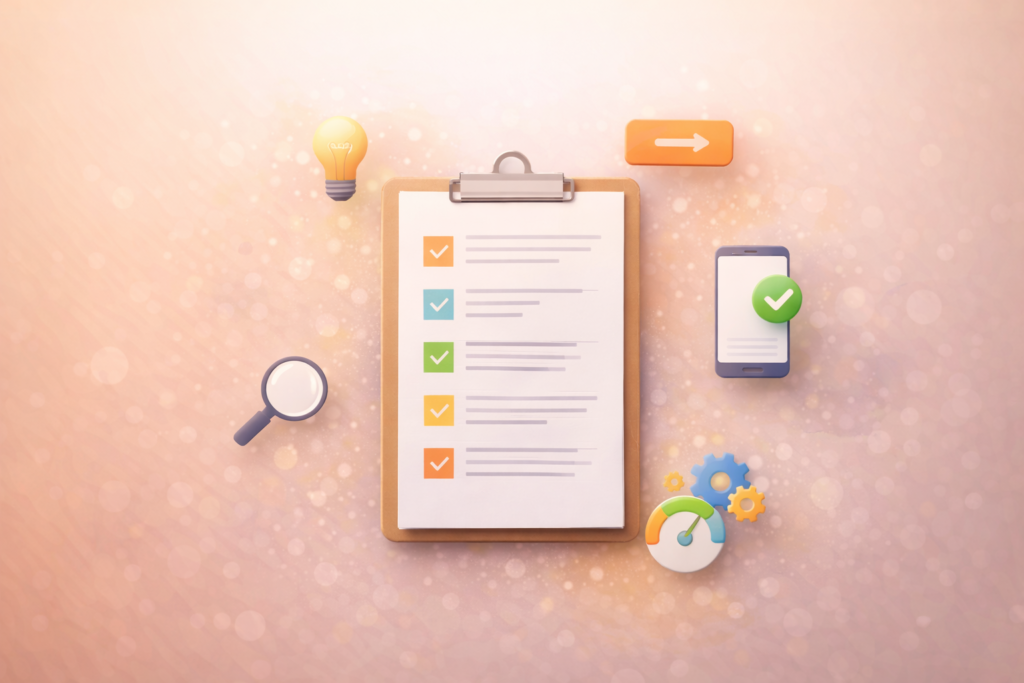
The Website Conversion Audit checklist (copy/paste friendly)
Use this checklist to review your site consistently. Don’t fix as you go – just capture notes, then prioritise at the end.
1) Messaging and positioning
- Does the first screen state the offer clearly (what + who + outcome)?
- Do you address the biggest buyer concern (price, time, risk, trust)?
- Does each page have one primary job (one intent)?
- Do you explain what happens after someone contacts you?
2) Page structure and scannability
- Do headings carry meaning (or are they filler)?
- Are key points in bullets (not buried in paragraphs)?
- Is the page front-loaded with what matters (benefits, proof, next step)?
- Is there a natural mid-page CTA after questions are answered?
3) CTA quality and placement
- Is the CTA specific? (e.g., “Request a quote”, “Check availability”)
- Is it repeated naturally (top / mid / end), without feeling pushy?
- Is there a softer secondary CTA (email, WhatsApp, download) for hesitant visitors?
- Does the CTA match the visitor stage (cold vs warm)?
4) Trust and proof
- Is proof placed near the CTA (not hidden elsewhere)?
- Does proof feel relevant to the buyer’s decision (examples, outcomes, process)?
- Do you show your process in 3–6 steps?
- Do you reduce uncertainty (timeframes, what you need, what they get)?
5) Forms and enquiry flow
- Is the form short enough for first contact?
- Do you only ask for what you truly need?
- Does it work perfectly on mobile?
- Do you confirm what happens next after submission?
- Is there an alternative for form-avoiders (call/WhatsApp)?
6) Mobile experience (non-negotiable)
- Is the primary CTA visible without scrolling?
- Are tap targets big enough and spaced properly?
- Does the layout stack cleanly?
- Do pop-ups block content or CTAs?
7) Speed and performance basics
- Are images oversized?
- Are there too many scripts/plugins?
- Do layout elements jump around while loading?
- Does the site feel slow on mobile data?
If you’re on WordPress and performance is a recurring issue, site speed improvements can be tied to your hosting and setup choices – something to consider alongside VVRapid’s LiteSpeed hosting options if your pages are consistently heavy.
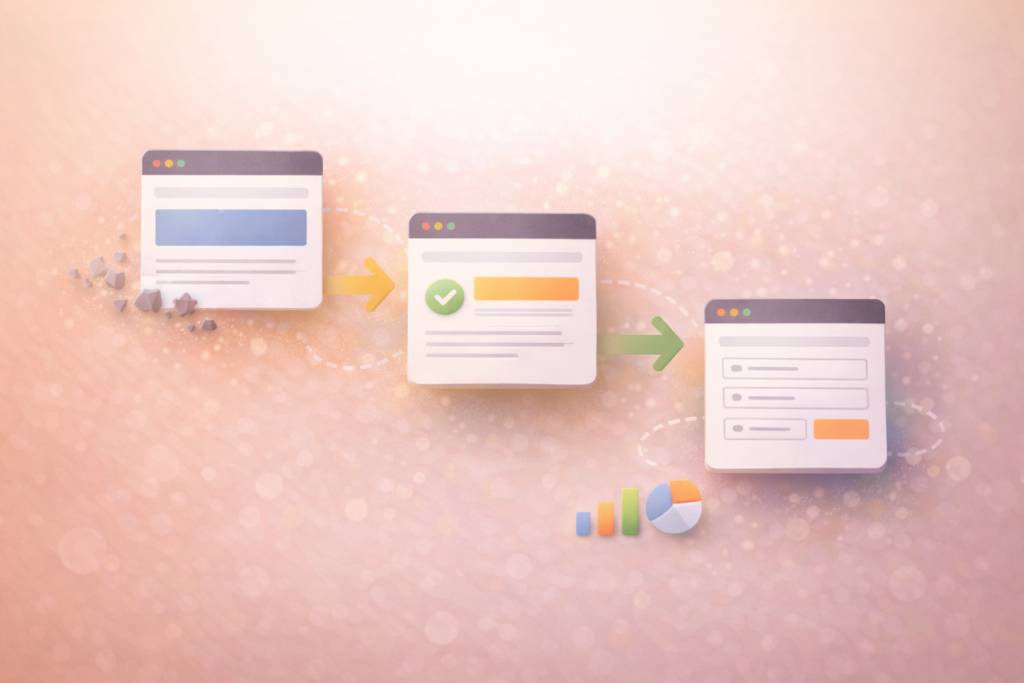
Prioritise fixes: impact vs effort (so you don’t drown in tasks)
After a proper audit, you’ll likely have 20–50 notes. That’s normal. The win is sequencing.
Tag each item:
- Impact: High / Medium / Low
- Effort: Low / Medium / High
- Dependency: needs copy, design, dev, or tracking?
Then prioritise:
- High impact + low effort (quick wins)
- High impact + medium effort (core improvements)
- Everything else (later)
High-impact, low-effort examples
- Rewrite the hero headline on key pages for clarity
- Change CTA wording to match intent
- Add a short “What happens next” section near the CTA
- Reduce form fields (especially on mobile)
- Add proof blocks next to CTAs
- Improve internal linking so users naturally move to the next step
A Website Conversion Audit becomes valuable when it ends with a short, realistic action plan.
Quick wins you can implement in 7–14 days
If you want momentum fast, start here:
- Rewrite your homepage hero: what you do + who it’s for + the outcome
- Add “What happens next” under the main CTA (reduce uncertainty)
- Improve one service page with:
- clearer sections
- proof near the CTA
- FAQs (objections + decision questions)
- a repeated CTA that fits the intent
- Shorten your primary form (first contact should be easy)
- Fix mobile spacing and CTA placement
- Add internal links between related pages so visitors keep moving
If content is part of your conversion problem (and it often is), build one or two high-intent pages/articles that answer buying questions clearly—VVRapid’s Socials, BlogsSocials, Blogs & Article Writing & Article Writing category is a good fit for that “decision support” layer.
Common mistakes in a Website Conversion Audit
Mistake 1: Auditing the whole site instead of the money pages
Start with: homepage, top service pages, and the contact/quote flow.
Mistake 2: Making “pretty” changes instead of clarity changes
New colours won’t fix confusion. Clarity usually beats aesthetics for conversion.
Mistake 3: Asking for too much information too soon
Long forms and high-commitment CTAs kill leads. Reduce friction first.
Mistake 4: Proof is missing at the decision point
Proof buried in the menu doesn’t help. Put reassurance near the CTA.
Mistake 5: Ignoring mobile
Mobile is where friction shows up first and where leads disappear quietly.
Mistake 6: No measurement plan
If you can’t track key actions, you won’t know what improved. Keep tracking simple, but track something.
If your tracking setup is messy (or you don’t trust it), that’s often a sign you need a broader plan that covers measurement and priorities and not just page tweaks. This is where a structured roadmap helps more than another round of guesswork, and VVRapid’s Digital Strategy Roadmaps are designed for exactly that “Now / Next / Later” execution sequence.
What to do after the audit: turn it into a 30–90 day plan
A Website Conversion Audit should end with a roadmap you can actually execute.
Here’s a simple structure:
Now (Weeks 1–2)
- Fix clarity on key pages (homepage + top service page)
- Shorten forms and clean up CTAs
- Patch obvious mobile layout issues
Next (Weeks 3–6)
- Improve trust/proof placement near decision points
- Strengthen internal linking and page structure
- Add FAQs and decision-support content
Later (Weeks 7–12)
- Run conversion experiments (headline/CTA variants)
- Build supporting content hubs (if SEO is part of your funnel)
- Improve automation/nurture once lead quality is consistent
If you need SEO alignment alongside conversion changes, VVRapid’s Search Engine Optimisation (SEO) service can help ensure your pages match search intent while also converting the traffic you earn.
How VVRapid can help
If you want a Website Conversion Audit that leads to real improvements (not just a report), VVRapid can review your website clarity, funnel friction, and tracking gaps – then turn the findings into a prioritised plan you can execute. And if you’d rather not implement alone, VVRapid can support updates across website, SEO, content, and conversion so the strategy actually ships.
If you want to start with your highest-impact pages first, you can contact VVRapid here: Contact VVRapid
FAQ
How long does a Website Conversion Audit take?
A focused audit of key pages can be done quickly—especially if you prioritise the top 3–5 pages. Bigger sites take longer. Scope matters more than site size.
Do I need more traffic before I do a Website Conversion Audit?
Not necessarily. If you already have visitors but leads are inconsistent, conversion fixes often deliver a better first ROI than “more traffic.”
Should I redesign my website as part of a Website Conversion Audit?
Only if design is creating friction (mobile issues, confusing hierarchy, poor layouts). Many wins come from clarity, proof, CTAs, and reduced form friction.
What’s the fastest conversion win for most small businesses?
Clearer hero messaging + better CTAs + proof near decision points + shorter forms—especially on mobile.
What if I don’t have time to implement the fixes?
Then the audit should end with a prioritised plan (Now/Next/Later) and clear owners. If you need implementation support, that can be rolled into website, SEO, and content work.
Helpful external references (optional deeper reading)
These are genuinely useful if you want to go one layer deeper: