WordPress Multisite Plugin Development becomes interesting when your business is no longer managing one website. You might have ten branches, twenty franchise locations, several brands or a growing network of client sites, and suddenly making the same change twenty times stops feeling sensible.
Table of Contents
The problem is not simply having multiple websites.
It is deciding what should be shared across them and what should remain local.
That is where WordPress Multisite can become useful. WordPress supports networks where multiple sites share one WordPress installation, while individual sites can still have their own content and administration.
Official WordPress documentation explains the basic network model here: WordPress Multisite Network Documentation ↗
But simply putting websites into a network does not automatically solve your operational problems.
The real value often appears when the sites also need shared business functionality.
What WordPress Multisite Plugin Development actually solves
Imagine a company with 25 locations.
Each location has its own website area, team, contact details, opening hours and local content.
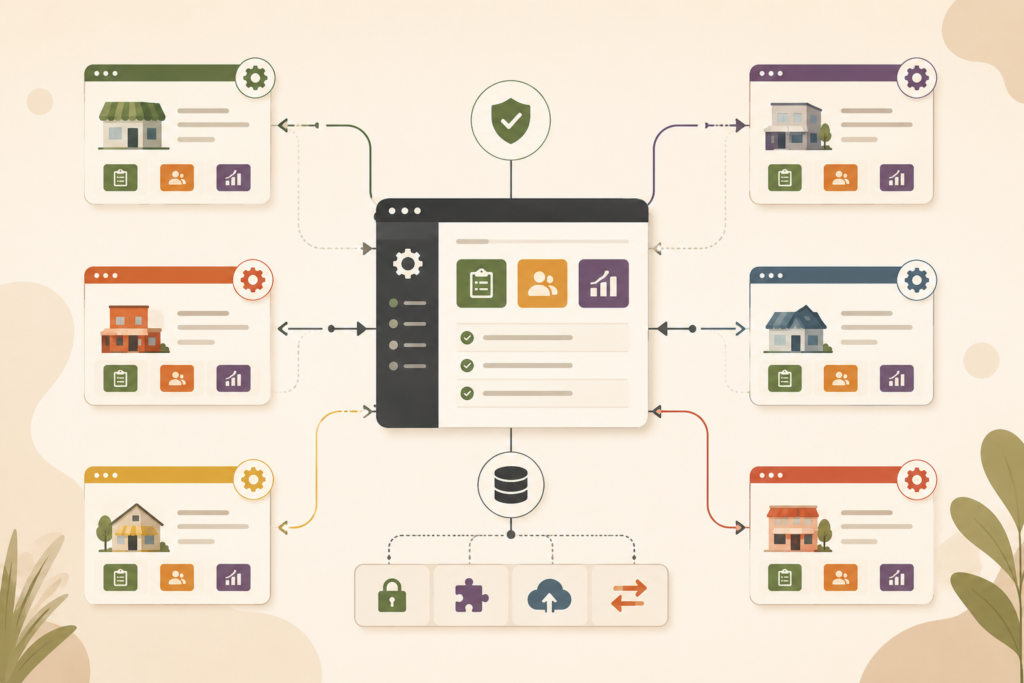
But head office also wants every site to follow the same rules for:
- quote requests
- customer registrations
- promotions
- reporting
- service information
- lead routing
- product availability
- compliance notices
- integrations
- staff permissions
You could install and configure separate tools on every site.
Or you could use WordPress Multisite Plugin Development to create one piece of custom functionality designed to operate across the network.
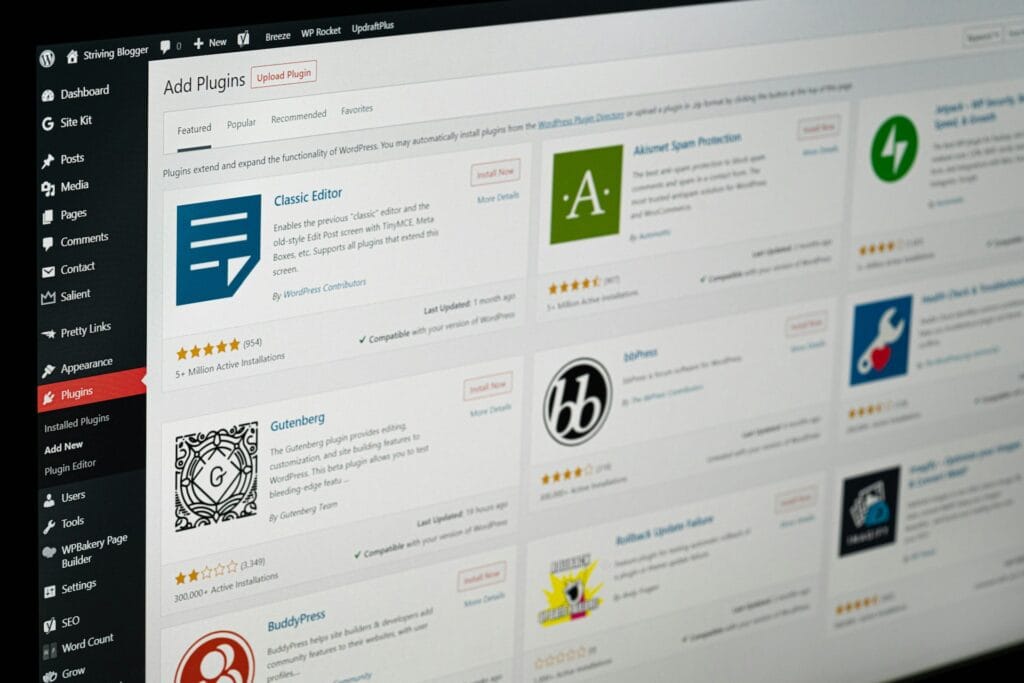
WordPress allows plugins to be activated across a multisite network so that the functionality is available throughout the network rather than being treated as an unrelated plugin installation on each website.
Official WordPress network administration documentation covers network-level plugin management here: WordPress Multisite Network Administration ↗
For a business owner, though, the important part is not how network activation works.
It is what central control can remove from your workload.
1. Your branch websites keep drifting apart
This often starts innocently.
One branch changes its enquiry form.
Another adds an extra plugin.
A third changes a booking process.
Another location is still using settings created two years ago.
Before long, customers are interacting with what feels like several different companies.
This is one of the strongest business cases for WordPress Multisite Plugin Development.
Shared functionality can create a consistent operational layer across the network.
For example, a franchise group could use one custom plugin to define:
- required customer information
- standard enquiry workflows
- approved service categories
- central tracking rules
- lead handling logic
- standard account functionality
Individual locations can still have local content and local details.
The point is not to make every website identical.
It is to stop important business processes becoming inconsistent.
2. Head office needs control without doing everything itself
Centralisation sounds efficient until head office becomes responsible for updating every opening time, staff profile and local promotion.
That defeats the purpose.
A well-planned WordPress Multisite Plugin Development project can separate central controls from local controls.
Head office might manage:
- network-wide business rules
- required fields
- brand-level configuration
- integrations
- feature access
- compliance requirements
Local teams might manage:
- contact details
- branch-specific content
- staff information
- local offers
- opening hours
- location-specific imagery
This balance matters.
A multi-location business usually does not need either complete central control or complete local freedom.
It needs boundaries.
Custom WordPress functionality can create those boundaries around the way the organisation actually operates.
3. One business change means updating every website
Suppose your company changes how enquiries are qualified.
With 30 independent websites, that could mean updating and testing 30 separate configurations.
The cost is not only development.
Someone has to coordinate the rollout, check each site and confirm that nothing was missed.
With WordPress Multisite Plugin Development, shared business logic can often be maintained centrally.
That creates a different operating model.
Instead of thinking:
“Which sites have been updated?”
You can move closer to:
“This is how the network works.”
For growing businesses, that distinction becomes increasingly valuable.
It can apply to:
- forms
- pricing logic
- account features
- reporting
- integrations
- dashboards
- custom workflows
- content rules
- customer processes
The more often the same change must be repeated, the more interesting centralised functionality becomes.
4. Each location needs the same feature with slightly different rules
This is where generic plugins can become awkward.
Imagine every branch needs a quote calculator.
The general calculation is the same, but each location has different:
- service areas
- delivery zones
- staff availability
- prices
- contact details
- product options
- tax conditions
- operating hours
Installing completely separate systems creates duplication.
Making every location use identical settings removes useful flexibility.
WordPress Multisite Plugin Development can sit between those extremes.
The plugin can define the common feature while allowing selected settings to vary by site.
For example:
Network level:
Define how quoting works.
Site level:
Define the local rates or service area.
That model can work particularly well for franchises and multi-location businesses because it standardises the process without pretending every branch is the same.
5. You need network-wide reporting
Running ten websites can easily produce ten different views of what is happening.
Head office may want answers to questions such as:
- Which locations generate the most enquiries?
- Which branches have outstanding customer requests?
- Which service is most popular across the network?
- Are all locations using the latest workflow?
- Where are leads being lost?
- Which sites have incomplete configuration?
- Which branches are experiencing unusual activity?
A purpose-built WordPress Multisite Plugin Development project can include network-level dashboards or reporting where the requirement makes sense.
That does not mean replacing your analytics or business intelligence platform.
Sometimes the requirement is much simpler.
A regional manager might just need one screen showing the operational status of all locations.
That can be far more useful than opening 20 WordPress dashboards individually.
If the reporting requirement involves several systems beyond WordPress, VVRapid’s Digital Strategy Roadmaps can help map which information belongs where.
6. You want to launch new locations faster
Adding a new branch often creates more digital work than expected.
Someone needs to configure forms.
Someone adds integrations.
Permissions need setting up.
Standard features need installing.
Tracking needs configuring.
The right WordPress Multisite Plugin Development approach can make parts of that setup repeatable.
Instead of rebuilding the functional layer for every new site, the network can provide the shared capabilities by default.
The local team then focuses on what is actually unique:
- location
- staff
- imagery
- contact information
- local pages
- services
- regional offers
For franchises and expanding businesses, this can make opening location number 21 much closer to opening location number 20 than starting from scratch again.
If the broader challenge includes creating or redesigning the sites themselves, see VVRapid’s Website Design & Development service.
7. Different sites need different feature access
Not every site in a network necessarily needs every capability.
One brand might sell online.
Another only generates leads.
A premium franchise tier may have additional tools.
A regional site might require functionality that individual locations do not.
WordPress Multisite Plugin Development can account for these differences when they are planned properly.
Features might be controlled according to:
- site
- brand
- region
- business unit
- subscription or franchise level
- user permission
- network setting
This is where the word “shared” can be misleading.
A good multisite plugin does not necessarily do exactly the same thing everywhere.
It provides one controlled framework capable of behaving appropriately across the network.
WordPress Multisite is not the same as multi-tenant SaaS
These concepts can sound similar, but they solve different problems.
WordPress Multisite is a WordPress feature that allows multiple sites to exist within one WordPress installation.
Multi-tenant SaaS generally refers to one software application serving multiple separate customer organisations or tenants.
If you are building a software product where unrelated customers create their own company accounts, subscriptions and isolated workspaces, read VVRapid’s Multi-Tenant SaaS Architecture guide.
If you operate a related network of WordPress sites and need shared website functionality, WordPress Multisite Plugin Development may be the more relevant discussion.
The right architecture depends on what the business is actually trying to operate.
When WordPress Multisite is probably not the right answer
Multisite should not be chosen merely because your company owns several domains.
Multiple independent WordPress installations can still be perfectly sensible.
For example, separate sites may be better when:
- the businesses are completely unrelated
- different teams require full technical independence
- sites have very different hosting requirements
- each website uses a substantially different technology stack
- one site’s operational risk should not affect the others
- each site is likely to be sold or transferred independently
There is a difference between managing many websites and operating a website network.
The second is where WordPress Multisite Plugin Development becomes more compelling.
Do not force unrelated sites together just to reduce the number of dashboards you log into.
What should be central and what should stay local?
This is one of the most important questions to answer before development.
A useful planning exercise is to divide requirements into three groups.
Central
Things controlled across the entire network.
Examples:
- integration credentials
- business rules
- mandatory functionality
- global reporting
- compliance controls
- feature availability
Local
Things individual sites can control.
Examples:
- local contact information
- staff profiles
- branch content
- opening hours
- service areas
- local imagery
Hybrid
Things where head office defines the framework but sites customise selected values.
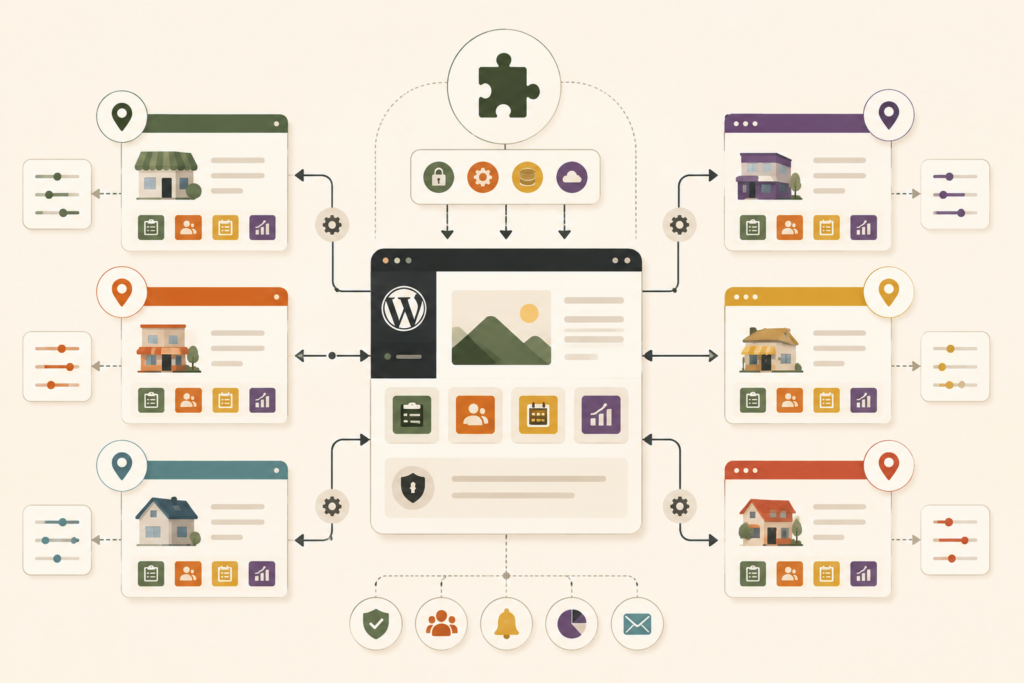
Examples:
- pricing
- lead routing
- product availability
- promotions
- quote settings
- booking rules
This central, local and hybrid model is often more useful to a decision-maker than starting with technical specifications.
Once those boundaries are clear, the WordPress Multisite Plugin Development requirement becomes much easier to scope.
Multisite plugin development checklist for business owners
Before commissioning anything, work through this checklist:
- ☐ How many WordPress sites are in the network today?
- ☐ How many could there be in two or three years?
- ☐ Which business processes should be identical everywhere?
- ☐ Which settings need to vary by location?
- ☐ What should only head office be allowed to change?
- ☐ What should local administrators control?
- ☐ Does every site need the custom feature?
- ☐ Do different brands or regions need different versions?
- ☐ What information needs to be visible at network level?
- ☐ Are there third-party systems that all sites must connect to?
- ☐ Who owns those external accounts and credentials?
- ☐ What happens when a new site joins the network?
- ☐ What happens when a location leaves?
- ☐ How will the plugin be tested before network-wide updates?
- ☐ Who will maintain the functionality after launch?
This is where WordPress Multisite Plugin Development stops being a vague request for “one plugin for all our sites” and becomes a clear operational project.
Common mistakes with multisite custom functionality
Assuming every setting should be global
Central control is useful until it prevents branches from doing their jobs.
Decide deliberately what should vary.
Giving local administrators too much control
The opposite problem is allowing important network functionality to be changed independently at every site.
That recreates the inconsistency you were trying to remove.
Treating every site as identical
A Johannesburg branch and a London branch may belong to the same organisation while still requiring different information, services or processes.
Design for legitimate variation.
Ignoring future locations
A WordPress Multisite Plugin Development project designed around five hardcoded sites may become painful when site number six arrives.
Plan around how sites are added rather than only around the current network.
Making one plugin responsible for everything
Centralisation does not mean one enormous plugin should absorb every feature across the organisation.
Keep functionality focused and maintainable.
Updating the entire network without proper testing
A benefit of shared functionality is that one change can affect many sites.
That is also the risk.
A staging and testing process becomes particularly important when a network depends on custom functionality.
For ongoing WordPress updates, testing and support, VVRapid’s Website Maintenance & Care service is relevant:
Performance and hosting matter more as the network grows
A larger WordPress network can place different demands on hosting than a small standalone website.
The exact requirements depend on traffic, plugins, database activity, integrations, background tasks and how the sites are used.
This is another reason to avoid treating WordPress Multisite Plugin Development as an isolated coding project.
The plugin, network structure and hosting environment need to make sense together.
Performance-conscious development should avoid unnecessary work across the entire network when an action only concerns one site.
Hosting should also have enough capacity for the traffic and workload the network generates.
VVRapid’s LiteSpeed WebServer Hosting can be reviewed.
How VVRapid can help
VVRapid builds custom WordPress functionality for businesses whose requirements no longer fit neatly into off-the-shelf plugins.
For WordPress Multisite Plugin Development, that could mean shared workflows, branch-specific settings, network dashboards, integrations, permissions or functionality that needs to behave consistently across many related websites.
The starting point is deciding what belongs at network level and what individual sites should control.
Multi-site and multi-tenant requirements may need a custom scope rather than a standard plugin package.
View VVRapid’s Custom Plugin Development service.
FAQ: WordPress Multisite Plugin Development
What is WordPress Multisite Plugin Development?
WordPress Multisite Plugin Development is the creation of custom WordPress functionality designed specifically for a network containing multiple sites. The functionality may work network-wide while still allowing selected settings or behaviour to differ between individual sites.
Is WordPress Multisite suitable for franchises?
It can be a strong fit when franchise websites share branding, functionality, business processes or integrations while individual locations still need control over local information. The right structure depends on how independent each franchise site needs to be.
Can one plugin work across every site in a WordPress Multisite network?
Yes. WordPress supports network-level plugin activation. A custom plugin can also be designed to use network settings, site-specific settings or a combination of both depending on the business requirement.
Can each site have different settings?
Yes. WordPress Multisite Plugin Development can be structured so that some values are controlled centrally while others are configured for individual sites.
Is WordPress Multisite the same as hosting several WordPress websites?
No. Multisite is a network of sites running within one WordPress installation. Several separately installed WordPress websites remain independent installations even if they share the same hosting account.
When should a business consider WordPress Multisite Plugin Development?
Consider it when related WordPress sites repeatedly need the same custom feature, business rule, integration or workflow, particularly when maintaining the functionality separately on every site is creating unnecessary administration or inconsistency.
Final thought
Running five websites is not automatically a multisite problem.
Neither is running fifty.
The real question is how much those websites need to operate as a network.
If each site is completely independent, keep that independence.
But if every branch, franchise or brand needs the same core functionality, the same integrations and the same operating rules, maintaining those systems separately can become unnecessary work.
That is where WordPress Multisite Plugin Development can become valuable.
One shared functional foundation.
Enough central control to keep the network consistent.
Enough local flexibility for individual sites to remain useful.
That balance is far more important than simply having one plugin installed everywhere.