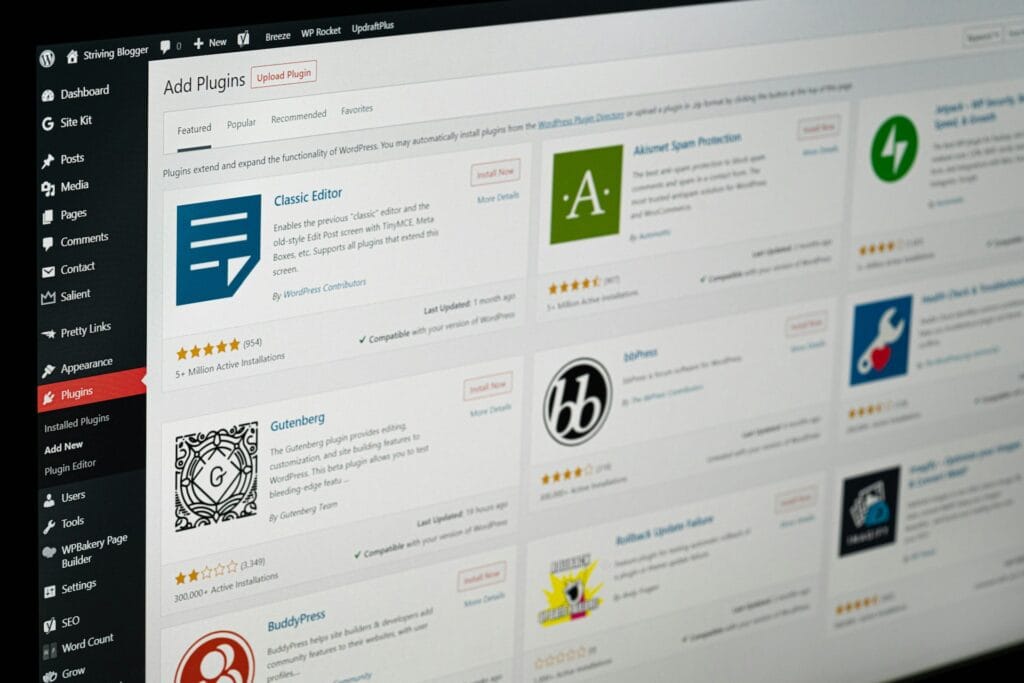
WordPress plugin technical debt builds up slowly. At first, it looks like a practical way to solve small website problems quickly. Add one plugin for forms, another for popups, another for redirects, another for CRM sync, another for reports, and your site still appears to be working. The trouble starts when those shortcuts pile up and the website becomes harder to update, slower to manage, and more fragile than it looks.
Table of Contents
For many small businesses, the issue is not that plugins are bad. WordPress itself is built to be extended. The real problem is when too many overlapping tools, unsupported add-ons, or awkward workarounds start carrying business-critical functionality. That is usually the point where a site has moved from useful flexibility into technical debt. In practical terms, this is often where plugin bloat in WordPress starts to affect real business decisions, not just technical ones.
What WordPress plugin technical debt actually means
WordPress plugin technical debt is the hidden cost created when a website relies on too many short-term plugin choices, overlapping tools, undocumented fixes, or outdated components. The site may still function, but every future change becomes harder, riskier, or more expensive than it should be.
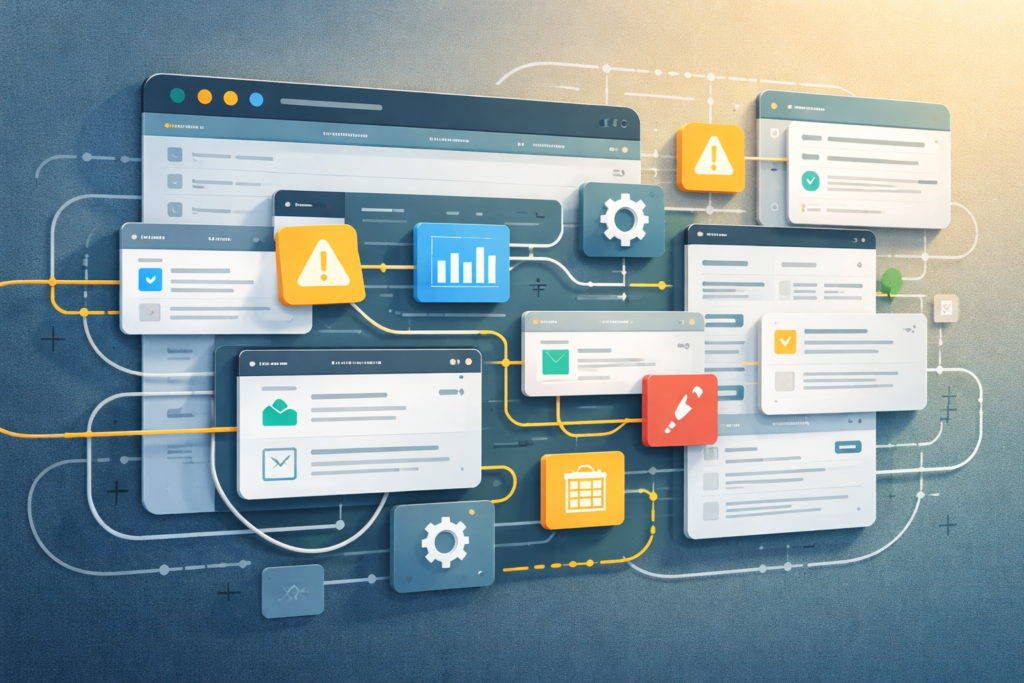
This often happens for sensible reasons:
- the business needed something live quickly
- a plugin looked cheaper than custom work
- nobody expected the site to become so important
- each new tool solved one immediate pain point
- no one stepped back to review the whole stack
The result is not always obvious from the front end. A website can look polished while the back end is held together by conflicting plugins, duplicate features, manual workarounds, and settings nobody wants to touch.
Think: the problem is not one plugin. The problem is a plugin stack that no longer behaves like a system you can manage confidently.
Why off-the-shelf tools become a problem over time
Off-the-shelf tools are useful. They often make sense early on. But they are designed for broad use cases, not always for your exact business process.
As your site grows, the gaps start to show:
- one plugin handles most of the need
- a second plugin fills part of the missing gap
- snippets are added to force them to work together
- staff end up doing manual checks around the software
- updates become stressful because too much depends on too many moving parts
That is when generic convenience starts turning into operational drag. It is also where the debate around custom plugin vs off the shelf tools becomes more relevant. Early on, off-the-shelf tools often feel efficient. Later, they may create friction that a more focused approach would avoid.
VVRapid’s Custom Plugin Development page reflects this clearly. It focuses on WooCommerce add-ons, automation, third-party API integrations, and custom admin tools that fit how a business actually works, instead of relying on bloated one-size-fits-all plugins.
WordPress plugin technical debt: the warning signs to watch for
1. Your site has multiple plugins doing similar jobs
If you have two or three plugins covering overlapping features, that is often the earliest sign of WordPress plugin technical debt. It usually means no single tool fits properly anymore.
Examples:
- two SEO-related tools active at different times
- multiple form tools
- a page builder plus extra design add-ons plus custom CSS layers
- several admin utility plugins doing what one focused solution should handle
This is one of the clearest signs of too many WordPress plugins. Overlap increases confusion, slows troubleshooting, and creates unnecessary maintenance work.
2. Updates feel risky every time
If routine updates feel like a gamble, your stack is telling you something.
A healthy site should still be handled carefully, but it should not feel like one update might break checkout, forms, permissions, reporting, or lead flow. When fear of updates becomes normal, the site is usually too dependent on brittle plugin interactions.
This is also where WordPress maintenance risk becomes visible. The more moving parts you rely on, the more likely it is that updates, compatibility changes, or abandoned features will create unexpected problems.
3. Important tasks depend on manual workarounds
A staff member exports data from one plugin, cleans it in a spreadsheet, re-enters part of it elsewhere, and checks a message to confirm the process worked. That is not just admin friction. It is technical debt showing up as wasted human time.
This is often the stage where a custom workflow, integration, or admin tool would save more than another plugin ever will.
4. Nobody is fully sure what each plugin does
If your team cannot confidently answer:
- what this plugin does
- why it was installed
- what depends on it
- whether it is still needed
then your website has a visibility problem.
This is also the stage where outgrown WordPress plugins becomes the right description. A plugin that once solved a simple need may no longer match the scale, process, or complexity of the current business.
5. Small changes now take too long
A simple request like “add one field,” “change one role permission,” or “adjust one workflow” should not turn into a mini project every time.
When that starts happening, the issue is rarely the request itself. It is the complexity underneath. Every new change has to tiptoe around the old stack.
This is often made worse by plugin conflicts in WordPress, where one change affects another tool in ways that are hard to predict.
6. Your admin area feels bloated and confusing
If your team dreads logging into WordPress because the dashboard is cluttered, settings are scattered, and plugin menus keep multiplying, that is a strong sign the site has outgrown its current approach.
This is what plugin bloat in WordPress looks like from a day-to-day business perspective. It is not always dramatic, but it drains time, focus, and confidence.
7. Performance is becoming harder to protect
Plugin bloat is not the only cause of a slow site, but it often contributes to it. More scripts, more database calls, more conflicts, and more feature overhead can all make performance tuning harder than it needs to be.
That is where related support like LiteSpeed WebServer Hosting can help on the hosting side, but sometimes the real fix is simplifying the plugin stack itself.
A practical checklist
Use this checklist to assess whether WordPress plugin technical debt is starting to affect your site:
- ☐ Do we rely on several plugins for one business process?
- ☐ Are updates delayed because we are worried something will break?
- ☐ Do staff use manual workarounds to connect tools?
- ☐ Are there plugins we no longer fully understand?
- ☐ Does the admin area feel crowded or inconsistent?
- ☐ Have we added snippets just to make plugins cooperate?
- ☐ Is the website becoming harder to hand over to another developer?
- ☐ Does a small change now take longer than it should?
- ☐ Are there important features tied to unsupported or rarely updated tools?
- ☐ Would a simpler custom solution replace several moving parts?
If you answered yes to multiple questions, it is probably time for a review and possibly a WordPress plugin stack cleanup.
Common mistakes
Assuming more plugins always means more flexibility
Sometimes it means the opposite. Too many dependencies can reduce flexibility because every decision has to work around everything already installed.
Treating plugin debt as only a developer problem
It is a business problem too. Plugin debt affects speed, security, admin time, reporting quality, and customer experience.
Waiting for a major break before acting
By the time something fails publicly, the hidden cost has often been building for months.
Trying to fix a messy stack by adding another plugin
This is probably the most common mistake. It feels productive, but it often compounds the original issue.
Ignoring maintenance discipline
A plugin-heavy site needs even more clarity around updates, testing, backups, and review cycles. That is why Website Maintenance & Care belongs in the conversation. Good small business WordPress maintenance is not just about updates. It is about keeping the whole site understandable and supportable.
When to consolidate, replace, or build custom
Not every plugin problem requires custom development. Sometimes the answer is simply removing unused tools, replacing weak plugins, or documenting the stack properly.
A practical decision path looks like this:
Consolidate when:
- you have multiple plugins doing similar work
- some tools are clearly redundant
- the process can be simplified without changing core workflows
Replace when:
- a plugin is poorly supported
- updates are inconsistent
- the feature set is awkward for your use case
- the plugin creates regular conflicts
Build custom when:
- the workflow is central to your business
- your team keeps forcing generic tools to fit
- integrations are fragile
- admin usability is poor
- you need a cleaner long-term setup
In many cases, a structured WordPress plugin stack cleanup comes before custom development. You may not need a rebuild. You may just need fewer, better, more suitable tools.
This is where Digital Strategy Roadmaps can also help. Sometimes the best next step is not “build now,” but clarify what the site should actually do over the next year.
A simple example
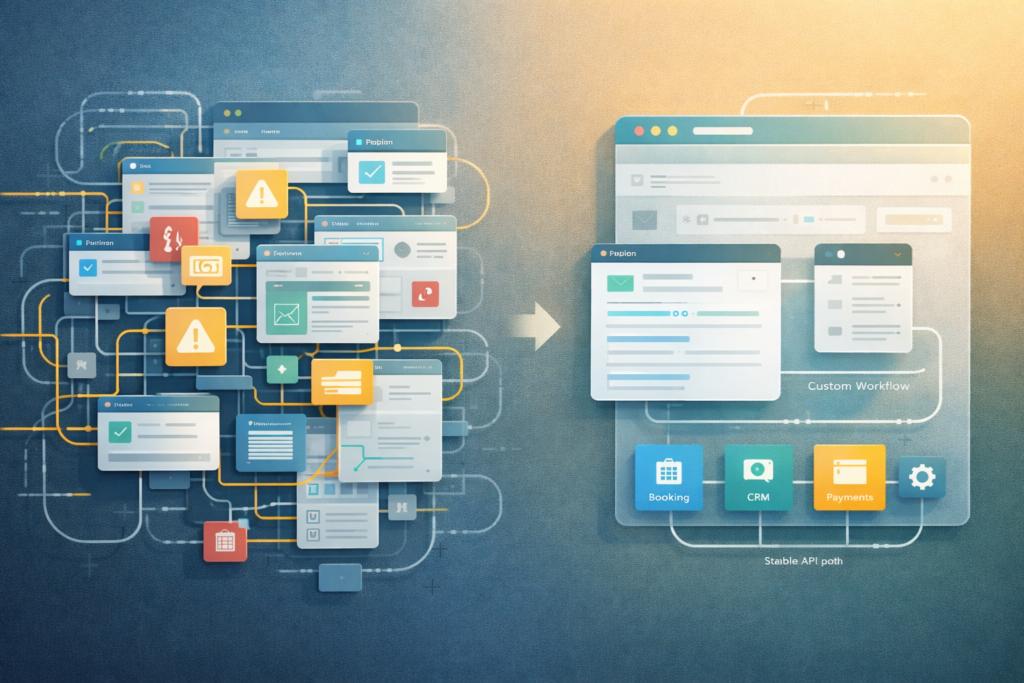
Imagine a growing service business with:
- one booking plugin
- one payments plugin
- one CRM connector
- one automation plugin
- one notifications plugin
- a handful of snippets holding the workflow together
Each tool made sense individually. Together, they now support a lead-to-booking process that the business depends on daily.
Then one plugin changes its API, another pushes an update, and a staff member notices leads are no longer syncing properly.
This is not just a plugin issue. It is WordPress plugin technical debt affecting revenue operations.
In a case like that, reviewing the workflow and possibly replacing fragile combinations with a cleaner integration or custom plugin logic is often the smarter move.
What this means for SEO, stability, and growth
A cluttered plugin stack does not just affect developers. It can affect crawlability, uptime, page experience, and content operations too. A site that is unstable, difficult to update, or slowed down by unnecessary complexity puts growth at risk.
This matters even more for teams managing small business WordPress maintenance without internal technical support. They often need systems that are simpler, not just cheaper.
That is one reason plugin debt should be seen as part of broader website strategy, not just maintenance. Support from Fractional Digital Team → can make sense for businesses that need regular technical and strategic oversight without building an internal team.
How VVRapid can help
If your site feels like it has outgrown off-the-shelf tools, VVRapid can help assess what should be removed, consolidated, replaced, or built more cleanly. The aim is not to turn every plugin problem into a custom build. It is to reduce friction, simplify the stack, and support the workflows that actually matter to your business.
That might mean a focused plugin, a lean integration, or a staged WordPress plugin stack cleanup before development starts. In some cases, the right answer is a custom workflow. In others, it is simply reducing plugin sprawl and lowering WordPress maintenance risk.
FAQ: WordPress Plugin Technical Debt
Is WordPress plugin technical debt only a problem on large websites?
No. Small businesses often feel it sooner because fewer people are available to troubleshoot fragile setups.
Are off-the-shelf plugins bad?
No. Many are useful and appropriate. The problem is relying on too many overlapping or awkward tools for business-critical workflows.
How do I know if my site has outgrown its plugin stack?
If updates feel risky, the admin area feels bloated, and important tasks depend on workarounds, your site has probably outgrown its current setup.
Should every plugin debt problem be solved with custom development?
No. Sometimes the best fix is simplification, replacement, or a better maintenance process.
Can plugin debt affect SEO?
Yes. It can contribute to instability, slower performance, and publishing friction, all of which can affect how well a site supports search visibility.
Final thought
WordPress plugin technical debt is rarely caused by one bad decision. It is usually the result of many reasonable decisions made without a later cleanup.
That is the good news too.
Because once you can see the pattern, you can fix it.
Start by reviewing what your site really needs, what your team is working around, and which tools are creating more friction than value. If you are dealing with too many WordPress plugins, repeated update anxiety, or growing plugin conflicts in WordPress, it may be time to simplify before the problem grows further.
Then visit Custom Plugin Development or reach out to VVRapid for a practical next-step review.