
SEO for new websites is less about shortcuts and more about getting the right basics in place early. In the first 90 days, you are trying to make the site understandable, crawlable, useful, and aligned with the services or products you actually want to grow. Google’s own guidance makes this point clearly: there is no guarantee of inclusion in Search, but sites that follow Search Essentials and SEO best practices are more likely to show up in results.
Table of Contents
A lot of businesses launch a site and assume SEO starts later. That is usually where avoidable problems begin. Weak page structure, vague service pages, messy URLs, missing Search Console setup, and thin launch content can all slow things down before your site has really had a chance.
Why SEO for new websites matters early
A new website does not have history on its side.
It has no established search visibility, limited trust signals, and usually very little data. That means your early decisions carry more weight than many business owners realise.
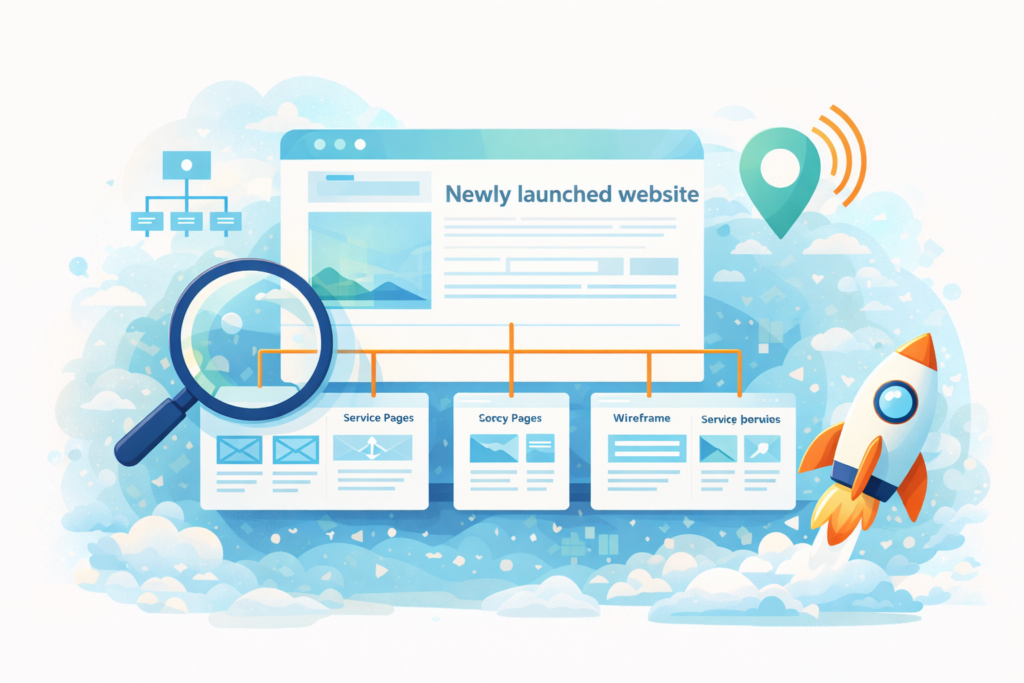
SEO for new websites matters in the first 90 days because this is when you shape:
- site structure
- URL logic
- service and location page quality
- internal linking
- indexing setup
- tracking and monitoring
Google recommends descriptive, logical URL structures that are understandable to people and search engines, and it provides tools like Search Console to submit sitemaps, inspect URLs, and monitor coverage and performance.
That does not mean you need a huge site on day one.
It means the pages you do launch should be clear, purposeful, and easy to build on later.
What SEO for new websites should focus on first
In the early stage, the goal is not to publish everything.
The goal is to launch the right core pages and make sure search engines can understand them.
For most small business sites, SEO for new websites should focus on five priorities:
1. Clear website structure
Your main navigation, page hierarchy, and internal links should make sense to a new visitor.
2. Strong core pages
Your service pages, location pages if relevant, and main trust pages should do real work.
3. Clean technical setup
Search Console, sitemap submission, indexability checks, mobile usability, and performance should be handled early.
4. Useful launch content
A site with only a homepage and a contact page is rarely enough.
5. Realistic measurement
You need a way to track what gets indexed, what starts showing up, and where the first traction appears.
The first 30 days: setup and foundations
The first month is about getting the site into a healthy starting position.
Build the right page set
For many service businesses, a smart launch set includes:
- Home
- About
- Contact
- One page per core service
- One page per key location, if local SEO matters
- FAQs or process page
- Privacy Policy and other essential trust pages
This is also the point where Website Design & Development matters. A good build is not just visual. It needs clean structure, sensible navigation, and pages that can support growth later.
Keep URLs simple
Google recommends making URL structures easy to understand and using your audience’s language in the URL. It also recommends hyphens to separate words.
So instead of:
- /services123/page2
- /seo?new=true
- /best-service-page-final-version
Use:
- /search-engine-optimisation/
- /website-design-development/
- /plumbing-services-cape-town/
Short, descriptive, stable URLs are easier to manage and easier to build links around.
Set up Search Console
Google describes Search Console as a free service that helps you monitor, maintain, and troubleshoot your site’s presence in Google Search. It also lets you submit sitemaps and inspect individual URLs.
In practice, for SEO for new websites, that means:
- verifying the site
- checking that the right property is being tracked
- submitting your sitemap
- checking that key pages are discoverable
- reviewing indexing status once pages are live
Submit your sitemap
Google’s documentation explains how to build and submit a sitemap, and its Search Console help page notes that submitting a sitemap means telling Google where to find it.
This is not magic. It does not force rankings.
But it does help Google discover the site structure you want it to crawl.
Make sure important pages are indexable
Do a simple launch check:
- key pages are not blocked
- no accidental noindex tags
- canonical setup makes sense
- the live pages are actually the pages you want crawled
This is where early technical care prevents silly problems later.
Days 31 to 60: pages, content, and internal links
Once the foundations are in place, SEO for new websites moves into content quality and page usefulness.
Improve service pages
Many new websites launch with service pages that look neat but say very little.
That is a missed opportunity.
A useful service page should explain:
- who the service is for
- the problem it solves
- what is included
- what the process looks like
- what happens next
If you are launching with only placeholder-level service pages, expect slower progress.
Add supporting content
You do not need a massive blog on day one. But you do need enough content to support your main pages.
Good early support content often includes:
- FAQs
- pricing guidance
- process explainers
- common mistakes
- comparison or decision-support articles
This is where Socials, Blogs & Article Writing can fit naturally if the launch content is too thin or your team does not have time to write useful support pages.
Create internal links on purpose
A new website should not feel like isolated pages floating in space.
Your home page should link to key service pages. Service pages should link to relevant support content. Related pages should connect where it helps the reader.
This helps with navigation, and it also helps search engines understand the relationship between pages.
For SEO for new websites, internal links are one of the easiest things to get right early and one of the most annoying to fix later if ignored.
Check for early query signals
By the second month, you may start seeing some visibility in Search Console.
Do not panic if the data is light.
At this stage, the win is often just seeing:
- pages getting indexed
- impressions beginning to appear
- queries starting to match your services
- the right pages getting discovered first
That is useful feedback.
Days 61 to 90: optimisation and traction
The third month is where SEO for new websites becomes more strategic.
You now have enough of a base to review what is getting attention and what needs adjustment.
Review what Google is actually seeing
Search Console can help you understand how Google crawls, indexes, and serves your site.
Look at:
- which pages are indexed
- which pages are appearing in performance data
- whether the pages showing up are the ones you intended
- whether titles and descriptions are pulling clicks
Sometimes a page you thought would be central barely shows up, while another page starts attracting impressions earlier than expected. That is a clue, not a failure.
Tighten titles and intros
If a page has impressions but weak clicks, refine the title and opening section.
Make the page:
- clearer
- more specific
- closer to real search intent
- less generic
This is usually more effective than rewriting everything from scratch.
Expand thin pages
By this point, weak pages become obvious.
Add:
- missing FAQs
- examples
- trust-building detail
- stronger internal links
- clearer next steps
If the site is showing early opportunity but your team cannot keep pace with the updates, this is often where Search Engine Optimisation support starts to make sense.
Check performance and maintenance basics
A new site that becomes slower, breaks after plugin updates, or develops technical clutter can lose momentum quickly.
That is where Website Maintenance & Care fits naturally. It supports the implementation side of SEO for new websites by helping keep pages updated, links working, and technical issues from piling up.
Hosting quality matters too. If performance and stability are priorities from the start, LiteSpeed WebServer Hosting can support a better technical foundation.
A 90-day checklist for SEO for new websites
Use this checklist as your working baseline:
- □ Launch a clear page structure
- □ Create one page per core service
- □ Build clean, descriptive URLs
- □ Verify Google Search Console
- □ Submit the sitemap
- □ Check important pages are indexable
- □ Add internal links between key pages
- □ Publish helpful support content
- □ Review Search Console after launch
- □ Improve pages that get impressions first
- □ Expand thin content by month two
- □ Tighten titles and intros by month three
- □ Fix technical issues before they stack up
- □ Keep expectations realistic
Common mistakes
Launching with too few pages
A beautiful website with almost no usable content gives Google and users very little to work with.
Using vague service pages
If every service page sounds the same, SEO for new websites becomes harder because nothing feels distinct.
Making URL structures messy
Changing URL logic repeatedly after launch creates avoidable work and confusion.
Ignoring Search Console
You do not need to obsess over it, but you do need visibility into what is being indexed and shown.
Publishing blog posts before fixing core pages
Supporting content is useful, but not if your main money pages are weak.
Expecting fast rankings everywhere
A new site needs time. The first 90 days are often about setup, indexing, and early signals, not instant dominance.
What results are realistic in the first 90 days
This is where many business owners get frustrated.
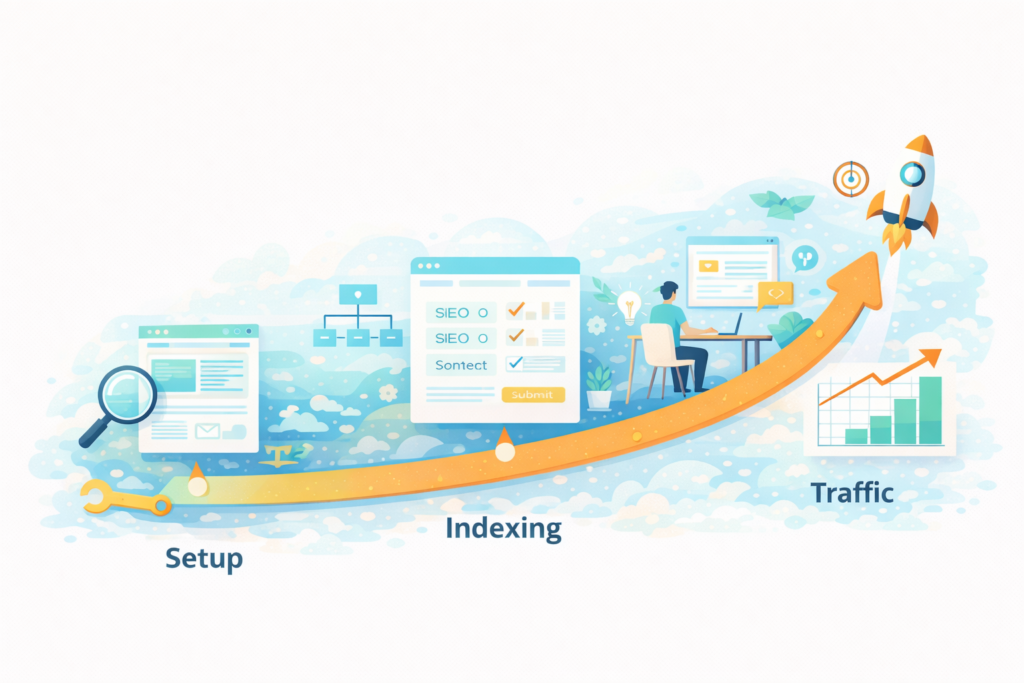
SEO for new websites can absolutely start well in the first 90 days, but “well” usually means:
- clean indexation
- early impressions
- a few ranking footholds
- some long-tail visibility
- clear signals about what to improve next
It does not usually mean ranking number one for your most competitive terms immediately.
A better mindset is this: the first 90 days are where you reduce friction and build the platform for future growth.
When to do this in-house and when to get help
DIY can work if:
- the site is small
- your offer is simple
- you have time to improve pages consistently
- someone on the team can manage Search Console and content updates
You may want help if:
- the launch structure is already messy
- your pages feel thin or too generic
- technical issues are slowing things down
- you do not know what to prioritise first
- the site is live but not gaining any useful traction
This is where Digital Strategy Roadmaps can help if you need a clearer launch-to-growth plan rather than random SEO tasks.
How VVRapid can help
VVRapid can help new websites start with a stronger structure instead of trying to patch problems later.
That may include planning launch pages, improving service copy, setting up Search Console, tightening internal links, and identifying what to prioritise in the first 90 days. Website Design & Development helps at the build stage, Search Engine Optimisation helps once visibility and growth become the focus, and Website Maintenance & Care helps keep implementation moving.
The aim is simple: launch with fewer weak points, build useful visibility earlier, and create a site that is easier to grow.
FAQ: SEO for new websites
How long does SEO take for a new website?
It varies by industry, competition, and site quality. In the first 90 days, the main goals are often indexation, relevance, and early traction rather than major rankings.
Should I submit a sitemap on a new website?
Yes. Google provides guidance for building and submitting a sitemap, and Search Console allows you to submit it for crawling.
Is Google Search Console necessary for a new website?
It is not required for inclusion in Google Search, but Google says it helps you monitor, maintain, and troubleshoot your site’s presence in search.
How many pages should a new small business website launch with?
Enough to explain your core services clearly. For many businesses, that means home, about, contact, one page per core service, and a few trust or support pages.
Should I start blogging immediately?
Only after your main pages are strong enough. Core service pages usually deserve attention before a heavy blog push.
What is the biggest early SEO mistake?
Launching a site that looks finished visually but is still thin, unclear, or poorly structured from a search perspective.
If you are launching a new site, focus on getting the first 90 days right rather than trying to do everything at once. For hands-on support, view the Search Engine Optimisation service page or contact VVRapid through the website.