Creating an app prototype before development helps you test your idea, improve the user flow, and avoid spending money on features people do not need. Before you invest in a full build, a prototype gives you a practical way to see how the app should work, where users might get confused, and what should be included in the first version.
Table of Contents
Many founders and business owners begin with a strong idea but an unclear product shape. They know the problem they want to solve. They may even know the audience. What they often do not know yet is how the screens should connect, what the user should do first, which features are essential, and where the idea might break in real use.
That is why an app prototype before development is so valuable. It turns the idea into something people can click, review, and respond to before code is written. It is one of the simplest ways to reduce risk during app planning.
If you are still shaping the idea and need help deciding what should be built first, VVRapid’s Digital Strategy Roadmaps can help clarify the product direction before development begins.
Why create an app prototype before development?
An app prototype before development helps you test how an idea works before committing to the full build. It is not just a design exercise. It is a decision-making tool.
A prototype can help you answer important questions such as:
- does the idea make sense to users?
- can people complete the main task without help?
- are the screens in the right order?
- is the app solving the right problem?
- which features are essential for phase one?
- what can wait until later?
- does the user experience feel simple enough?
Without a prototype, teams often move into development with too many assumptions. Those assumptions can become expensive once developers are building features, databases, dashboards, integrations, and user permissions.
A clickable prototype gives everyone something concrete to discuss. Instead of debating abstract ideas, you can test actual screens and user journeys.
For businesses planning a new product, portal, dashboard, or MVP, VVRapid’s App Design & Development service is designed to help turn practical ideas into usable digital products.
Prototype vs MVP vs finished app
These terms are often used together, but they are not the same thing.
Prototype
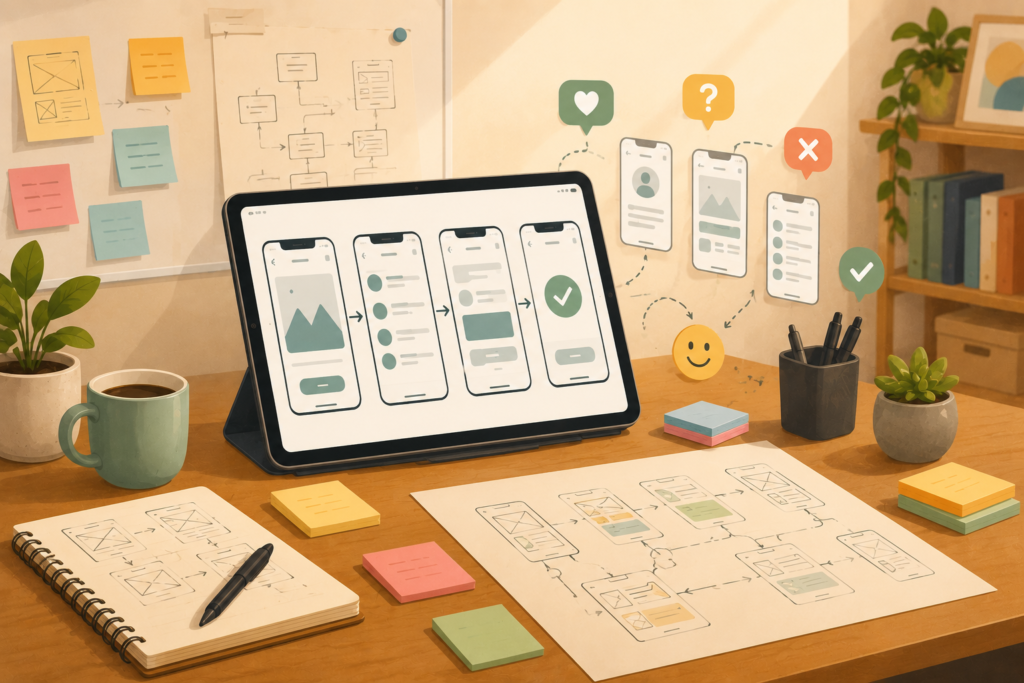
A prototype is a visual or clickable version of your app idea. It may include wireframes, mockups, user flow, sample screens, and basic interactions. It usually does not include real data, live accounts, payment systems, or working backend logic.
The goal is to test the experience before development.
MVP
An MVP, or minimum viable product, is a working first version of the app. It includes enough real functionality for users to complete the main task. It is not the final app, but it is functional.
The goal is to launch, learn, and improve.
Finished app
A finished app is a more complete product with polished features, integrations, security, admin tools, reporting, support workflows, and a stronger user experience. In reality, most successful apps are never truly “finished” because they continue improving based on user behaviour.
An app prototype before development sits before the MVP. It helps you decide what the MVP should include.
What to include in your first prototype
Your first prototype should not try to show every possible feature. It should focus on the core journey.
Think about the one main thing the user needs to do. For example:
- book a service
- submit a request
- create a profile
- upload documents
- approve a quote
- track a project
- manage a task
- view a dashboard
- message a business
- complete onboarding
Once you know the core action, build the prototype around that flow.
Essential prototype elements
A useful prototype usually includes:
- a simple homepage or starting screen
- onboarding or login screens, only if needed
- the main user dashboard
- the key action screen
- confirmation or success screen
- error or missing information state
- basic navigation
- one or two supporting screens
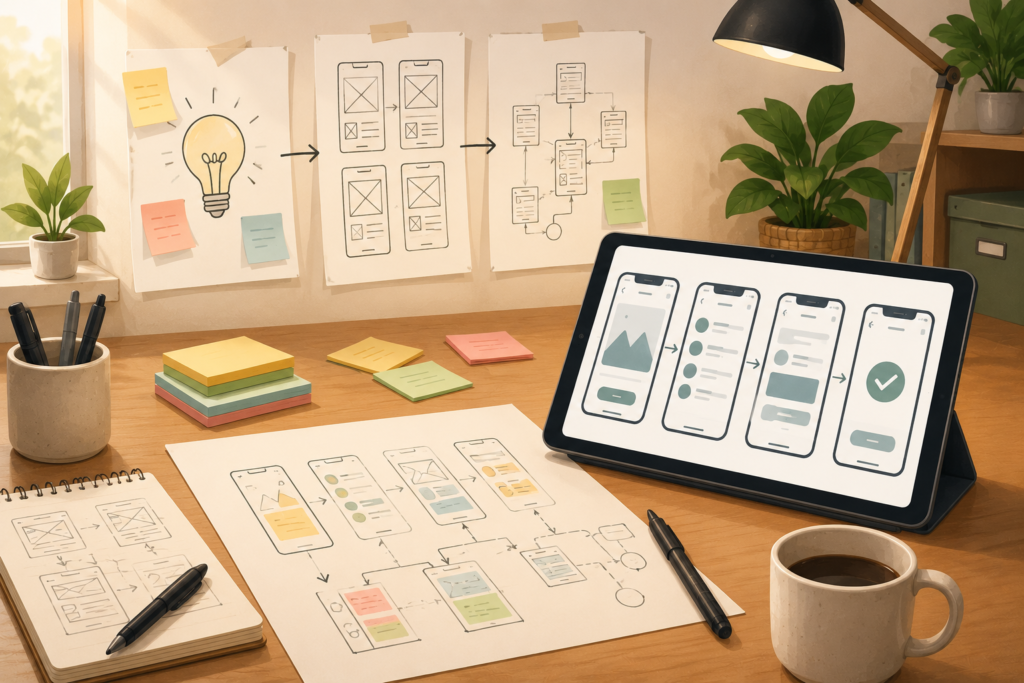
This is also where app wireframes are useful. Wireframes keep the focus on structure instead of colours, branding, and decoration. They help you test layout, content hierarchy, and user movement before visual polish distracts from the workflow.
How to map the user flow before designing screens
A strong user flow is the foundation of a good prototype.
Before designing individual screens, write the journey in plain language. For example:
- User lands on the app.
- User creates an account.
- User selects a service.
- User uploads details.
- User reviews the request.
- User submits the request.
- User receives confirmation.
- Admin reviews the request.
- User receives a status update.
This process reveals missing steps. It may show that you need document upload, secure login, user permissions, notifications, or a simple admin dashboard.
It also helps avoid unnecessary screens. Many app ideas become too complicated because every possibility is treated as essential. A prototype helps bring the focus back to the main task.
Good UX design is not about making screens look impressive. It is about helping users complete the right action with less effort.
How to test a clickable prototype with real users
A clickable prototype gives users something they can interact with. Even if the app is not built yet, users can click through screens and react to the experience.
Testing does not need to be complicated. Start with 3 to 5 people who match your target audience. Ask them to complete the main task without giving too many instructions.
For example, you might say:
“Imagine you need to request this service. Please use the prototype and show me what you would do.”
Then watch carefully.
Do they know where to click?
Do they understand the labels?
Do they get stuck?
Do they skip something important?
Do they ask questions the screen should have answered?
The goal is not to defend the design. The goal is to learn.
What to look for during prototype testing
Pay attention to:
- where users hesitate
- which labels confuse them
- whether they understand the next step
- which features they expect but cannot find
- whether the flow feels too long
- whether they understand the value of the app
- whether they would actually use it
This kind of MVP validation can prevent costly development mistakes. It is better to discover confusion during prototype testing than after launch.
Questions to ask during prototype review
After users test the prototype, ask simple, open questions.
Good questions include:
- what did you think this app was for?
- what felt easy?
- what felt confusing?
- what did you expect to happen next?
- was anything missing?
- was anything unnecessary?
- would this solve a real problem for you?
- how often would you use something like this?
- what would stop you from using it?
- what would make this more useful?
Avoid asking questions that lead users to agree with you. For example, “Do you like this feature?” often produces polite answers. A better question is, “What would you use this feature for?”
The more honest the feedback, the better your development scope will become.
Turning feedback into a better development scope
A prototype is only useful if the feedback changes your thinking. After testing, organise feedback into three groups.
Must fix before development
These are problems that affect the core user journey. For example:
- users cannot find the main action
- the flow is too confusing
- key information is missing
- the dashboard does not make sense
- the user does not understand the value
Improve if possible
These are useful improvements, but they do not block the main experience. For example:
- clearer button labels
- better ordering of sections
- simplified form fields
- improved help text
- more useful dashboard cards
Save for later
These are ideas that may be useful but should not delay the first version. For example:
- advanced reporting
- extra integrations
- multiple user dashboards
- automation that can wait
- complex notification preferences
- secondary features that do not support the first launch
This process keeps product discovery practical. It helps you move from a broad idea to a realistic first build.
If the prototype will later connect with landing pages, enquiry forms, or a marketing website, VVRapid’s Website Design & Development can help create a joined-up digital experience.
Common mistakes when prototyping an app idea
A prototype should make your idea clearer. These mistakes can make it misleading.
1. Making the prototype too polished too early
Beautiful screens can hide weak logic. Early prototypes should focus on flow, structure, and clarity. Visual design matters later, but the first priority is whether the app makes sense.
2. Testing with the wrong people
Feedback from friends, colleagues, or people outside your target audience can be useful, but it should not replace real user feedback. Test with people who would actually use or buy the app.
3. Including too many features
A prototype should test the main idea. If every possible feature is included, users may feel overwhelmed and the development team may receive an unrealistic brief.
4. Ignoring admin and business workflows
Many app ideas focus only on the customer-facing side. But the business also needs to manage requests, users, payments, documents, messages, approvals, or reports. A good prototype considers both user experience and operational workflow.
5. Treating prototype feedback as final proof
Positive feedback is useful, but it is not the same as market demand. A prototype helps validate usability and interest. A working MVP tests behaviour more deeply.
6. Skipping accessibility basics
Even at prototype stage, it helps to think about readable text, clear contrast, simple navigation, and logical structure. The W3C Web Accessibility Initiative ↗ is a useful reference for accessible digital experiences.
7. Forgetting security planning
A prototype may not need real security, but the future app might. If the idea includes secure login, customer data, payments, private documents, or role-based access, review security expectations early. The OWASP Top 10 ↗ is a helpful starting point for understanding common web application risks.
Checklist for a useful app prototype before development
Use this checklist before moving into development.
App prototype checklist
- □ define the main user and their problem
- □ write the core user flow in plain language
- □ identify the main action users must complete
- □ create low-fidelity app wireframes first
- □ turn the main flow into a clickable prototype
- □ include only essential screens
- □ test with real target users
- □ observe behaviour instead of only collecting opinions
- □ record where users hesitate or get confused
- □ remove unnecessary features
- □ update the prototype after feedback
- □ define the MVP feature list
- □ identify technical needs such as secure login, integrations, payments, or dashboards
- □ prepare a clear development scope
This makes an app prototype before development more than a design sample. It becomes a planning tool that helps you build with more confidence.
How long should prototyping take?
The timeline depends on complexity. A simple prototype for a small service app might take a short discovery phase and a few rounds of review. A more complex SaaS concept, marketplace, dashboard, or internal workflow system may need deeper planning.
The goal is not to spend forever prototyping. The goal is to learn enough to make the next decision.
A useful prototype should answer:
- what are we building first?
- who is it for?
- what problem does it solve?
- what screens are needed?
- what features are essential?
- what should not be built yet?
Once those answers are clear, development can begin with less guesswork.
How VVRapid can help
VVRapid can help turn an early idea into a practical prototype, user flow, and development plan. That may include product discovery, wireframes, clickable prototype design, app planning, MVP validation, and a clear development scope.
This is especially useful for founders and service businesses that know the problem they want to solve but need help shaping the first version. A prototype can also support investor conversations, stakeholder approval, internal planning, or customer testing before full development begins.
You can start with VVRapid’s App Design & Development service, or use Digital Strategy Roadmaps if you need to validate the direction before deciding what to build.
FAQ
What is an app prototype before development?
An app prototype before development is a visual or clickable version of an app idea. It helps test screens, user flow, and feature priorities before the full app is built.
Is a prototype the same as an MVP?
No. A prototype is usually not a working product. An MVP is a functional first version that real users can use. The prototype helps define what the MVP should include.
Do I need a clickable prototype?
A clickable prototype is very useful because it lets users test the flow more realistically. Static wireframes can help with planning, but clickable screens make feedback clearer.
How many screens should a prototype include?
Start with the screens needed for the main user journey. For many ideas, this might be 5 to 10 screens. Complex apps may need more, but the prototype should still stay focused.
Can a prototype reduce development costs?
Yes. It can reduce wasted development by revealing confusing flows, unnecessary features, missing requirements, and weak assumptions before coding begins.
Who should test the prototype?
Test it with people who match your target users. Internal feedback is useful, but real user testing gives more reliable insight into how the app will be understood.
An app prototype before development gives you a better way to test your idea before you invest heavily in building it. It helps turn assumptions into evidence, improves the user experience, and gives your development team a clearer path forward.
External sources used in this article (helpful resources)
- Source: W3C Web Accessibility Initiative ↗
- Source: OWASP Top 10 ↗