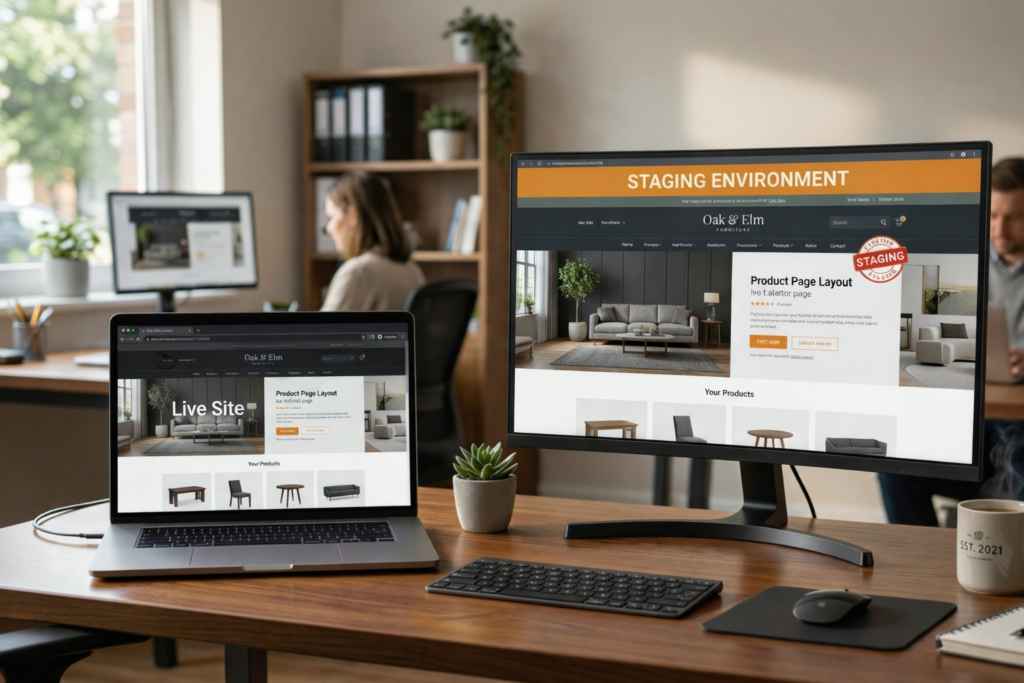
A WordPress staging site for small business owners can be extremely useful, but not every website needs one all the time. For some sites, a simple update process and good backups are enough. For others, a WordPress staging site is the safer option because it gives you a place to test changes before they go live and affect leads, sales, or customer trust.
Table of Contents
Many small business owners hear the term staging and assume it is only for developers or large companies. It is not. A staging site for business website management is simply a private copy of your live website where you can test updates, plugin changes, layout edits, or new features before the public sees them.
That sounds technical, but the business idea is straightforward. Test first. Publish second.
What is a WordPress staging site in plain language?
A staging site is a private version of your live website used for testing. It copies the design, structure, plugins, and content of the real site so you can check changes safely before pushing them live.
In practical terms:
- your live site is what customers see
- your staging site is where you test changes first
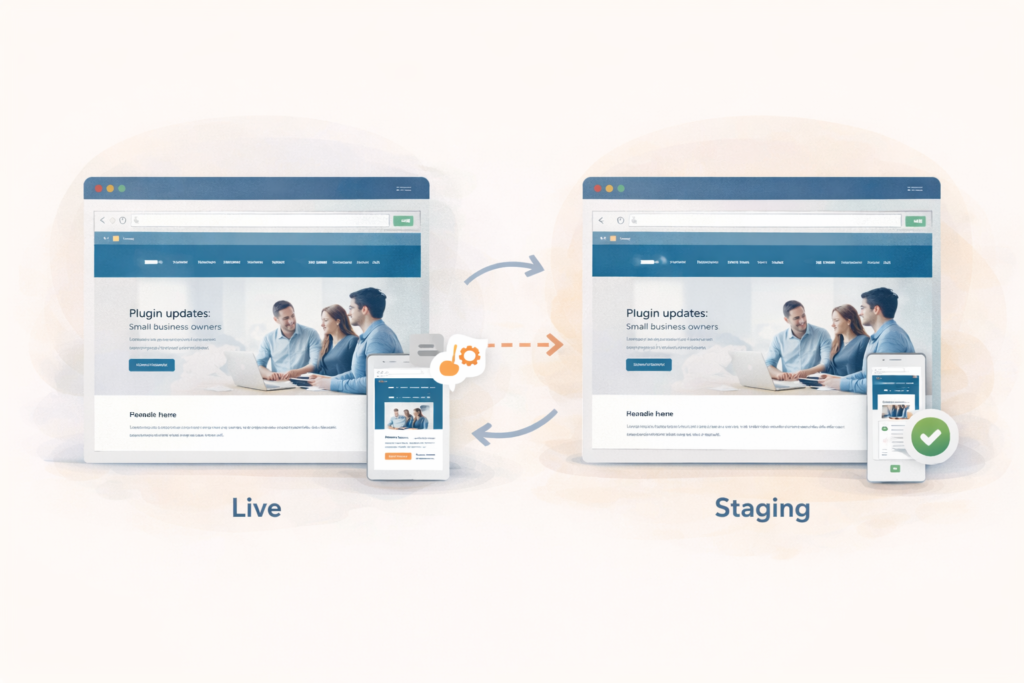
A WordPress staging site helps you check things like:
- plugin updates
- form submissions
- mobile layouts
- menu behaviour
- page speed changes
- booking flows
- checkout steps
- design tweaks
For a small business, this matters because problems often appear after normal maintenance, not only after a major rebuild.
Why a WordPress staging site for small business websites matters
A lot of website issues start with something small.
A plugin update shifts a layout. A form stops sending properly. A banner overlaps a button on mobile. A checkout page behaves differently after a payment plugin change. None of these sound dramatic, but they become very real when your site supports lead generation, bookings, campaigns, or online sales.
That is why a WordPress staging site for small business use matters. It creates a safer process around everyday website care.
It also answers a common question: when to use WordPress staging instead of updating directly on live.
The answer depends less on website size and more on business impact. A five-page site that brings in leads every week may need staging more than a twenty-page site that rarely changes and has no important functionality.
When you definitely need a staging site
1. Your website generates leads regularly
If people contact you through forms, landing pages, quote requests, or booking tools, you should take changes seriously. A staging site for business website use is valuable here because it lets you test those important paths before visitors run into problems.
This matters even more if you are investing in Search Engine Optimisation. There is little point in driving traffic to a page if the form, CTA, or contact journey has quietly broken.
2. You use several plugins or third-party integrations
The more moving parts your site has, the more helpful a WordPress staging site becomes.
Risk usually increases when your website relies on:
- contact form plugins
- SEO plugins
- caching tools
- security tools
- ecommerce add-ons
- booking systems
- popups
- page builders
- custom snippets
- CRM or email integrations
A single plugin update can affect something unrelated on the front end. Good WordPress update testing helps you catch that before it reaches real users.
3. Your site changes often
If your website is updated weekly, or even several times a month, pushing changes directly to live becomes harder to justify.
Frequent updates can include:
- plugin batches
- design refinements
- seasonal offer changes
- landing page edits
- new content sections
- performance tweaks
- integration adjustments
In these cases, a WordPress staging site for small business workflows usually makes sense because the risk of something slipping through rises with every change.
4. Downtime or breakage costs you money
This is one of the clearest ways to decide when to use WordPress staging.
Ask yourself:
- Would a broken contact form mean lost enquiries?
- Would a broken booking flow mean missed appointments?
- Would a checkout issue affect sales?
- Would a broken landing page waste ad spend?
If the answer is yes, staging becomes more than a technical nice-to-have. It becomes a sensible business control.
5. You have had update problems before
Past breakage is often the best warning sign.
If you have already experienced:
- page layout issues after plugin updates
- mobile display problems
- form failures
- checkout bugs
- odd theme conflicts
- missing design elements
- speed issues after optimisation changes
then your website has already shown that it benefits from better WordPress update testing before changes go live.
When you probably do not need a staging site
Not every website needs staging right away.
1. Your site is small and mostly static
A simple brochure-style website with a few pages, minimal functionality, and rare edits may not need a full staging workflow yet.
If the site:
- changes very rarely
- has no key form or booking path
- uses very few plugins
- does not support revenue directly
then careful updates and strong backups may be enough for now.
2. You only make very minor changes
Not every edit justifies staging.
Examples:
- correcting a typo
- swapping one image
- changing an opening time
- updating a phone number
- replacing a staff bio
A WordPress staging site is useful, but it should not make simple low-risk tasks unnecessarily slow.
3. Your plugin stack is lean and stable
Some websites are technically simple. They use a stable theme, a small number of plugins, and no complex integrations. In those cases, the balance may lean toward cautious live updates rather than a full staging setup.
4. Your current hosting or maintenance setup makes staging impractical
Sometimes a staging environment exists in theory but is clumsy in practice. If it is difficult to create, hard to sync, or annoying to test properly, a small business may be better off focusing first on backups, sensible maintenance, and a leaner site structure.
This is where LiteSpeed WebServer Hosting can be relevant, because hosting affects how easy it is to manage a proper staging workflow.
The real decision: business impact matters more than site size
A lot of owners ask the wrong question.
They ask, “Is my site big enough for staging?”
A better question is:
What happens if something breaks on live?
That is the real test.
If the answer is “not much,” then staging may not be essential yet.
If the answer is “we lose leads, waste campaign budget, confuse visitors, or damage trust,” then a staging site for business website management starts to look very worthwhile.
Think: the issue is not page count. It is risk.
What to test on a WordPress staging site
A staging site is only useful if you test the things that matter.
Good WordPress update testing should focus on:
- lead forms
- click-to-call buttons
- booking tools
- checkout steps
- thank-you pages
- mobile responsiveness
- menus and navigation
- popups and banners
- tracking or conversion events
- SEO elements after major plugin or template changes
A homepage check is not enough. Many site problems hide in forms, landing pages, or device-specific behaviour.
That is also why Website Maintenance & Care fits naturally into this conversation. Safe updating is not just about applying updates. It is about checking whether the site still works where it matters.
Checklist: do you need a WordPress staging site?
Use this quick checklist.
You probably do need a WordPress staging site for small business use if:
- your website generates regular leads or sales
- you run paid traffic to important pages
- you use multiple plugins or integrations
- your site changes often
- you have had update-related problems before
- a broken form or page would cost you money
- you want more reliable WordPress update testing before publishing
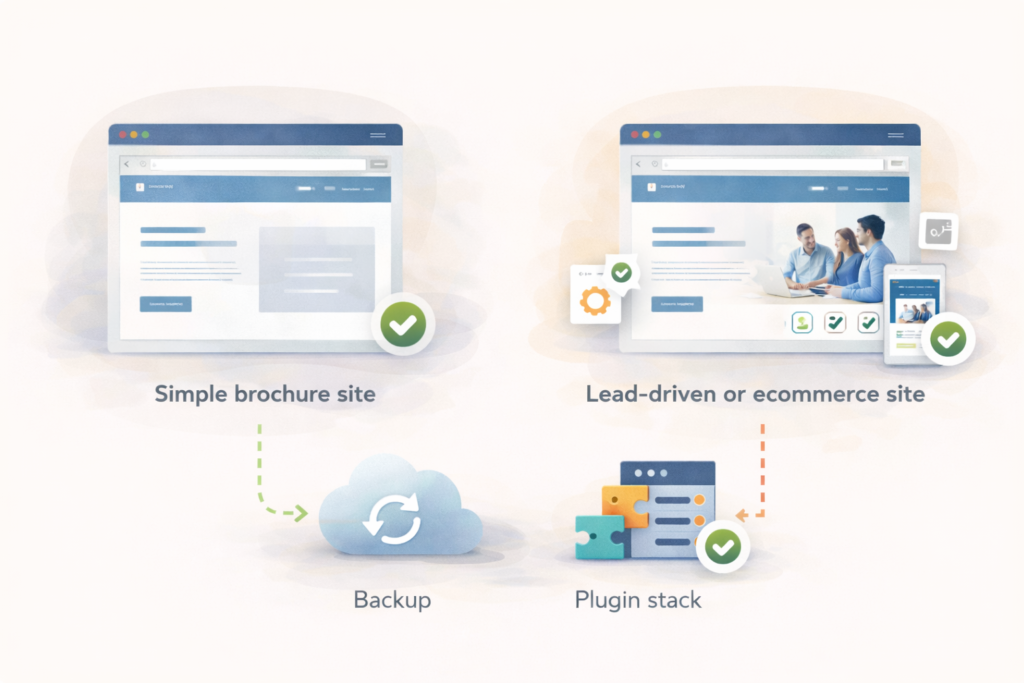
You may not need one yet if:
- your site is very simple
- changes are rare
- there are few plugins
- there is no key booking, sales, or lead path
- strong backups and careful updates match your current risk level
Common mistakes
Assuming staging is only for large companies
A small business website can benefit from staging just as much as a larger one if the website supports leads, bookings, or revenue.
Confusing backups with staging
Backups help you recover after something breaks. Staging helps you test before it breaks. Both are useful, but they do different jobs.
Testing only the homepage
A site can look fine on the homepage while forms, checkout paths, or landing pages fail elsewhere.
Updating directly on live because the change feels small
Many serious site issues begin with a “small” plugin update or quick design tweak.
Paying for staging but not using it properly
A WordPress staging site only helps if someone checks the critical journeys before changes go live.
Ignoring hosting and environment differences
If staging behaves differently from live because the environment is inconsistent, your testing may miss the real issue.
When to use WordPress staging as part of routine maintenance
Small businesses often ask when to use WordPress staging in day-to-day terms, not just as a broad concept.
A good rule is to use staging when you are:
- updating several plugins at once
- changing themes or template files
- editing important landing pages
- adjusting forms or automations
- changing checkout or booking flows
- working with custom code
- installing performance or security tools
- making design or structural changes
You may not need staging for every tiny text edit, but once a change affects user experience, conversions, tracking, or revenue, staging is usually worth the extra step.
How staging fits into a sensible maintenance workflow
A practical workflow often looks like this:
- Take a clean backup
- Create or refresh the staging copy
- Apply updates or changes in staging
- Run WordPress update testing on key pages and functions
- Push approved changes live
- Monitor the live site after release
This is a calmer way to manage website changes, especially for sites that support ongoing marketing or sales activity.
It also helps separate controlled maintenance from reactive firefighting.
Which small business websites benefit most?
A WordPress staging site for small business use is especially helpful for:
- service businesses with lead forms
- growing content-heavy sites
- businesses running Google Ads or social campaigns
- small ecommerce stores
- booking-based businesses
- websites with multiple contributors
- sites using custom functionality
- businesses making frequent content and plugin changes
A very simple site may not need staging immediately. A growth-stage site often does sooner than expected.
How VVRapid can help
VVRapid’s Website Maintenance & Care service already reflects a practical difference between lighter and more structured website care. For smaller sites with lower change frequency, a simpler maintenance setup may be enough. For more active or business-critical websites, staging becomes more relevant because testing before release reduces live-site risk.
That is where Website Maintenance & Care can support safer update handling, while Website Design & Development and LiteSpeed WebServer Hosting may also be relevant when staging, deployment, and site complexity overlap.
A WordPress staging site is not something to add because it sounds advanced. It is something to use when testing first is cheaper, safer, and smarter than fixing problems after they reach your visitors.
FAQ: WordPress staging site for small business
What is a WordPress staging site?
A WordPress staging site is a private copy of your live website used to test updates and changes before they go public.
Do all small businesses need a staging site for business website management?
No. Simple, low-risk websites with rare changes may not need staging yet. The need usually grows with complexity, update frequency, and business impact.
When to use WordPress staging instead of updating directly on live?
Use staging when a change affects forms, bookings, checkout, templates, plugins, design structure, or anything that could harm lead flow or customer experience.
Is staging the same as a backup?
No. A backup helps restore the site after something goes wrong. A staging site helps test changes before anything breaks on the live site.
What is WordPress update testing?
WordPress update testing means checking that key pages, features, and customer journeys still work properly after updates or changes, ideally before publishing them live.