
A case study page template for small business is one of the fastest ways to build trust without relying on big-brand logos or flashy promises. If your buyers are comparing you with two or three alternatives, a simple case study page can be the thing that turns “maybe” into “let’s chat”.
Table of Contents
Why case studies work (even when you do not have fancy metrics)
Most small businesses avoid case studies because they think they need:
- massive before-and-after numbers
- perfect analytics
- a long written testimonial
- permission to reveal everything
In reality, what buyers want is simpler:
- proof you have done this before
- confidence you understand the problem
- clarity on what you did and how you work
- reassurance that the outcome is realistic
A solid case study page template for small business gives you a repeatable way to show proof, even if some details must stay confidential.
If you are planning a new site or a refresh, case studies should be treated as conversion assets, not optional extras.: Website Design & Development
Case study page template for small business: what a “good” case study includes
A strong case study page is not long. It is structured.
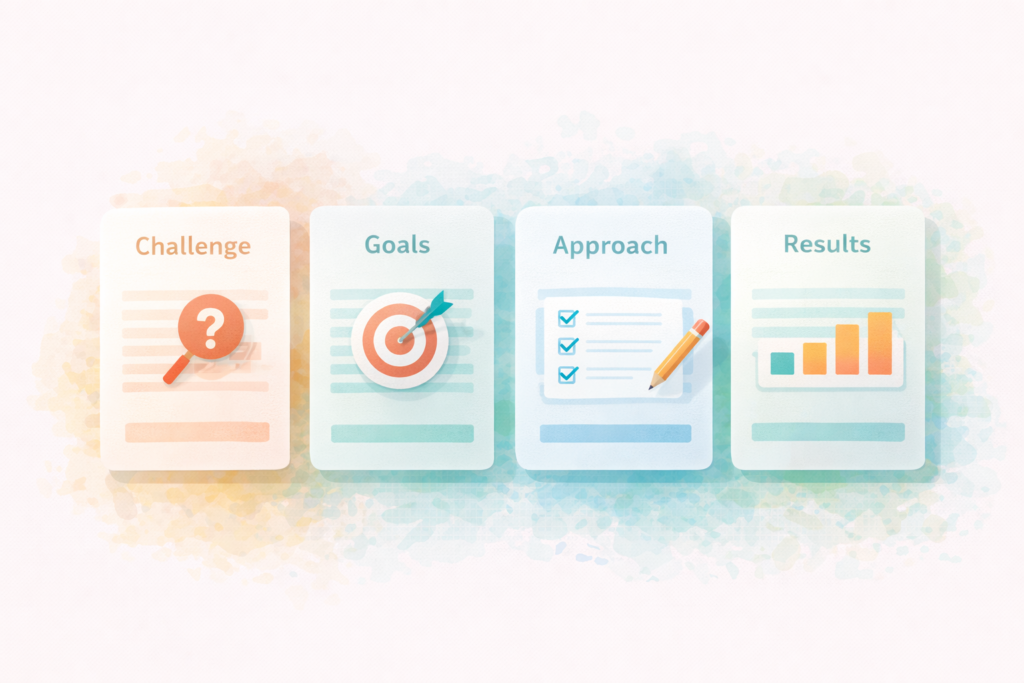
Your case study should answer these questions:
- Who was the client (without oversharing)?
- What was the problem, in real terms?
- What constraints mattered (budget, timeline, approvals, legacy tools)?
- What did you do (the approach, not every detail)?
- What changed (outcomes, proof, and signals)?
- What would you do again (learned insights)?
- What is the next step for someone similar?
That is the core of an effective case study page template for small business.
The case study page template for small business (copy-and-fill)
You can copy this structure into WordPress and fill it in for each project. Keep it consistent across all case studies so your site feels credible and easy to scan.
1) Title (Outcome + client type)
Examples:
- “Faster enquiries for a local accounting firm”
- “A cleaner booking flow for a wellness studio”
- “A more confident quote process for a home services business”
Avoid vague titles like “Project X”.
2) One-paragraph summary (the executive version)
Use a 3-sentence summary:
- who they were
- what they needed
- what changed
Example:
“[Client type] needed [problem]. We helped by [approach]. The result was [outcome/proof signal].”
3) Quick facts panel (scannable proof)
Add a small box near the top with 4 to 6 bullets.
Suggested fields:
- Industry
- Location or service area (if relevant)
- Timeline
- What we delivered
- Platforms/tools (optional)
- Key constraint (optional)
This is a small-business friendly proof format because it is factual, not salesy.
4) The challenge (what was really going wrong)
Be specific and honest. Include context.
Prompts:
- What was happening before?
- What was frustrating or broken?
- What did they try already?
- Why was it urgent now?
If possible, include 2 to 5 bullet points under the challenge.
5) Goals (what success looked like)
List 3 to 5 goals, short and concrete.
Examples:
- Make it easier to request a quote on mobile
- Reduce time spent answering the same questions
- Improve site speed and clarity
- Help the right customers self-qualify
- Support SEO for core services
6) Constraints (this section makes your work more believable)
This is the “real world” section. Buyers trust it because it sounds like their life.
Examples:
- tight launch timeline
- limited photography
- approvals from multiple stakeholders
- old content that needed rewriting
- existing pages that could not change much
- brand guidelines or compliance requirements
7) Approach (what you did, step by step)
Use 4 to 7 steps max.
Example approach layout:
- Audit and discovery
- Proposed structure and messaging
- Design and review
- Build and testing
- Launch and tracking
- Post-launch improvements
Keep it readable. This is where you show professionalism.
If your work includes content, note it clearly. If it did not, say that too. Clarity beats hype.: Socials, Blog & Article Writing Services
8) What we delivered (deliverables list)
List deliverables in bullets:
- New homepage layout
- Service page templates
- Contact flow improvements
- Tracking setup (GA4 events, call clicks, etc.)
- Speed improvements
- Technical SEO basics (sitemap, Search Console setup, redirects)
Only list what is true.
9) Results (use the best proof you have)
You do not need perfect stats. Use any of these proof types:
A) Metric proof (if you have it)
- conversion rate changes
- enquiry volume changes
- bounce rate changes
- speed or Core Web Vitals improvements
- rankings or impressions changes
B) Behaviour proof (if you do not have clean analytics)
- fewer low-quality enquiries
- faster quote turnaround
- less confusion on calls
- smoother booking flow
- fewer support questions
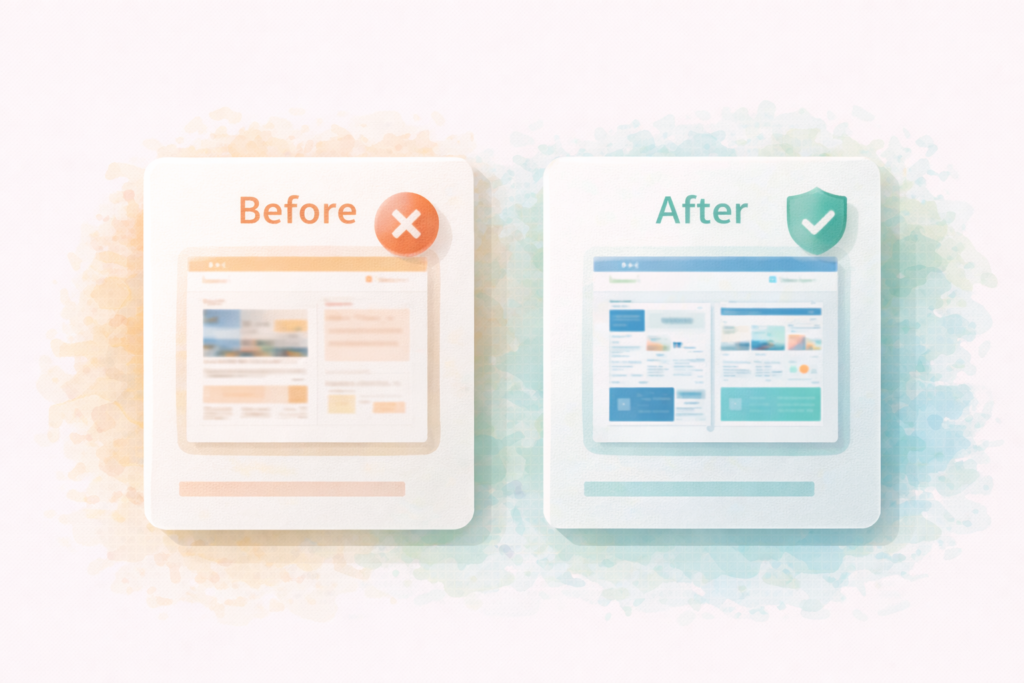
C) Visible proof
- before/after screenshots (no private data)
- simplified site map
- improved form layout
Important: Never invent numbers. If you do not have numbers, say what you observed and how you measured it.
10) Client feedback (optional)
If you have a testimonial, add it here. Keep it short.
If you do not, include a “What the client valued most” section in your own words, but keep it factual:
- fast communication
- clear process
- reliable launch
- improved usability
11) What we learned (small section, big trust)
Add 2 to 4 bullets:
- what surprised you
- what you would do again
- what you would do differently next time
This is a trust builder because it shows maturity.
12) Next step CTA (match the case study to your service)
End with a calm CTA:
- “If you need something similar, here’s how we can help.”
- Link to the relevant service.
If you would like to see this in action: Website Design & Development
Case study page template for small business: how to write one without revealing confidential details
Confidentiality is common. You can still publish useful proof.
Try these methods:
- Describe the client as a type: “multi-location dental practice” or “B2B engineering supplier”
- Use ranges: “a 6–8 week rebuild” rather than exact dates if sensitive
- Use relative improvements without exact numbers: “reduced admin time” or “improved lead quality”
- Blur sensitive parts of screenshots
- Share the process and deliverables more than the client identity
A case study page template for small business is flexible enough to be anonymous while still credible.
Where case studies belong on your website
Case studies work best when they are connected to buyer intent pages.
High-impact placements:
- A “Work” or “Case Studies” hub page
- Linked from relevant service pages
- A proof section on the homepage
- Pricing page (if you have one)
- In proposals as supporting evidence
Also add internal links between:
- the case study and the related service page
- the case study and a relevant blog post (if you have it)
This supports both conversions and SEO structure.
If you are building an SEO plan, case studies can support topical relevance when linked properly.: Search Engine Optimisation (SEO)
Checklist section: case study page template for small business (publish-ready)
Use this checklist before publishing each case study.
Structure
- □ Outcome-focused title
- □ 3-sentence summary near the top
- □ Quick facts box (industry, timeline, deliverables)
- □ Challenge section with specific context
- □ Goals section (3–5 bullets)
- □ Constraints section (real-world details)
- □ Approach section (4–7 steps)
- □ Deliverables list
- □ Results section (metrics or credible proof signals)
- □ Learnings section
- □ Clear CTA at the end
Trust and clarity
- □ No inflated claims
- □ No invented numbers
- □ Confidential details protected
- □ Includes at least one tangible artifact (screenshot, wireframe, list)
SEO and UX
- □ Clear headings and scannable sections
- □ Internal link to the related service page
- □ Image alt text describes the page content
- □ Mobile layout looks clean
Common mistakes (and how to fix them)
1) Turning the case study into a sales pitch
Fix: keep it factual. Let the structure do the convincing.
2) Being vague about the problem
Fix: describe the “before” clearly. If you cannot explain the problem, the outcome is not meaningful.
3) Listing deliverables without outcomes
Fix: connect deliverables to why they mattered.
4) Only sharing “happy talk” feedback
Fix: include constraints and learnings. Realism builds trust.
5) Publishing one case study and stopping
Fix: use a template and publish consistently. Even one per quarter adds up.
6) Not linking case studies to service pages
Fix: add internal links both ways. Case studies should support the pages that convert.
A simple “case study hub” page structure (optional but effective)
If you have multiple case studies, create a hub page. A hub improves browsing and internal linking.
Include:
- a short intro on who you help
- filter by service type (if you have enough case studies)
- cards with: industry, outcome, and a link
- a CTA to contact or book a call
A hub page also helps visitors self-qualify faster.
How VVRapid can help
If you want a repeatable case study page template for small business that looks professional and supports enquiries, VVRapid can help you structure the case study pages, write clear copy, and build the pages so they load fast and link correctly to service pages. We can also create a case study hub layout and help you decide what proof to include when numbers are limited or confidential.
Next step: view VVRapid’s Socials, Blogs & Article Writing and Website Design & Development services, or contact the team to set up your case study template and a simple publishing workflow.
FAQ
How long should a small business case study be?
Usually 600 to 1200 words is enough, but a fuller page can be longer if you include process, constraints, and proof. The goal is clarity, not length.
Do I need results numbers for a case study?
No. Numbers help, but they are not required. Use deliverables, behaviour changes, and visible proof. Never invent numbers.
How many case studies do I need?
Start with 3. That is usually enough to cover your main service types and build trust.
Can I publish anonymous case studies?
Yes. Describe the client type and context without naming them, and protect confidential details with blurred screenshots.
Where should I link case studies from?
From your service pages, homepage proof section, and any pricing or contact flow pages where prospects evaluate you.