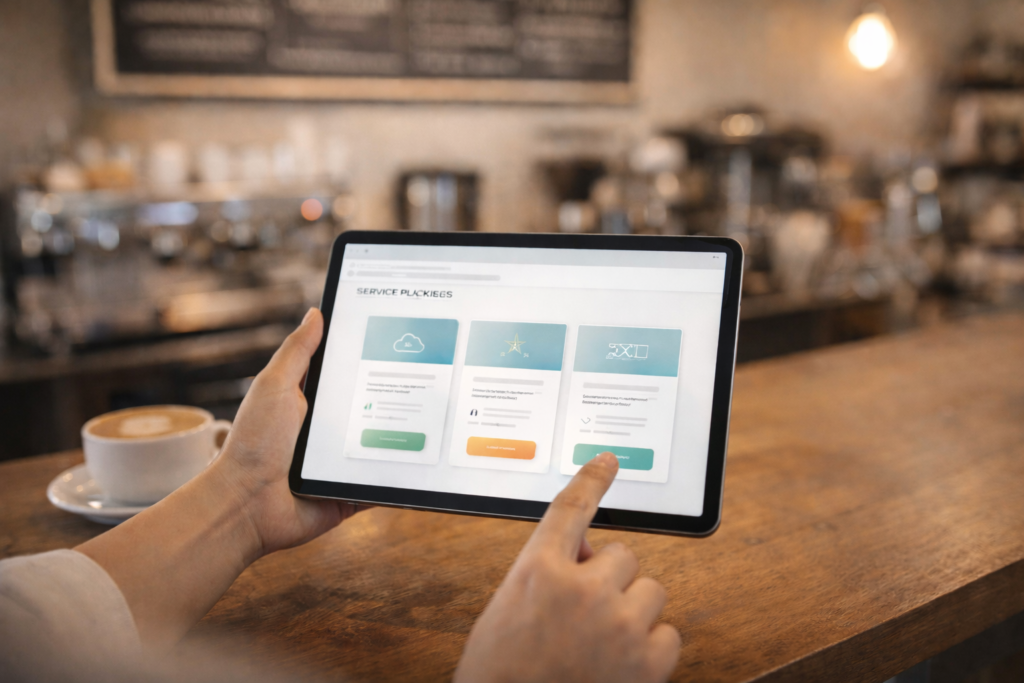
Pricing page design for service business is tricky because most services are not one-size-fits-all. You want to be transparent enough to build trust, but not so simplistic that you attract the wrong enquiries or box yourself into a price you cannot honour.
Table of Contents
Why pricing pages often fail for service businesses
A pricing page is not just “prices on a page.” It is a filtering tool.
Good pricing page design for service business should help visitors:
- understand what drives cost
- self-qualify (so you get fewer time-wasters)
- pick a next step (book, enquire, request a quote)
- trust that you are organised and credible
Bad pricing pages do the opposite: they create confusion, invite bargain hunters, or cause good-fit prospects to leave because they assume you are too expensive.
If you are building or rebuilding your site, it helps to treat the pricing page like a core conversion page, not an afterthought.: Website Design & Development
Pricing page design for service business: choose the right pricing model
Before you write a single line of copy, pick the pricing model that matches how you actually sell.
1) “Starting from” pricing
Best for: services with a predictable baseline and optional add-ons.
How it works:
- show a credible entry price
- list what is included at that level
- explain what increases cost
This is often the safest way to be transparent without overpromising.
2) Price ranges
Best for: services where scope varies by volume, complexity, or integrations.
Example ranges (illustrative only, pricing varies by scope and region):
- “Typical projects fall between ZAR X and ZAR Y”
- “Most clients invest between GBP X and GBP Y”
Your job is to explain why the range exists, not to defend it.

3) Packages (Good, Better, Best)
Best for: services with repeatable delivery.
Packages work well because they:
- create anchors (value comparisons)
- reduce quote churn
- make decisions easier for busy buyers
4) Modular pricing (menu of components)
Best for: services that are frequently combined in different ways.
The trick is to keep it simple:
- 5 to 9 modules max
- group by outcomes, not internal jargon
5) “Request a quote” only
Best for: highly custom work, regulated industries, or complex B2B services.
If you do this, you must add:
- cost drivers
- typical timelines
- what happens next
Otherwise it looks evasive.
The ideal page structure: sections that build trust and protect your time
A strong pricing page is mostly structure. Here is a layout that works for many service sites.
Pricing page design for service business: the recommended section order
1) Clear positioning at the top
Your first screen should include:
- what the pricing applies to
- who it is for
- a simple “how pricing works” sentence
Example:
“Pricing depends on scope, timelines, and integrations. Most projects fall within a defined range after a short discovery call.”
Add a CTA button here. Not a huge form. A button is fine.
2) Pricing overview (range, starting from, or packages)
This is where you show pricing in the chosen model.
If you use packages, include:
- package name
- ideal for (one-liner)
- 3 to 6 inclusions
- a “from” price or range
- a CTA per package
If you use ranges, include:
- 2 to 4 range brackets
- what typically fits each bracket
Keep it calm and factual.
3) What’s included (baseline)
Many pricing objections are actually “what do I get?”
A simple baseline list helps:
- onboarding or discovery
- deliverables
- review rounds
- support period
- reporting (if relevant)
This also reduces back-and-forth later.
4) Cost drivers (why the price changes)
This is where you stop price shopping.

Common cost drivers for service businesses:
- urgency (rush timelines)
- complexity (custom work vs standard)
- volume (pages, locations, products, users)
- integrations (CRM, booking, payments)
- content work (copywriting, photography)
- ongoing support level
This section is the heart of good pricing page design for service business.
5) Add-ons (optional, but powerful)
Add-ons let you:
- show transparency
- increase average project value
- let clients customise
Examples:
- additional pages
- extra locations
- copywriting support
- analytics setup
- maintenance plan
If you offer add-ons, keep them tidy and avoid feature dumps.
6) A simple “what happens next” process
A 3 to 5 step process reduces friction:
- Submit an enquiry
- Quick discovery call
- Proposal and scope
- Delivery
- Launch and support
This is also where you can set expectations about timelines.
7) FAQ (pricing objections, answered)
Pricing FAQs should address:
- why you do not list fixed prices (if you do not)
- what is included
- payment terms (if you can share them)
- timeline expectations
- what you need from the client
8) Final CTA with reassurance
Finish with:
- a short reassurance line
- one CTA (book, enquire, request a quote)
Do not end with a wall of text.
What to say when you cannot publish exact prices
Many service businesses avoid pricing because they fear losing leads. Often the opposite happens. A pricing page can increase lead quality.
Use language like:
- “Pricing varies by scope and region.”
- “Most clients invest within this range after we confirm requirements.”
- “We will confirm a fixed quote after discovery.”
Then prove you are not vague by listing cost drivers and inclusions.
If you want to sanity-check your language, it helps to align the pricing page copy with your service page copy so they do not contradict each other.: Socials, Blog & Article Writing Services]
Examples of package layouts that convert (without feeling salesy)
Here are three formats that tend to work well.
Format A: Three packages (Good, Better, Best)
- Good: “Starter”
- Better: “Growth”
- Best: “Scale”
Each has:
- ideal for
- inclusions
- range or from price
- one CTA
Format B: Tiered by speed or support level
- Standard timeline
- Priority timeline
- Priority plus ongoing support
This works well when urgency is a major driver.
Format C: Tiered by scope (volume)
- 1 location
- 2 to 5 locations
- 6+ locations
Useful for multi-location services.
The best pricing page design for service business makes it easy to compare without forcing people into the wrong tier.
Checklist section: pricing page design for service business (copy and use)
Use this checklist before publishing.
Structure
- □ Clear page title and who it is for
- □ Pricing model chosen (packages, ranges, starting from, quote-only)
- □ One CTA above the fold
- □ Pricing section is scannable (not a paragraph)
- □ Baseline inclusions listed
- □ Cost drivers explained
- □ Add-ons listed (optional)
- □ Process explained in 3 to 5 steps
- □ FAQ included
- □ Final CTA at the bottom
Conversion and UX
- □ Buttons are clear and consistent
- □ Mobile layout is easy to scan
- □ No confusing jargon
- □ No hidden “gotchas” that appear only in a proposal
Tracking
- □ Pricing page views tracked (GA4)
- □ CTA clicks tracked (book, enquire, WhatsApp, contact)
- □ Form submissions or booking completions tracked
If you need help with tracking and SEO alignment, build it into the plan early rather than patching later.: Search Engine Optimisation (SEO)
Common mistakes
1) Being vague in the name of flexibility
“Contact us for pricing” with no context makes buyers assume the worst. Add ranges, cost drivers, and inclusions.
2) Listing every feature instead of outcomes
People buy outcomes. Keep feature lists short and attach them to results.
3) Hiding the next step
A pricing page needs a clear action: request a quote, book a call, WhatsApp, or contact.
4) Overloading the page with options
Too many tiers creates decision paralysis. Aim for 3 packages or 3 to 4 ranges.
5) Not matching the pricing page to the sales process
If you require a discovery call, say so. If you can quote from a form, design for that.
6) Ignoring performance on mobile
Pricing pages often include tables and boxes that break on mobile. Test on a phone.
Google’s documentation on Core Web Vitals is a useful reference when you are checking performance and layout stability.: Google Search Central Core Web Vitals ↗
What to track to know if your pricing page is working
You do not need fancy tooling. Start simple:
- pricing page views
- CTA click rate (CTA clicks divided by page views)
- form completion rate
- lead quality notes (a simple “good fit / bad fit” tag in your CRM)
If the page gets traffic but low CTA clicks, your message is unclear.
If it gets CTA clicks but low form completion, your form is too long or too demanding.
If it gets leads but low quality, your cost drivers and qualifiers are too soft.
GA4 event tracking is worth setting up properly.: Google Analytics Help Centre ↗
How VVRapid can help
If you want pricing page design for service business that improves lead quality, VVRapid can help you structure the page, write clear pricing copy, and connect it to the right service pages and tracking setup. We can also ensure your site performance supports conversions, especially on mobile. If you want ongoing stability, maintenance can keep updates, backups, and security handled after launch.
Next step: view VVRapid’s Website Design & Development service page, or contact the team for a quick review of your pricing page plan.
FAQ
Should a service business show prices on the website?
Often yes, at least in ranges or “starting from” pricing, because it improves trust and filters leads. Pricing varies by scope and region, so your job is to explain the drivers clearly.
Will showing prices reduce enquiries?
It can reduce low-quality enquiries. Good-fit buyers often appreciate clarity, especially if you explain what is included and what changes the price.
Is a pricing page better than a “request a quote” button?
A pricing page can make the quote request button work harder, because people arrive pre-informed and more confident.
How many packages should I offer?
Usually 3 is enough. More than 4 tends to create confusion.
What should the main CTA be?
Choose one: request a quote, book a call, or WhatsApp. Repeat it consistently.