A broken contact form on WordPress is not always obvious at first. The page may load, the submit button may appear to work, and your team may assume leads are still coming through. But if messages are failing silently, landing in spam, or never leaving your server in the first place, a broken contact form on WordPress can cost you enquiries for days before anyone notices.
Many owners search for a WordPress contact form not sending email fix, but the real problem is often broader than the form plugin itself.
Table of Contents
For small businesses, this is one of the most expensive “small” website problems. You do not need a major outage for revenue to take a hit. One quiet form issue can be enough.
The good news is that most contact form failures follow a handful of patterns. Once you know where the failure is happening, you can usually narrow the cause down fast and decide whether it is a plugin issue, email delivery issue, spam filter problem, or broader website maintenance problem.
Why a broken contact form on WordPress is easy to miss
Unlike a full website outage, form failures often look normal on the surface. A page can render correctly while the message never reaches your inbox. In some cases the form shows a success message even though the email notification is delayed, filtered, or misrouted. In others, the form is blocked by validation, spam checks, or JavaScript conflicts before submission completes.
Official Contact Form 7 documentation also highlights configuration errors such as invalid mailbox syntax, unsafe email configuration, or using a sender address that does not belong to the site domain.
That is why this issue deserves a proper process, not guesswork.
Start here: identify what is actually broken
Before changing plugins or installing new tools, answer one simple question:
Where is the failure happening?
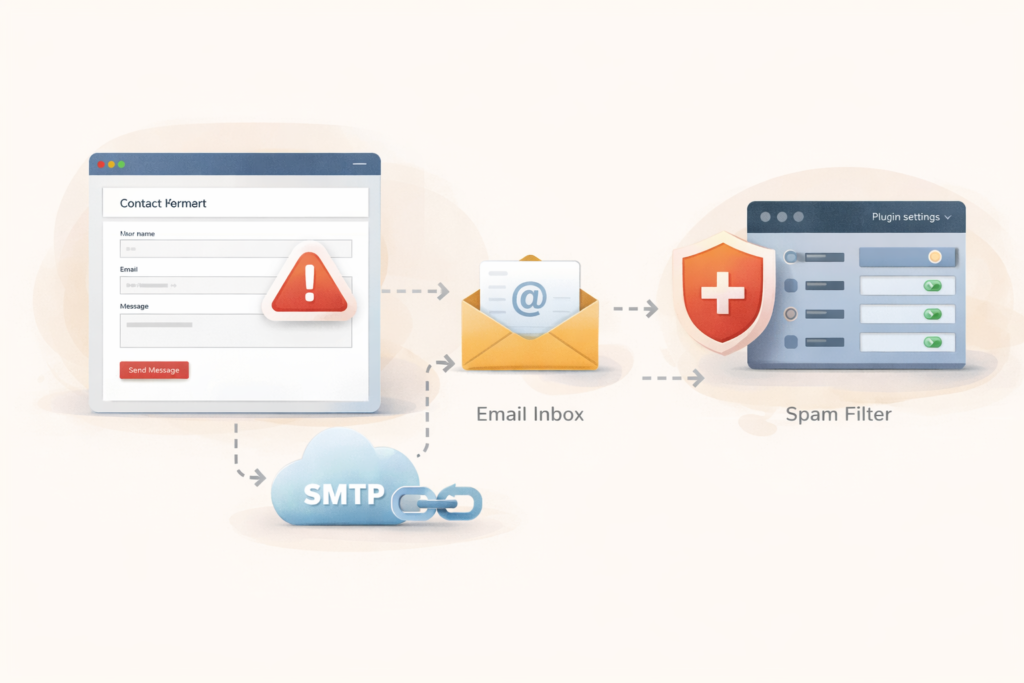
A broken contact form on WordPress usually falls into one of these categories:
- the form does not submit at all
- the form submits, but no email arrives
- the email arrives in spam
- the email goes to the wrong address
- the form works sometimes, but fails intermittently
- the form was working before an update, then stopped
This matters because each version points to a different cause.
Good contact form WordPress troubleshooting starts with identifying whether the failure happens on submission, delivery, filtering, or routing.
If the form does not submit at all
You are usually looking at front-end JavaScript conflicts, spam protection issues, plugin conflicts, caching issues, or broken form configuration.
If the form submits but no email arrives
You are usually looking at email delivery, SMTP, sender address setup, inbox filtering, or mail routing issues.
If it only fails sometimes
You may be dealing with rate limits, hosting restrictions, intermittent plugin conflicts, or third-party service instability.
The fastest checks to run first
When a broken contact form on WordPress shows up, start with the low-friction checks before making structural changes.
1. Submit the form yourself
Use a real test submission from the live page. Try both desktop and mobile if possible.
Check:
- does the form submit?
- do you get a visible success or error message?
- is the page reloading strangely?
- does one browser behave differently from another?
This step sounds basic, but it tells you whether the issue is visible at submission level or hidden later in the chain.
2. Check spam and junk folders
This is one of the most common reasons a team thinks the form is broken when the email is simply being filtered. Jetpack’s troubleshooting guide lists spam and junk folders as an early check, and Kinsta notes that many “not sending” complaints turn out to be deliverability or spam-folder problems rather than complete failure.
3. Confirm the destination email address
Make sure the notification email is going to the correct inbox and that the address is typed properly in the form settings. Contact Form 7’s mail setup documentation specifically notes that mailbox syntax must be valid in the recipient field.
4. Test with a second inbox
Send notifications to another address temporarily, ideally on a different mail provider. This helps separate a form problem from an inbox-specific filtering problem.
5. Check whether other WordPress emails are working
If password resets, order emails, or system notifications also fail, the issue may not be your form plugin at all. It may be a broader WordPress mail delivery problem. WordPress SMTP plugin listings and documentation commonly position SMTP as a fix for WordPress email deliverability because default PHP mail handling often causes failures or spam placement.
Common causes of a broken contact form on WordPress
Email delivery is failing
This is often the real issue.
Many WordPress sites try to send mail using the server’s default mail setup. That can work inconsistently, especially on shared hosting or poorly configured environments. Reputable WordPress SMTP plugins exist specifically to reconfigure WordPress to use authenticated SMTP sending instead of relying on default mail behavior.
What to check:
- are you using SMTP?
- is SMTP authentication valid?
- were mailbox credentials changed recently?
- is the sending service rate-limited or disconnected?
- does a test email tool succeed?
If your site depends on lead forms, authenticated sending is usually safer than hoping the server’s default mail setup behaves properly.
A WordPress contact form email issue often points to SMTP setup, sender-address problems, or missing authentication records rather than a fault in the visible form layout.
If it’s your WordPress form not working, the issue may come from JavaScript conflicts, spam settings, caching, or a broken mail configuration.
The sender address is set up incorrectly
This is a very common Contact Form 7 issue. The official documentation says the From field should use an email address that belongs to the same domain as the website. Its configuration validator also flags sender addresses that do not belong to the site domain.
Why this matters:
- inbox providers may treat the message as spoofed
- delivery may fail or land in spam
- the form can appear to work while messages do not arrive reliably
A safer pattern is:
- use a domain-based sender such as
website @yourdomain.com - use the visitor’s email in the reply-to field if the plugin supports it
SPF, DKIM, or DMARC are missing or misaligned
Google’s email sender guidance says messages should be authenticated with SPF or DKIM, and DMARC tells receiving servers what to do when authentication fails. Google also explains that for DMARC to pass, the authenticating domain must align with the domain in the visible From header.
In plain language, this means:
- your domain needs proper email authentication records
- the message sender setup should match that domain logic
- a misaligned setup can cause filtering, spam placement, or rejection
This is one reason a broken contact form on WordPress is often really an email-authentication problem.
Spam protection is blocking legitimate submissions
Sometimes the form is not “broken” at all. It is rejecting users because spam filtering is too aggressive, reCAPTCHA is misconfigured, or anti-spam logic conflicts with caching or scripts. WordPress support discussions for Contact Form 7 regularly point people back to spam handling when they see generic submission errors.
Look for:
- generic “something went wrong” messages
- failures on some devices only
- issues that started after changing spam settings
- forms that work when anti-spam tools are temporarily disabled in a controlled test
A plugin or theme conflict is interfering
If the form stopped working after updates, a plugin conflict becomes more likely. The VVRapid maintenance archive already highlights how updates can introduce breakage and why post-update checks matter. That context fits this issue well, because a contact form is exactly the kind of functionality that can fail quietly after an update.
Signs of conflict:
- the form stopped after a plugin update
- the submit button spins forever
- scripts fail only on pages using certain builders or popups
- the form works when optimization or caching features are disabled
This is where Website Maintenance & Care is relevant. Ongoing checks reduce the chance that a silent form failure lingers unnoticed.
The form configuration itself is invalid
Official Contact Form 7 resources include a configuration validator because invalid setups can cause delivery problems. Common configuration errors include invalid mailbox syntax, invalid mail header fields, empty required values, and unsafe email configuration.
Even if you are not using Contact Form 7, the principle still applies. Form builders depend on correct recipient fields, sender settings, required-field logic, and confirmation actions.
Checklist: how to troubleshoot a broken contact form on WordPress
Use this in order:
- □ Submit a live test entry yourself
- □ Check whether the form shows success, error, or no response
- □ Check spam and junk folders
- □ Confirm the destination inbox is correct
- □ Test a second email address on another provider
- □ Check whether other WordPress emails are sending
- □ Review form plugin mail settings
- □ Make sure the sender email uses your domain
- □ Test SMTP or mail logging
- □ Review recent plugin, theme, or security changes
- □ Temporarily disable caching or script optimisation in a safe test
- □ Check spam protection and reCAPTCHA settings
- □ Review DNS email authentication records if deliverability is suspect
This sequence helps you find the stage where failure occurs instead of changing five things at once.
How to test safely without losing more leads
A broken contact form on WordPress should be tested carefully, especially on a live business site.
Use this approach:
- take a backup before major changes
- record current settings before editing them
- run one change at a time
- send a fresh test submission after each change
- keep a temporary fallback contact method visible if lead flow matters
A simple fallback can be a clickable email address or phone number during troubleshooting. If the site is actively generating enquiries, do not leave the form unmonitored while you “wait and see.”
For broader website stability issues, related VVRapid services such as Website Design & Development or LiteSpeed WebServer Hosting may matter when the root cause goes beyond the form itself.
Common mistakes
Assuming the form plugin is always the problem
Many form failures are really mail-delivery failures.
Changing too many things at once
If you change plugin settings, SMTP, DNS, spam tools, and caching in one sitting, you may fix the issue without knowing what caused it.
Using the visitor’s email as the sender
This can trigger spoofing or authentication problems. Official Contact Form 7 guidance warns against sender addresses that do not belong to the site domain.
Forgetting to test the inbox side
A perfectly sent message can still be filtered, quarantined, or routed poorly.
Not checking after updates
Form failures often appear after a routine maintenance change, not just after a major rebuild.
Treating one successful test as final proof
Test more than once. Try different devices, addresses, and browsers.
When this becomes a maintenance issue, not a one-off fix
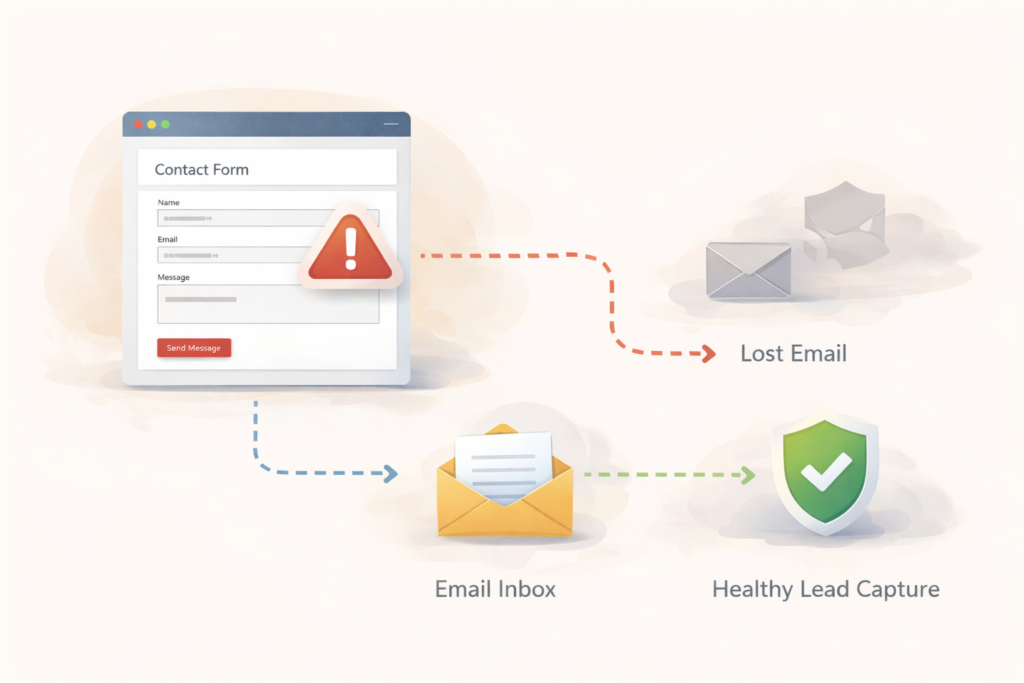
If your site relies on forms for sales, bookings, quotes, or support, form health should not be treated as an occasional technical chore. It should be part of regular website care.
That means:
- testing critical forms after updates
- reviewing email delivery periodically
- checking spam protection after plugin changes
- monitoring contact paths, not just uptime
- keeping a record of recent changes when something breaks
This is where maintenance becomes practical, not abstract. A website can be “up” while your lead capture is quietly broken.
How VVRapid can help
VVRapid’s Website Maintenance & Care service already covers ongoing updates, monitoring, backups, and support tiers, which makes it a natural fit when contact forms stop working after routine changes or when a site needs regular checks beyond uptime alone. The existing maintenance content also supports a prevention mindset, especially around safe updates and monitoring after changes.
If your contact form is tied to revenue, it is worth treating it as a business-critical function, not just a plugin widget. See Website Maintenance & Care , Website Design & Development, or LiteSpeed WebServer Hosting for related support options.
FAQ: broken contact form on WordPress
Why does my WordPress contact form say it sent successfully but no email arrives?
Because the failure may happen after submission. The message can be filtered as spam, rejected by email authentication rules, or fail due to mail-delivery setup.
Do I need SMTP for WordPress contact forms?
Not in every case, but authenticated SMTP is commonly used to improve WordPress email deliverability and reduce failures or spam placement.
Can reCAPTCHA or anti-spam tools break a form?
Yes. Spam tools can block legitimate submissions or cause generic submission errors if they are misconfigured.
What is the safest sender email setup?
Use a sender address on your own domain and place the visitor’s address in reply-to rather than using it directly as the sender. Contact Form 7’s documentation supports this domain-based sender approach.
How often should I test my contact form?
At minimum after plugin, theme, spam-protection, or mail-setting changes. For lead-driven sites, regular checks are worth scheduling.
A broken contact form on WordPress is rarely just a form problem in isolation. It is usually a signal that one part of your website, mail setup, or maintenance process needs attention. Catch it early, test methodically, and you can fix the immediate issue without turning the site into a moving target.