When you run a small business website, the decision to build or buy WordPress plugins can shape your costs, site speed, workflow, and long-term flexibility.
Table of Contents
A plugin can solve a small problem in minutes. It can also quietly add complexity, slow your website, or lock your team into a tool that never quite fits. That is why this decision should not start with “Which plugin has the most features?” It should start with “What job do we actually need this website to do?”
For many small businesses, the best answer is not always custom development. Sometimes a trusted off-the-shelf plugin is perfect. Other times, a custom WordPress plugin saves time, reduces plugin bloat, and gives your team a cleaner way to work.
This guide will help you decide which route makes sense.
Build or Buy WordPress Plugins: What the Decision Really Means
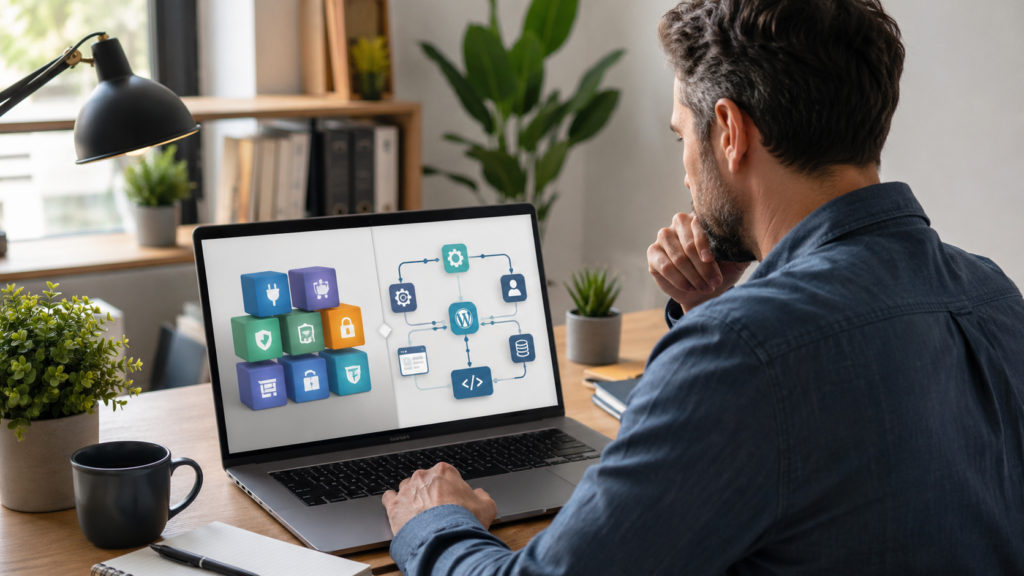
To build or buy WordPress plugins means choosing between three practical routes:
- Buying or installing an existing plugin
- Building a custom WordPress plugin for your exact need
- Blending both approaches with light customisation or integrations
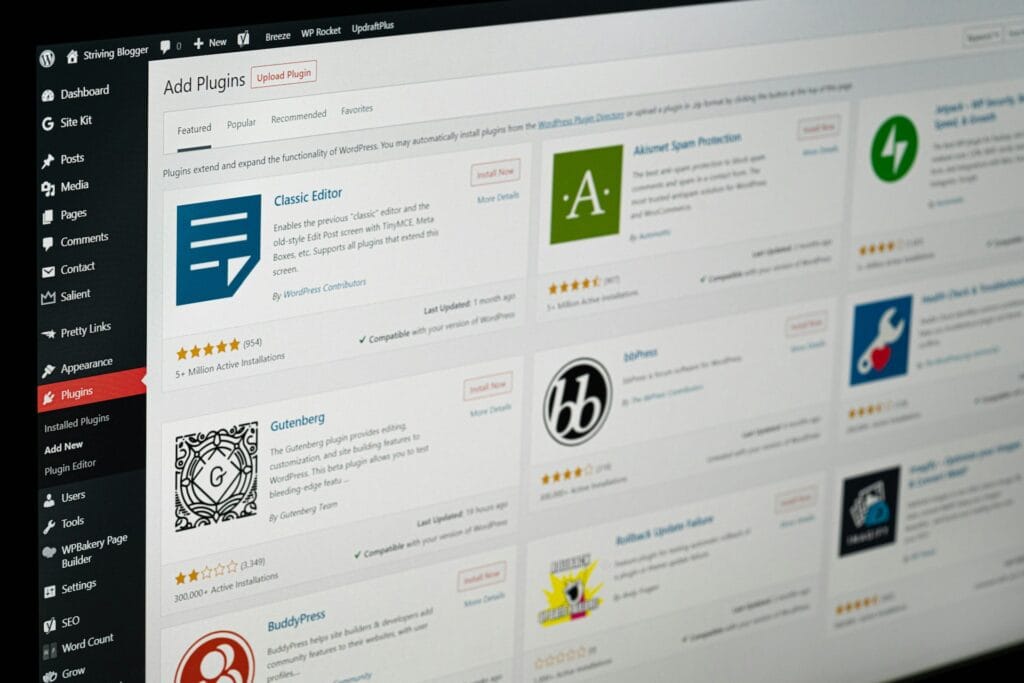
An existing plugin is usually faster to launch. It may already include settings, documentation, updates, and support. For standard needs like contact forms, SEO basics, caching, image optimisation, backups, and simple ecommerce features, buying a proven plugin often makes sense.
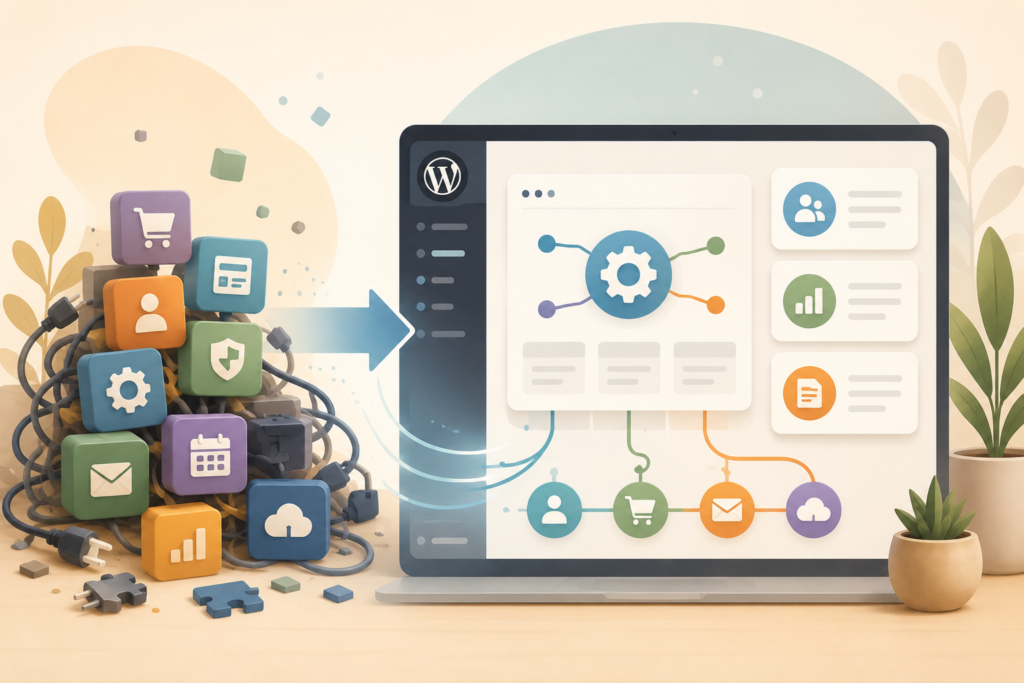
A custom plugin is different. It is built around your website, workflow, data, users, products, or business process. It can remove unnecessary features and focus only on what your team needs.
Think: buying gives you speed. Building gives you fit.
The right choice depends on the problem, not the trend.
If the feature is common, simple, and unlikely to become a competitive advantage, buy. If the feature affects your operations, customer experience, revenue, reporting, or daily admin, custom WordPress plugin development may be worth exploring.
When Buying an Existing Plugin Makes Sense
You do not need to custom-build everything.
In many cases, the smartest way to build or buy WordPress plugins is to buy first, especially when the requirement is standard and well supported.
Buying an existing plugin can make sense when:
- The feature is common across many websites
- You need it live quickly
- Your budget is limited
- You do not need unusual logic
- The plugin has strong reviews and active updates
- Your team can use the settings without developer help
- The plugin works well with your theme and existing stack
Examples include SEO plugins, security plugins, backup tools, simple form builders, analytics integrations, cookie consent tools, and basic WooCommerce add-ons.
The key word is “basic.”
A small business website does not need a custom plugin for every small feature. If a trusted tool already solves 90 percent of the need, buying may be the practical answer.
However, buying does not mean installing the first plugin you find. You still need to check plugin compatibility, support history, performance impact, and whether the tool adds more features than your website needs.
When Custom Plugin Development Becomes Worth It
Custom WordPress plugin development becomes worth considering when your website needs to support a specific business process.
This is where the build or buy WordPress plugins decision becomes more commercial than technical.
A custom plugin may be useful when you need to:
- Connect your website to a CRM, booking system, payment provider, or internal platform
- Add custom WooCommerce logic that standard add-ons cannot handle cleanly
- Create a custom admin dashboard for staff
- Automate repetitive tasks
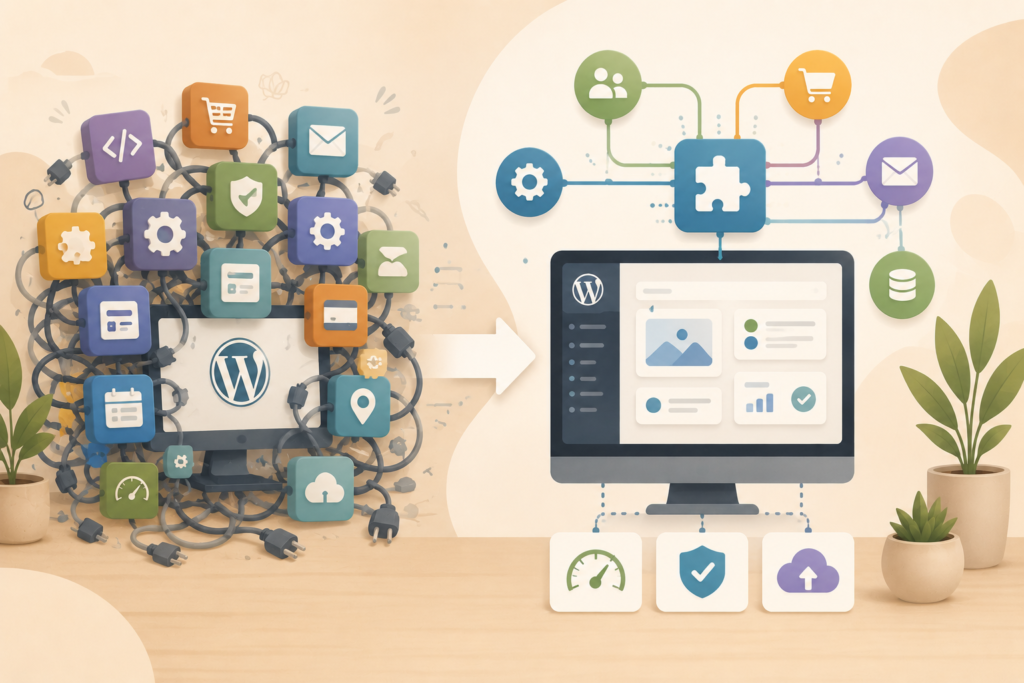
- Replace several overlapping plugins with one focused tool
- Control how data moves between systems
- Build functionality that supports your sales, operations, or customer service
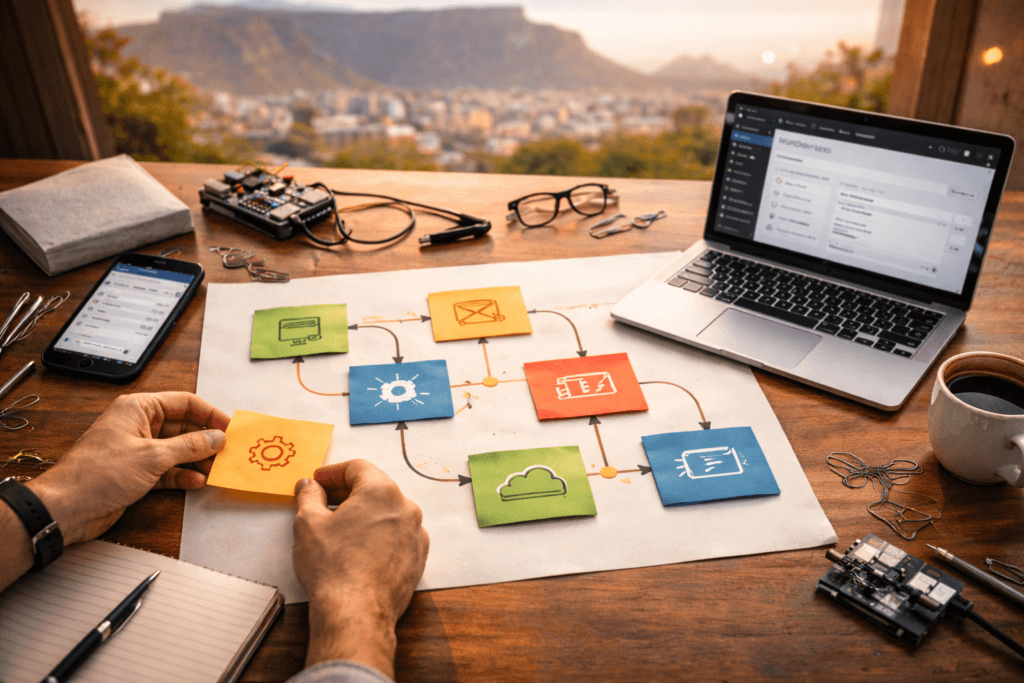
For example, imagine a service business that receives enquiries through a website form. The team manually copies those enquiries into a spreadsheet, sends a follow-up email, creates a task, and updates a CRM.
One plugin might handle the form. Another might handle email. Another might connect to the CRM. Another might generate notifications.
That can work. But it can also become fragile.
A custom WordPress plugin could handle the exact workflow in one place, with fewer moving parts and less admin. This is where building can reduce complexity rather than add it.
VVRapid’s Custom Plugin Development service focuses on plugins and integrations that extend functionality, connect systems, automate workflows, and avoid unnecessary bloat.
The Hidden Costs of Buying Too Many Plugins
Buying a plugin looks cheaper at first. Sometimes it is.
But the true cost is not only the licence fee.
When deciding whether to build or buy WordPress plugins, consider the hidden costs that build up over time.
Plugin bloat
Plugin bloat happens when your site carries too many features, scripts, settings, and database activity that you do not actually need.
One plugin may be fine. Ten overlapping plugins can create a messy website that becomes harder to maintain.
Too much plugin bloat can affect:
- Page speed
- Admin usability
- Security exposure
- Update risk
- Hosting resources
- Developer troubleshooting time
For a small business website, this matters. Your site should be easy to manage, fast to load, and stable enough to support enquiries or sales.
Plugin compatibility issues
Not all plugins work well together.
A plugin may conflict with your theme, another plugin, WooCommerce, PHP version, caching setup, or hosting environment. Sometimes these problems only appear after an update.
Plugin compatibility is one of the biggest reasons businesses end up needing support after trying to solve everything with ready-made tools.
This is not a reason to avoid all plugins. It is a reason to choose carefully.
Subscription creep
Many premium plugins use annual licences. That can be fine when the tool is important. But five or six small subscriptions can quietly become a recurring cost with no clear owner.
Before buying another plugin, ask:
- Who will renew it?
- Who will update it?
- Who will test it after updates?
- What happens if the developer stops supporting it?
- What happens if the price changes?
A cheap plugin is not always cheap if it becomes business-critical and unsupported.
A Simple Decision Framework for Small Business Owners
Use this framework before you build or buy WordPress plugins.
1. Define the actual job
Do not start with the plugin. Start with the job.
Write one plain sentence:
“We need the website to…”
Examples:
- “We need the website to send new leads into our CRM.”
- “We need the website to show different delivery options by location.”
- “We need the website to give staff a simple dashboard for order follow-up.”
- “We need the website to reduce manual admin after someone books.”
Clear wording prevents feature creep.
2. Check whether the need is standard or specific
If the need is standard, buy.
If the need is specific to your business model, workflow, customer journey, pricing rules, fulfilment process, or reporting needs, consider building.
This is often the turning point in the build or buy WordPress plugins decision.
3. Estimate how often the feature will be used
A feature used once a month may not justify custom development.
A feature used every day by staff or customers might.
Daily workflows deserve better tools because small friction becomes expensive over time.
4. Consider the cost of getting it wrong
Some plugin decisions are low risk. Others affect payments, enquiries, customer data, orders, bookings, or internal operations.
The higher the risk, the more carefully you should plan.
5. Think about ownership and support
When you buy, you rely on the plugin developer’s roadmap.
When you build, you need clear ownership, documentation, source code, maintenance, and WordPress plugin support.
Neither route is hands-off forever.
A good website maintenance plan helps keep updates, backups, testing, and support under control. For ongoing care, VVRapid’s Website Maintenance & Care service can support stable WordPress sites over time.
Build, Buy, or Blend: Which Option Fits Best?
The best way to build or buy WordPress plugins is often to compare all three routes.
Option 1: Buy
Choose this when the feature is common, low risk, and already solved by trusted tools.
Best for:
- SEO settings
- Basic forms
- Backups
- Security basics
- Cookie banners
- Simple galleries
- Standard ecommerce features
Buying works well when you can configure the plugin without fighting it.
Option 2: Build
Choose this when the feature is specific, operationally important, or hard to achieve cleanly with existing plugins.
Best for:
- Custom dashboards
- CRM integration
- Staff workflows
- WooCommerce rules
- Data sync
- Internal tools
- Business process automation
Building works well when fit, control, and stability matter more than speed of installation.
Option 3: Blend
This is often the most practical route.
You might use a trusted plugin for the foundation, then build a custom integration, extension, or helper plugin around it.
For example:
- Use WooCommerce, but build custom shipping rules
- Use a form plugin, but build a custom CRM sync
- Use a membership plugin, but build a custom reporting dashboard
- Use a booking tool, but build custom admin notifications
A blended approach can reduce cost while still giving your business the functionality it needs.
Checklist: Before You Install or Commission a Plugin
Before you build or buy WordPress plugins, use this checklist.
- □ Is the problem clearly defined in one sentence?
- □ Is this a standard website need or a business-specific workflow?
- □ Will staff or customers use this feature regularly?
- □ Does the plugin need to handle sensitive customer or payment data?
- □ Have you checked plugin reviews, update history, and support?
- □ Could this add plugin bloat or duplicate existing functionality?
- □ Will it affect page speed or checkout performance?
- □ Does it work with your theme, hosting, and current plugins?
- □ Is there documentation for future maintenance?
- □ Who will test updates before they go live?
- □ Is the source code available if the plugin is custom-built?
- □ Will the solution still make sense in 12 months?
A quick checklist can prevent long-term technical debt.
Common Mistakes When Choosing WordPress Plugins
The build or buy WordPress plugins decision often goes wrong because the first option feels easy.
Here are the mistakes to avoid.
Choosing the plugin with the most features
More features do not always mean more value.
A small business website usually needs clarity, speed, and reliability. A plugin with dozens of modules may solve your problem, but it may also add settings your team never uses.
Installing multiple plugins for one workflow
This is common with forms, CRM syncs, email notifications, spreadsheets, and reporting.
Each plugin may be useful alone. Together, they can create a fragile workflow that is hard to troubleshoot.
Ignoring performance
Plugins can load scripts, styles, database queries, and admin processes. Some are efficient. Others are heavy.
Performance matters for user experience, SEO, and conversions. Google’s Search Central documentation explains that page experience and performance are part of building useful websites for users.
Not planning for updates
WordPress, themes, plugins, PHP, and hosting environments change over time.
If a plugin is important to your website, it needs update testing and support. This is especially important for ecommerce, bookings, memberships, forms, and integrations.
Custom-building too early
Custom development is powerful, but it should solve a real business need.
Do not build just to avoid learning a tool. Build when the existing options are too limiting, too bloated, too risky, or too disconnected from your workflow.
How Plugin Choices Affect SEO and Website Growth
The build or buy WordPress plugins decision can also affect SEO.
Search visibility is not only about keywords. Your website also needs clean structure, fast pages, crawlable content, stable templates, and a good user experience.
A poorly chosen plugin can create:
- Slow page loads
- Duplicate pages
- Bloated code
- Broken layouts
- Confusing user journeys
- Indexing issues
- Poor mobile experience
A well-chosen plugin can support:
- Cleaner content management
- Better structured data
- Faster workflows
- Improved ecommerce journeys
- Stronger internal linking
- Better lead capture
If a plugin touches your SEO, content, speed, or conversion path, treat the decision as part of your digital strategy, not just a technical task.
For broader visibility planning, VVRapid’s Search Engine Optimisation service can help align technical improvements with content and search performance.
How to Brief a Developer Before Building a Custom Plugin
When you decide to build, the brief matters.
A good brief for WordPress plugin development does not need to be technical. It needs to be clear.
Include:
- What problem the plugin should solve
- Who will use it
- What should happen step by step
- What data needs to be stored or moved
- What systems it must connect to
- What should happen when something fails
- What reports, logs, or admin screens are needed
- Which plugins, themes, and hosting environment are already in use
Also include screenshots, examples, spreadsheets, process notes, and current pain points.
The clearer the brief, the easier it is to build something lean.
For bigger decisions, a Digital Strategy Roadmap can help prioritise whether plugin development, website improvements, SEO, hosting, or workflow changes should happen first.
How VVRapid Can Help
VVRapid helps small businesses decide whether to build or buy WordPress plugins based on the real job the website needs to do.
That may mean recommending a trusted existing plugin, building a focused custom WordPress plugin, improving plugin compatibility, or replacing a messy workflow with something cleaner.
VVRapid’s custom plugin work can support WooCommerce add-ons, business process automation, API integrations, custom admin tools, clean code, performance, and ongoing support.
The aim is simple: solve the problem without adding unnecessary bloat.
FAQ: Build or Buy WordPress Plugins
Is it cheaper to buy a WordPress plugin than build one?
Usually, yes at the start. Buying is often cheaper when the feature is standard. Building can become better value when the plugin supports a specific workflow, saves staff time, reduces plugin bloat, or replaces several paid tools.
When should a small business choose a custom WordPress plugin?
Choose a custom WordPress plugin when the feature is specific to your business, affects daily operations, needs a third-party integration, or cannot be handled cleanly by existing plugins.
Can too many plugins slow down a website?
Yes, too many plugins can add scripts, database queries, admin processes, and compatibility risks. The number of plugins matters less than their quality, purpose, and overlap.
What is the safest way to buy a WordPress plugin?
Check reviews, update history, support activity, documentation, plugin compatibility, refund policy, and whether the plugin solves your exact need without adding unnecessary features.
Can VVRapid help decide whether to build or buy?
Yes. VVRapid can review your website, goals, workflow, and current plugin stack, then suggest whether buying, building, or blending is the most practical route.
Final Thoughts
The choice to build or buy WordPress plugins should not be rushed.
Buy when the need is standard, low risk, and already solved well. Build when the requirement is specific, important, and hard to manage with generic tools. Blend when a trusted plugin can provide the foundation and a custom plugin can handle the missing logic.
For most small businesses, the goal is not to have fewer plugins at all costs. The goal is to have the right tools, clean workflows, stable performance, and supportable code.
Start with the job your website needs to do. Then choose the route that solves it with the least long-term friction.
To explore a practical plugin solution, view VVRapid’s Custom Plugin Development service.